

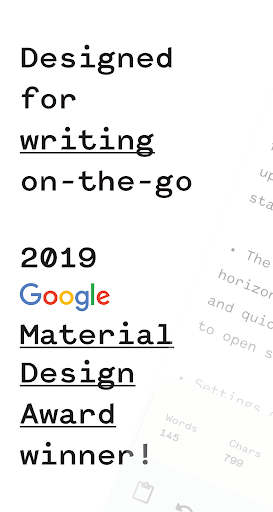
🏆 Winner of Google's 2019 Material Design Award
💎 Winner of Google Play's Best of 2019
“Hidden Gems”
•••
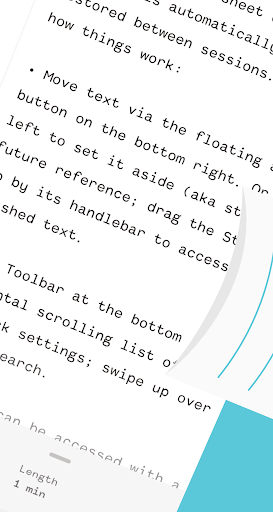
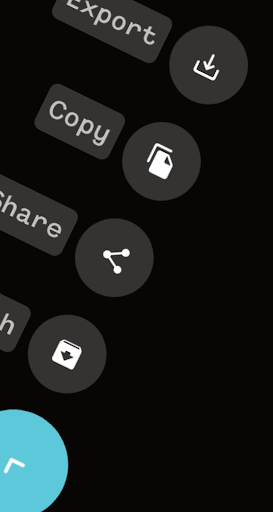
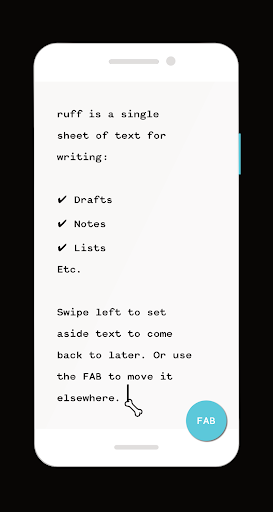
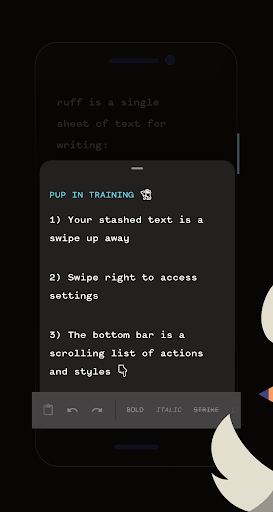
ruff is your pocket-sized best friend that aims to make writing on the go fun and sharing it fast & easy. It's a single sheet of text with your progress automatically saved and restored between sessions — no file management to worry about here! You can set aside (aka stash) text to come back to later via a left swipe. Or you can pass it on (aka share) via the FAB.
ruff doesn't want (or need) to replace your text editor, to-do app etc. With its original blend of utility & versatility, ruff is the ideal springboard for all your writing on the go: drafts, notes, lists, ideas, thoughts etc. It's a pleasure to write in ruff, and effortless to move the writing out 💪
💬
Still not convinced? Check out what the experts have to say ;)
« Ruff’s straightforward brand identity empowers the app’s note-taking users to quickly capture their thoughts in any style. Prioritizing function and clarity, Ruff’s consistent use of typography, shape, and color create an inviting themed experience. » — Google Design ( https://design.google/library/material-design-awards-2019/)
« If you like to write and wish you could do so from your Android device without any distractions, then look no further than ruff. The app contains both a light and dark theme, and it even works on Chromebooks, which makes it a great option for portable writing. Saving your content is easy. All you have to do is swipe to the right, and the app will save your progress so that you can easily pick up where you left off, even if you switch to a different Android device. » — Android Police
« It’s a bit of a niche product, but it looks nice and it works as described. » — Android Authority
🐕
Throw a bone 🦴 by upgrading to ruff to unleash the following:
• Gain full screen estate by removing ads
• Set aside (aka stash) as much text as you like (as opposed to the basic 10)
• Read the entire content of your text from your home screen widget (it's a full screen preview on the basic widget)
... you'll make an indie developer and their digital pup happy too! ♥
• Now targetting Android 10 – practically speaking it shouldn’t make a difference for anyone on Android 9 or below, but it should mean the app runs more optimally for Android 10 users
• When adding a newline in a list, it will start as a continuation of the list (no idea what broke this in the first place!)
• When no text stashed, appropriate message should always display when checking out your stash








9Apps 4.9












