
Hot applications make large number of downloads. 20,000+ users downloaded Mail.Ru Access Code latest version on 9Apps for free every week! When you click, the app will start downloading and wait till it completes installation you can start play. This hot app was released on 2017-09-18. Why not download and play it now?
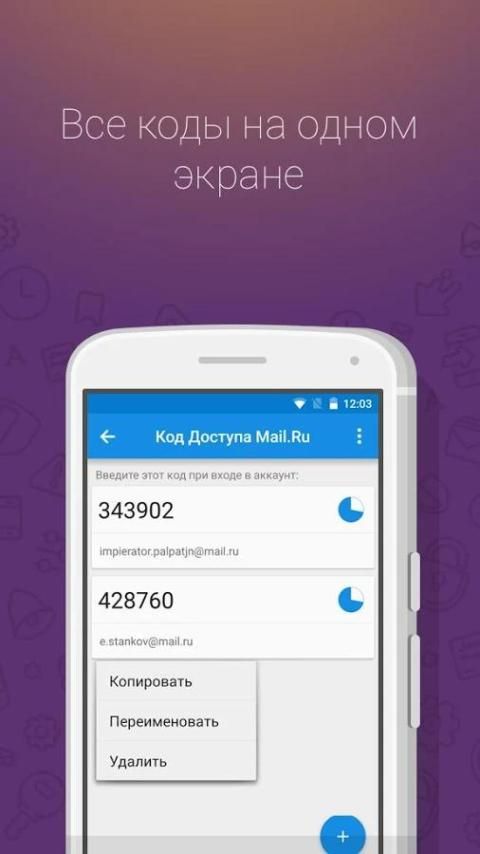
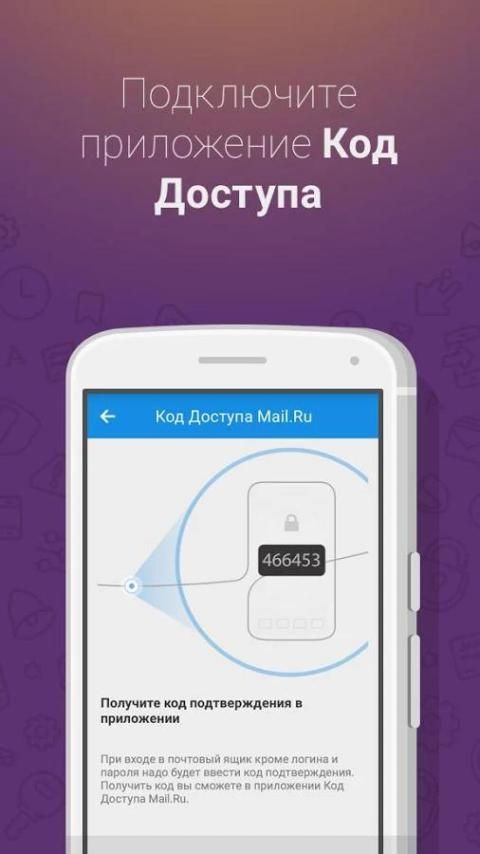
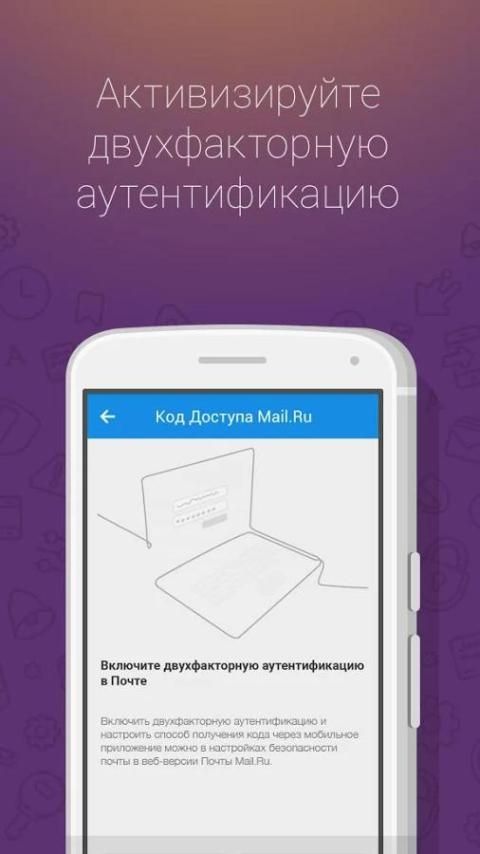
Access Code Mail.Ru creates a one-time access codes in the mail, and other services that support two-factor authentication. No one except you will not be able to log into your e-mail, if it does not have access to your mobile device. This reduces the risk of theft of a mailbox to a minimum.
Important!
For correct operation of the application is necessary to set the correct time on your device! When authorization errors, make sure that on "Auto. The date and time" ( "Use network time") in the settings, see "Date and time" of the device.
When it is necessary to connect the two-factor authentication?
- to your mail "tied» Steam, Origin or game accounts, which you cherish;
- your mail - login to enter the App Store;
- you come mailings from banks;
- through your mail, you can restore the data of payment systems (PayPal, Robokassa et al.);
- you cherish letters in his mail
.
How does two-factor authentication?
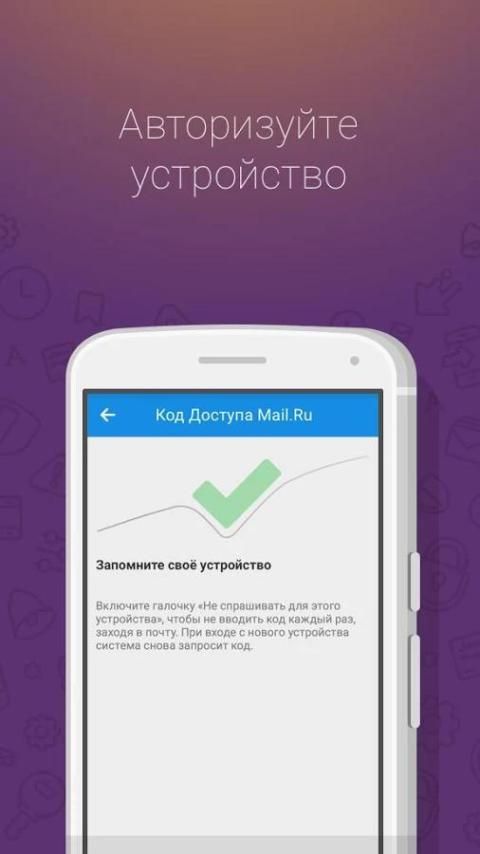
In addition to the username and password necessary to enter the code the first time you post a new device to confirm that this is exactly what you need.
How to enable two-factor authentication?
Enable two-factor authentication can be in the mail security settings in the Web version of Mail Mail.Ru.
Where to use application Access Code Mail.Ru?
Appendix
access code Mail.Ru is a single-use code generator based on algorithm TOTP (Time-based One-time Password) for the services that support two-factor authentication. In addition to email and other products Mail.Ru app is compatible with the world's largest online services, including Facebook, Google, Dropbox, Evernote, GitHub, and many others.
Where to get a 32-digit key?
32-digit secret key is generated in your account at the stage of application activation.
The mail Mail.ru activation is available in the settings "Password and Security" - Settings "Two-factor authentication" - "mobile application" - the button "Connect".
Synchronize the application in two ways:
- scan the QR on the screen using a camera phone;
- enter the 32-digit secret key manually.
- исправления безопасности





9Apps 4.9















