
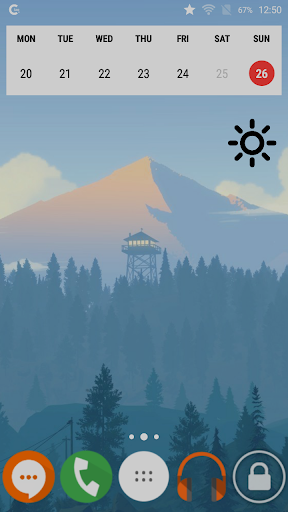
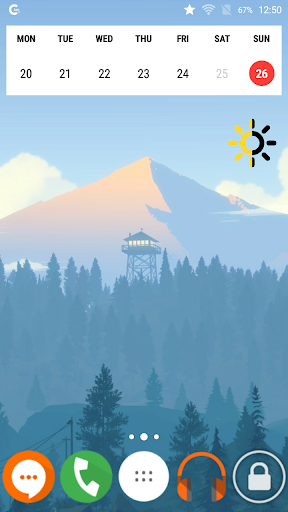
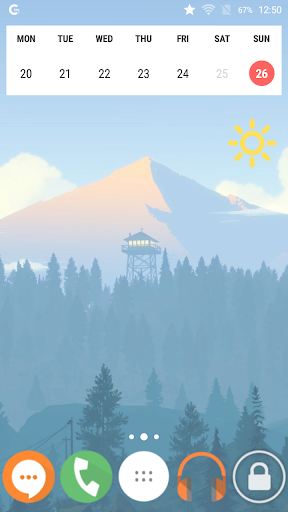
Brightness Widget icon

Brightness Widget

1.2 for Android
3.8 | 10,000+ Installs | Reviews

Yuriy Bogatyrev

Description of Brightness Widget

Quick single-click brightness control using the widget. By clicking the widget, three levels of brightness change one after another: minimal, 50%, and maximal.

Information

  • Category:
    Tools
  • Latest Version:
    1.2
  • Updated:
    2017-06-12
  • File size:
    766.4KB
  • Requirements:
    Android 2.3.3 or later
  • Developer:
    Yuriy Bogatyrev
  • ID:
    ru.bogatyrev.iyriy.brightness
  • Available on:
Reviews
  • avatar
    This is the best brightness widget toggle/switch. It can't be programmed and the values are not minimum, 50% and maximum (for me they ended up being 44%, 77% and 100%) but it doesn't matter, the values it chose automatically work for me. Plus, it takes up practically no space, did not require permissions and looks cool. Also, it's only a widget and not an actual app, so it can't have ads. If your brightness sensor sucks like on my XZ1 Compact, I highly recommend this widget.
    2020-09-07 11:05
  • avatar
    The apps work like it should.. 4 star coz this app need improvements.. simple setting like user preset is preferable.
    2020-08-05 12:41
  • avatar
    Great widget! But unfortunately does not work on 10 yet.
    2020-01-28 04:58
  • avatar
    Useful app to quickly change the brightness level.
    2019-10-13 07:03
  • avatar
    App no longer responds. Tried restart mobile. Tried uninstall and then install. I have not found a way to reactivate.... Tap once its brighter and tap again even brighter, tap again darkest. No more fumbling on the street to open the settings app to boost levels. Instant control from main screen. Once bright enough you can then fiddle about using the phone's own settings app if you need to. Simple & Excellent
    2019-08-07 07:45
  • avatar
    This one IS truly the best. Park it on your homescreen, its there whether u hav dark screen cant see it or not, tap where u know it is & bright goes the screen!
    2019-07-13 06:03