Blue VNA icon

Blue VNA

3.1 for Android
4.8 | 10,000+ Installs | Reviews

Dan Toma

Description of Blue VNA

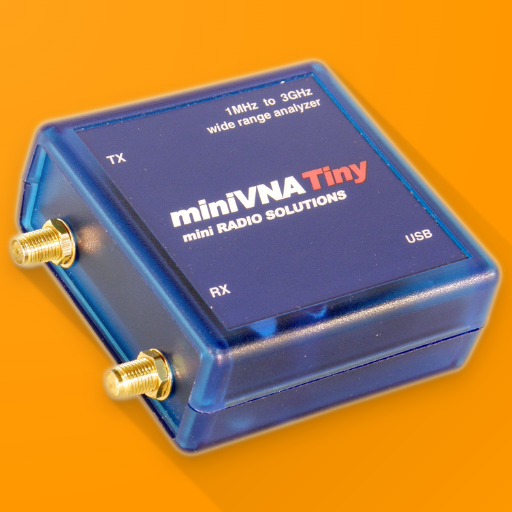
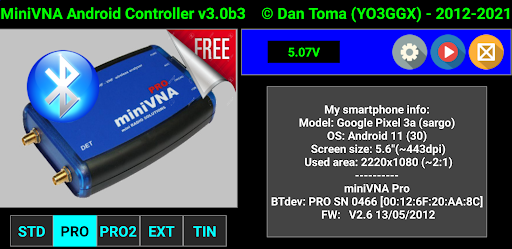
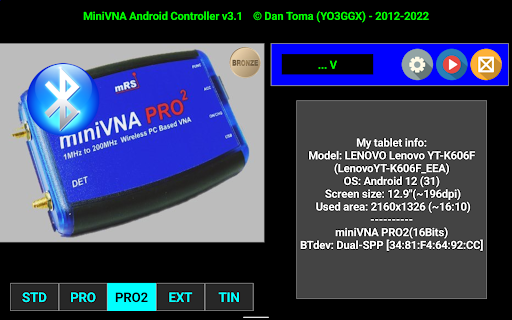
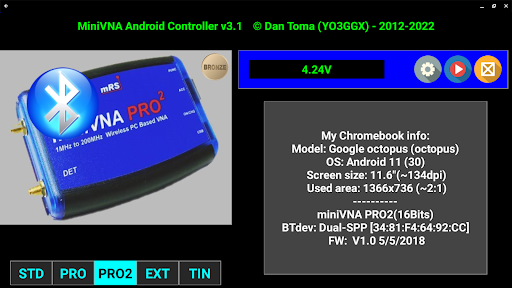
This application can be used to fully control a miniVNA Vector Network Analyzer. Your feedback is essential to make it better. Current version has the following features:
- fully control the data acquisition from a miniVNA, with or without the Extender;
- work over USB, bluetooth or WiFi (if available);
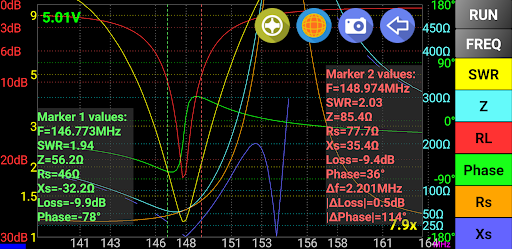
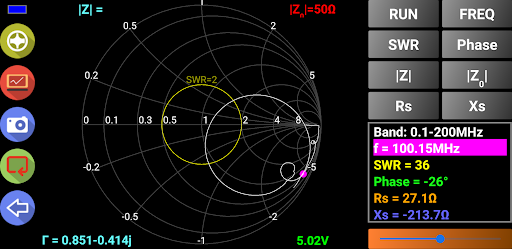
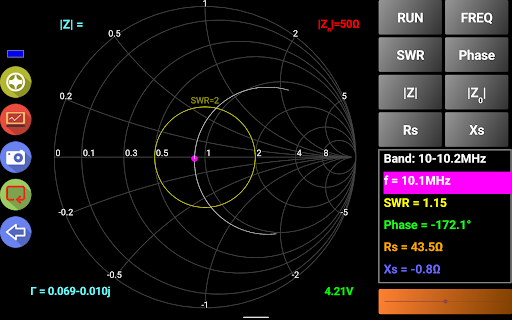
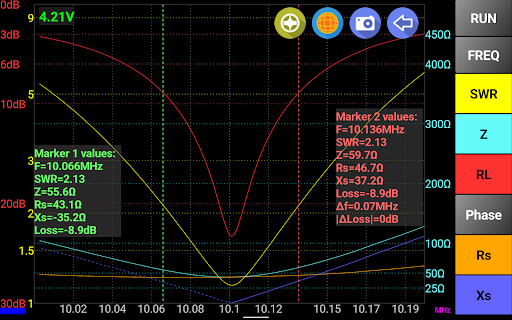
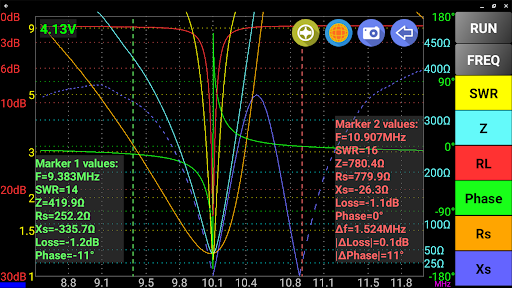
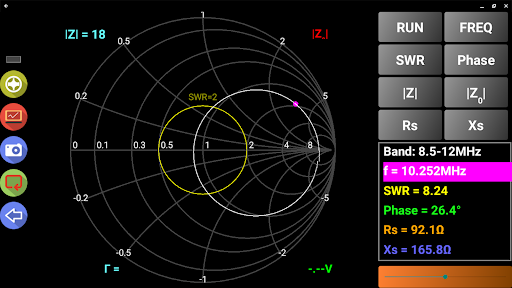
- can display reflection data in rectangular or Smith Chart mode;
- export data in CSV, ZPLOTS or S1P formats compatible with many existing applications;
- parameters that can be measured : SWR, |Z|, Return Loss, Phase, Rs, |Xs| for miniVNA and signed Xs for miniVNA Pro;
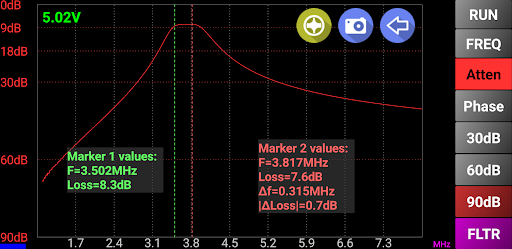
- you can select one of the predefined bands (all HAM bands), HF (0.1 – 30MHz), or a custom frequency interval (anywhere between the frequency range of the connected analyzer);
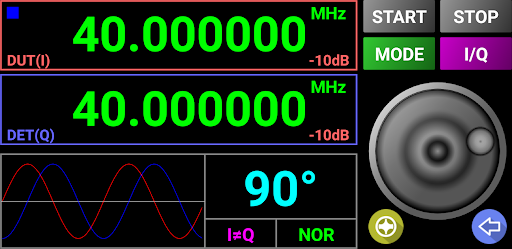
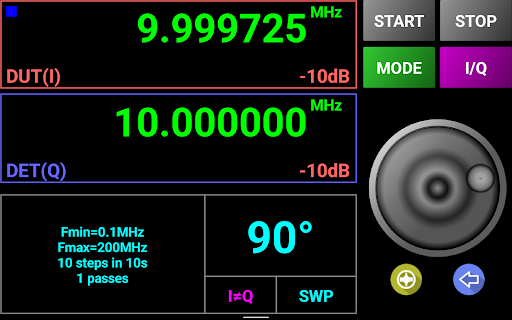
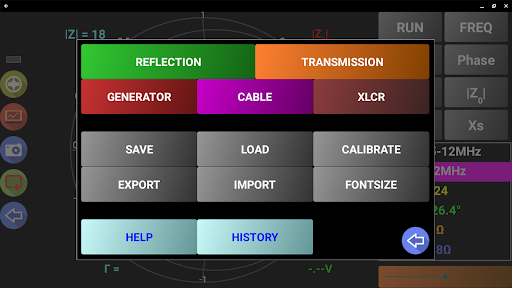
Frequency generator mode with the following features:
- 2 independent channels (for miniVNA pro) or 1 channel (for miniVNA standard or Tiny);
- normal or sweeper mode;
- independent attenuator control per each channel (from -60dB to 0dB), only for miniVNA Pro;
- adjustable phase difference between the channels (0-180 deg);
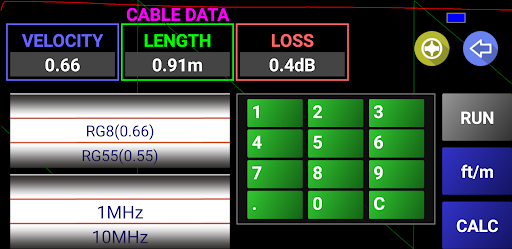
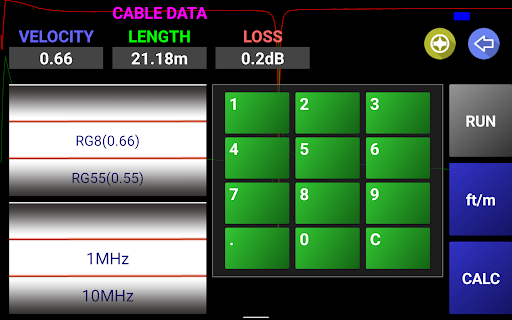
Cable data mode with the following features:
- cable length is measured in 2 steps, for a better precision (second step reduce the frequency interval);
- operate in meter or feet mode;
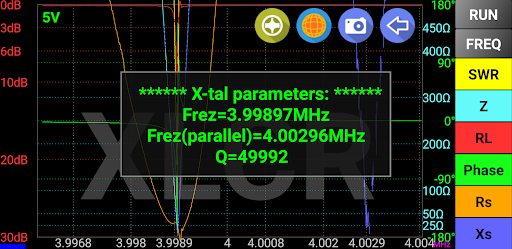
L,C,R,X-tal mode:
- measure x-tal resonance frequency and Q in manual or auto mode
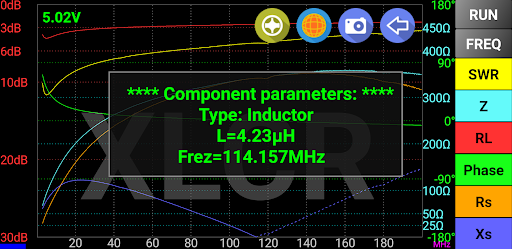
- automatically measure inductors, capacitors and resistors
For the full list of features check included help or user guide available on my web site.
Thank you in advance for your feedback.
Dan YO3GGX

What's New with Blue VNA 3.1

Check what's new for more details:
https://www.yo3ggx.ro/bluevna/v31/whatsnew.html

Information

  • Category:
    Tools
  • Latest Version:
    3.1
  • Updated:
    2022-10-20
  • File size:
    3.5MB
  • Requirements:
    Android 4.1 or later
  • Developer:
    Dan Toma
  • ID:
    ro.yo3ggx.btvna
  • Available on:
Reviews
  • avatar
    I like it but on my Lenovo TB8704F (display 1920x1104) it takes up all the screen so I can't close it without pressing restart - there is no square box to minimize it and swipe it off. Also the frequencies are sometimes off screen. Ken After Dan helped me with Android I wanted to upgrade my review to 5 Stars as I find bluevna works very well. Ken
    2020-08-18 02:27
  • avatar
    boss
    2018-06-24 07:18
  • avatar
    It's this or VNA/j for the MiniVNA. It's too bad it's not open source but it's a fantastic app! Some would argue it's better than the hardware it's attached to...
    2018-01-03 08:44
  • avatar
    Thanks Dan for this wonderful app. I bought a miniVNA tiny because of this app. I did a quick Cable test with the 0.2m RG223/U cable with a known velocity factor of 0.66, but the results after a Run, kept showing length of cable is 0.15m. That is 25% difference. Not sure what did I not do right? I test the cable with the laptop software and that was accurately measured at 0.66 velocity factor, and length as 0.2m. Appreciate your advise
    2017-05-15 02:36
  • avatar
    MiniVNA Tiny works as supposed with my Samsung Galaxy J5 over a standard OTG USB cable. No problems. Many thanks for this. I can't define the number of samples on the calibration though. I think it has a fixed number of cal points. (update 19/08/2016: I've noticed that there is some great discrepancy on the measurements between the Android Blue VNA and the desktop application vna/J 3.1.9. For example, the cable loss of a 0.5m RG58 at 144MHz is given as 0.6dB, while on the vna/J as 0.28dB, which is half of the BlueVNA calculation. I can, however, suspect that the limited cal points on the BlueVNA, compared with the 20000 cal points on the vna/J I used can be a reason for this difference.)
    2016-08-19 09:22
  • avatar
    Awesome app
    2016-08-02 10:31