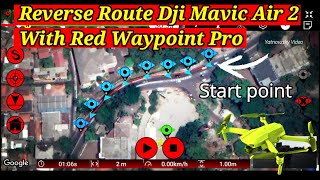

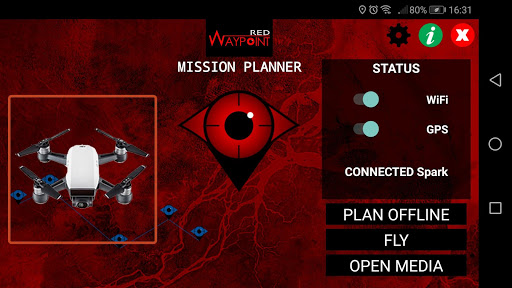
Plan your flight and fly autonomously with RED WAYPOINT, a flexible mission planner APP for DJI drones. Simple and intuitive way to plan and execute your flight
Plan your flight in OFFLINE Mode (save battery time! and get the zone map of your mission if internet is unavailable). Store and manage your missions.
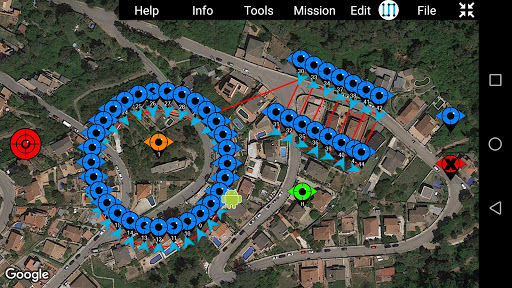
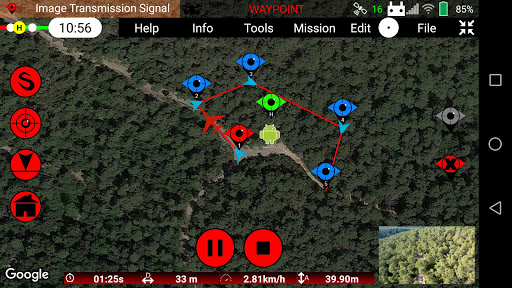
Fast and easy way to create WAYPOINT missions by just clicking and dragging a coordinate in the map. Draw path lines, circles, rectangles and grids. (Double Grids and Vertical Grids in PRO VERSION)
Play/Pause/Stop your autonomous flight! and is Red Waypoint is FLEXIBLE! Change the mission configuration in Real-Time! No need to upload your mission again
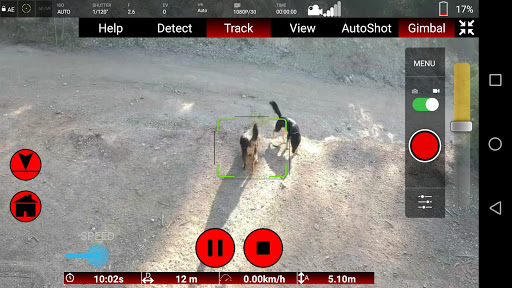
Focus on recording your videos with the First Person View, configure your camera and center on your shots while flying autonomously. Full screen camera view available! Automate the image capture shoots
Use the incorporated SIMULATOR for checking and validating your mission plan. (Simulation only in ONLINE Mode)
Up to 5 Maximum Waypoints (Free version)
Up to 500 Maximum Waypoints (PRO version)
Compatible with:
- Smart Controller
- SPARK
- Mavic Mini (1 & 2)
- Mavic Air (1 & 2)
- Mavic Pro
- All Mavic 2 Series
- All Phantom 3 Series
- M200, M210, M210 RTK
- Matrice 100
- All Phantom 4 Series
- Inspire (1, 1 Pro, 2)
- Matrice 600, Matrice 600 Pro
- Matrice 300
• Manual Flight modes:
1) Tripod: Get the precision for accurate framing. Max speed and control stick sensitivity is reduced
2) Terrain follow: Keep flying at the same height above the ground
3) Cinematic: Shoot more stable and smooth photos and videos. Slower acelerations and turns (PRO VERSION)
• Automatic Flight Missions:
1) Waypoint Mission: Aircraft follows a path planning created by the waypoints
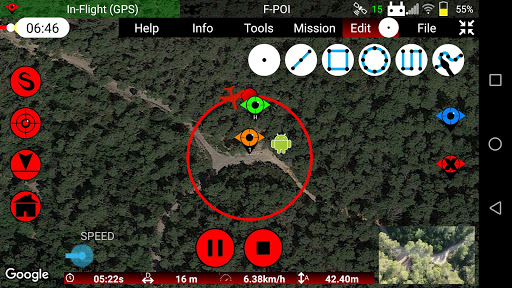
2) Orbit Mission: Aircraft start making circles around a subject or a POI*
3) Follow Me Mission: Aircraft mission to follow the GPS coordinate of the Android device* (PRO VERSION)
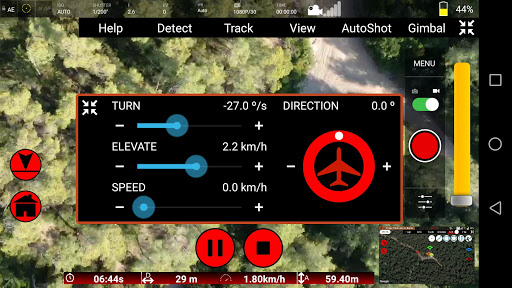
4) Virtual Stick Mission: Control the rotation, elevation, speed and direction of the aircraft with the Android device (PRO VERSION)
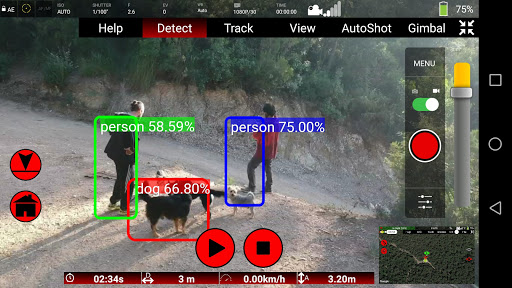
5) Camera Tracking Mission: Select your subject on the camera and start automatically following it* (PRO VERSION)
• Drone speed:
Adjust the drone speed before and during the mission by setting the desired speed in km/h. The maximum Speed is 32Km/h
• Elevation Mode:
- Stepped: First reaches altitude and then starts horizontal movement
- Ramp: Vertical and horizontal displacement (PRO VERSION)
• Waypoint Mission mode:
- Automatic: Point to the next waypoint. This mode is secure because the drone is always flying forward and it can detect obstacles and avoid them
- Initial: Maintains the initial heading of the drone when starting the mission. Maintain your perspective and fly to all directions!
- POI: Points to the Point Of Interest set on the map. Set Gimbal to Automatic mode to adjust automatically the gimbal angle and point at the desired POI altitude
- Virtual Control: Use the Remote Controller or the circular joystick on the screen to control manually the heading (PRO VERSION)
- Custom: Automatically points to the next waypoint heading setting. This option offers a flexible heading for your needs. Set Gimbal to Automatic mode to adjust automatically the gimbal to the custom gimbal angle (PRO VERSION)
• Action after mission finishes:
- None: Drone stops and maintains the final position and attitude
- Go Home: Drone starts going home automatically
- Auto Land: Drone starts landing
- Loop: Repeat the same mission without stopping creating loops (PRO VERSION)
• Gimbal control:
- Manual: Control the gimbal manually with the seekbar
- Automatic: Automates your gimbal position by assigning to each waypoint a custom angle
• Gimbal movement:
- Speed: Move the gimbal at the selected movement speed
- Time: Move the gimbal with an elapsed time
* Orbit, FollowMe & ActiveTrack are not compatible with Mavic Mini
Compatibility with Android 12 devices






9Apps 4.9