


if you're looking for a screen recorder app that captures your victory moment, creates funny videos, or records a lecture while you're studying online — your search ends here.
Small, simple, and practical, Screen Recorder lite is ideal for screen recording smoothly on any android device.
✨ Features
➤ Free screen recorder for Android
Free access to all features. Video recorder with no subscription.
➤ Screen recorder with audio
Video Recorder lite is well-built for gamers, vloggers, and other storytellers, of course — as much for businesses, where communicating through video is getting as common as email.
➤ Video recorder without watermarks
Are you bothered by the watermarks in videos? Screen record videos with Video Recorder, enjoy watermark-free in screen recordings.
➤ Facecam screen recorder
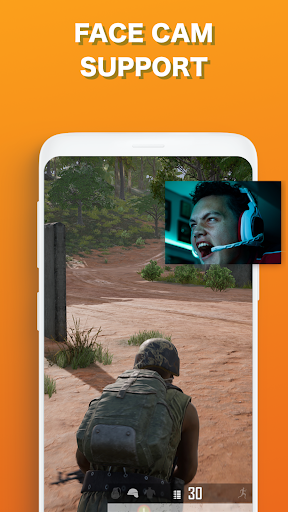
Use Video Recorder to record your screen and camera at the same time. Create funny reaction videos!
➤ Powerful Recording:
✓You can easily hide the record window for frameless video while recording or capturing screen, change the aspect ratio to widescreen, vertical or square.
✓Record internal sound, this screen recorder supports recording internal audio.
✓It's a stable screen video recorder for you to record video, record the tutorials of any app and capture screen video.
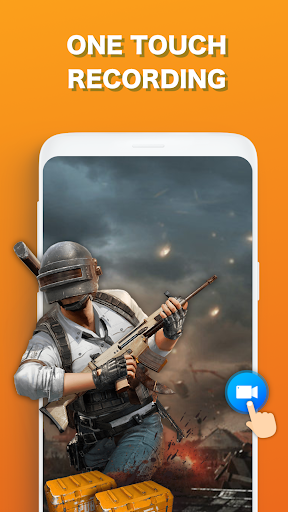
✓It only takes one touch to start recording everything on your phone with sound, one single tap to pause/resume at any time.
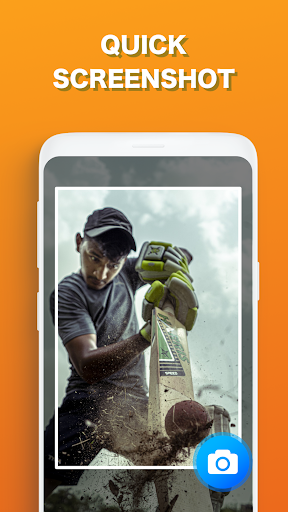
✓Simple interface, easy to record games while playing, record video calls or live shows, capture screenshots, rec screen and edit images.
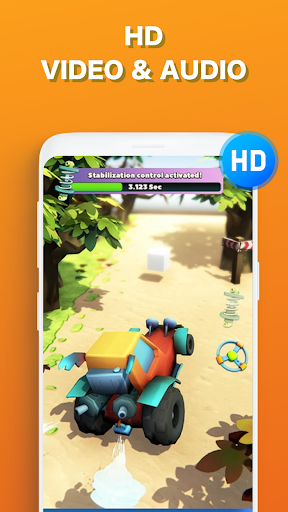
✓High quality and customized settings: 1440p Resolution, 12.0Mbps Quality, 60 FPS, support for HD video, both portrait and landscape video orientation. With this screen recorder with audio, you can change the video settings at will to meet all your needs and record clear video or screenshot.
Thanks for Downloading Screen Recorder If you have any suggestions or question related to screen recorder, you can Contact Us at
thideapps@gmail.com
📱Quick Tips:
To experience all features of Screen Recorder with audio and video, please agree on the permissions as follows:
– Read and write SD card to save your recordings to SD Card
– Record Audio
– Record Video
Important Notice:
• Our Screen Recorder is not associated with any social media platforms.
• Any unauthorized actions (re-uploading or downloading of contents) and/or violations of intellectual property rights is the sole responsibility of the user
• This app is for users 13 years of age
• Please get the PERMISSION from the owner if you record any content beyond personal use.
* Screen Recorder or thide will never collect personal files from users without permission. All the recorded files are saved locally on your device. Neither we nor any third party can access them.
*All trademarked names and images are only used as references and we do not intend to violate or take ownership of these names and images, If you still feel that we have violated your intellectual property rights or any other agreement, please contact us by E-Mail at thideapps@gmail.com, we will immediately take the necessary measures.
– UI Improvements
– Bug Fixes



![warm light screen lamp - 10h - (16:9) - NO Sound - a simple screen for 10 hours [screen tools] screenshot 5](https://i.ytimg.com/vi/7T5NB_ntCLM/mqdefault.jpg)

9Apps 4.9














