
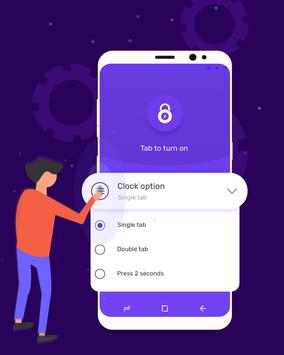
This app lock help you lock screen without using power button!
The hardware power button of some devices is not well designed. The frequent use to screen lock may damage app locker. We provide the software button to replace it and extend lock screen lifespan.
Features & Functions
★With this app lock you can minimize the pressing of the power button, which allows you to lock screen the machine quickly and smartly
★ App locker can turn shortcut, turn off shortcut.
★ You can turn off screen lock with just one or two touch!
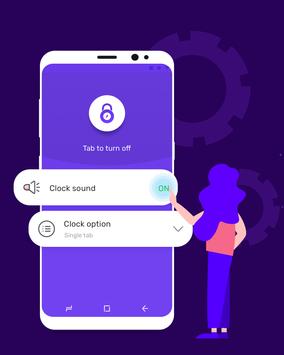
★ Select sound when using the app locker
★ Screen lock friendly interface, app locker to use simple.
★ Turn off screen, lock screen without power button.
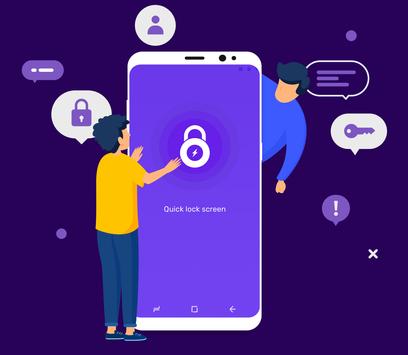
★ Quick lock screen – Touch lock
allows you to select the sound lock screen.
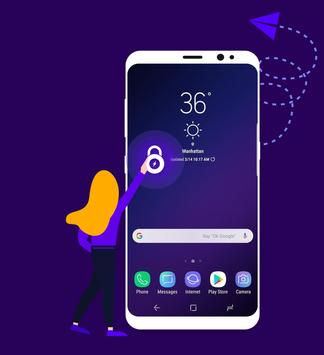
★ Put any shortcuts on the lock screen.
★ You can choose the type of lock that suits.
⚡ App lock is enabled with One - touch lock
⚡ App lock is enabled with Two – touch lock
⚡
Lock screen for 3 seconds
★ This is the best screen lock application with the least resource consumption
★ Make sure your power button is not damaged
★ This is an app lock when your source node is corrupt
★ Extend double times longer life of the power button
★ This is app locker light weight
To screen lock
⚡ Download free screen lock application
⚡ Screen lock right in the lock screen.
⚡ Add shortcuts right on the screen lock to lock more pro.
⚡ App lock perfect with latest versions of Android!
How to enable touch lock – lock screen app?
⚡ Lunch touch lock after installing
⚡ Click on the enable button
⚡ Click on the notification appeared at the notification bar
⚡ Touch lock will lock screen immediately after that
Improvement screen lock suggestions are most welcome, let us know what you need and we will provide updates as and when ready.
Don't forget to rate and give your valuable comments. User satisfaction is important to us, this encourage us to work harder and better.




9Apps 4.9















