

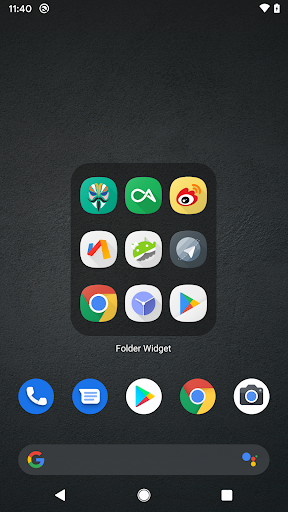
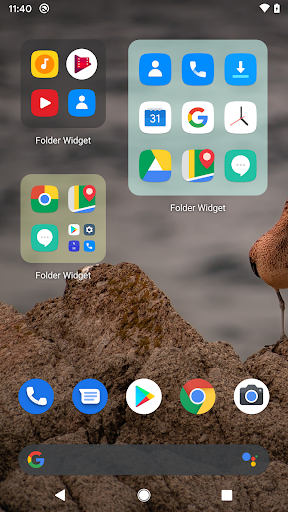
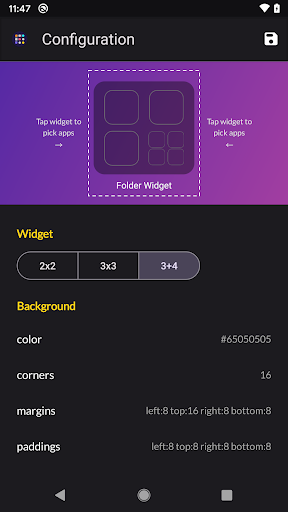
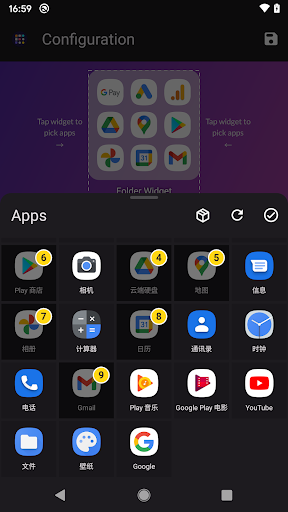
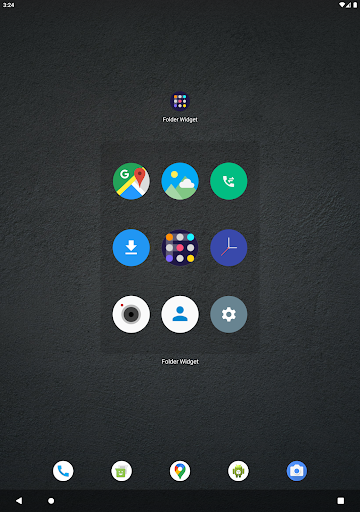
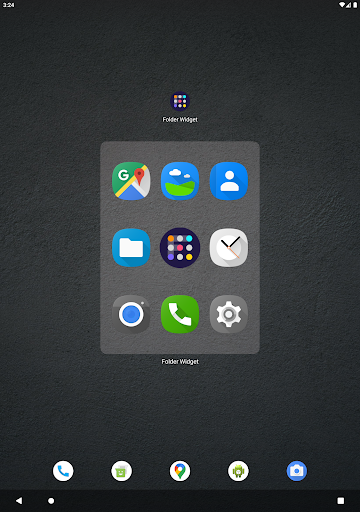
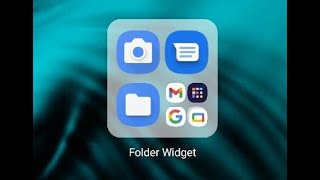
Large Folders makes your phone’s launcher home screen easy to navigate by organizing apps into one Large Folder and quickly accessing the corresponding app without evening opening that app folder in the first place. You can enter the large folder with a touch on the lower right corner of the folder.
Features:
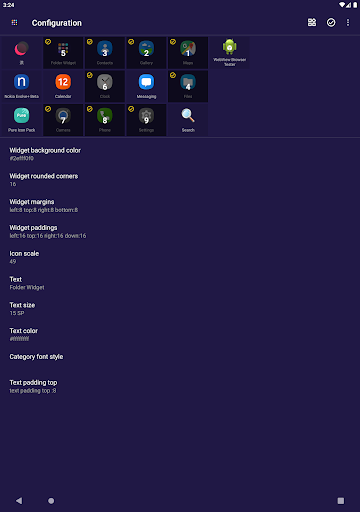
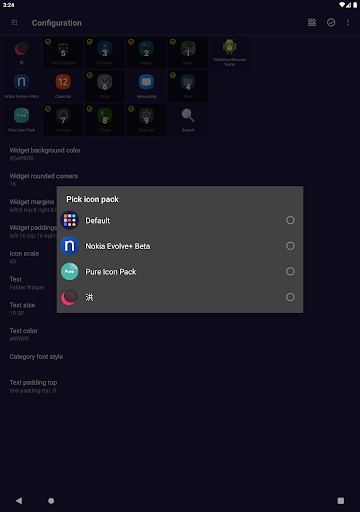
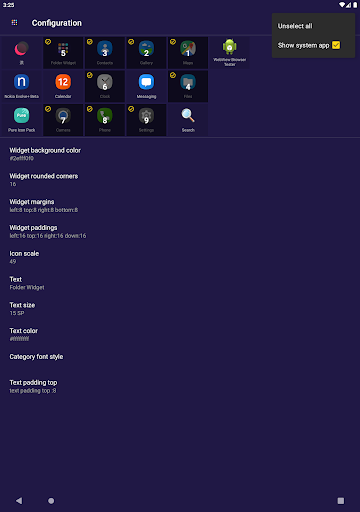
- custom widget size, background color, radius, margins, paddings.
- custom folder name, text color, text size, text paddings.
- custom folder grid size and icon name visibility.
- quick open system settings, shortcuts, web page, and popup widget.
- support change notification dot number styles.
- scrollable inside folder box.
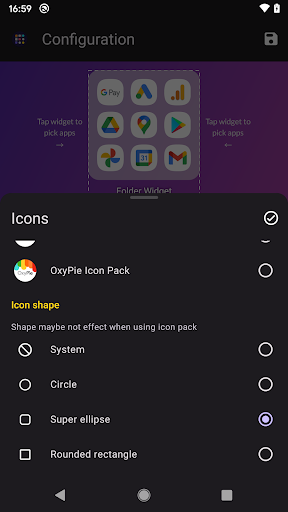
- adaptive icon shape.
- support icon pack and mask.
- auto-dark folder background.
- shadow option of folder name.
- widget has 2x2 3x3 3 4 1x5 2x3 3x2 size.
- new ui for configuration.
- support to hide folder name.
If you have any questions or suggestions, please contact me by email to hanks.xyz@gmail.com
⭐ Fix: icon disappear
⭐ New: File shortcuts, schema, shell,web page
⭐ Theme icon option & support Honor phone
⭐ Set picture as folder background
⭐ Copy style from widgets & export widgets
⭐ Option of dark background color
⭐ Scrollable inside folder
⭐ custom folder grid size and show icon name
⭐ Popup widget in folder & edit icon individual
⭐ System settings shorcuts to folder widget
⭐ Notification dot number type support
⭐ Add option enable double click to open settings




9Apps 4.9















