
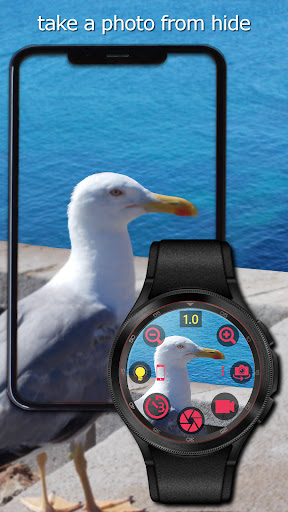
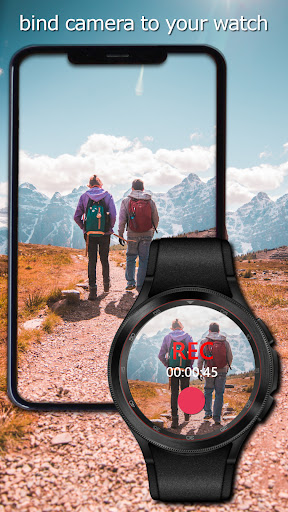
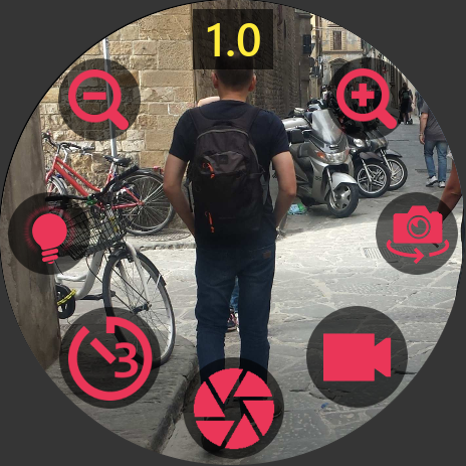
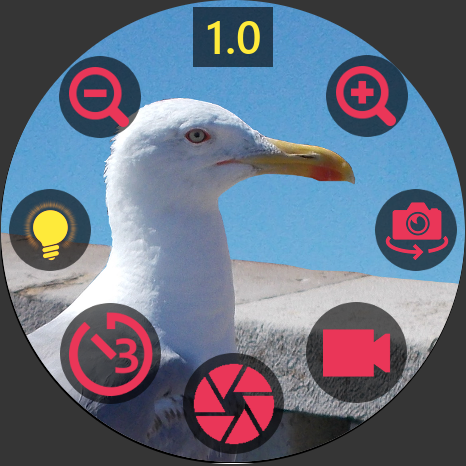
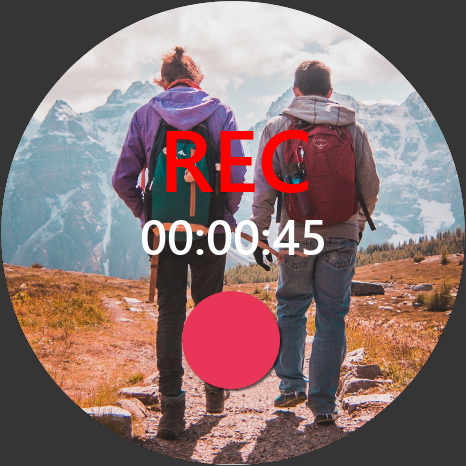
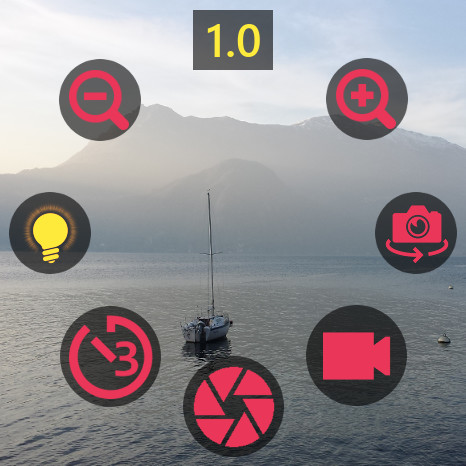
Camera Opus allows to control camera functions from smartwatch, show camera view on watch in real time, scan QR/bar codes and just use this app almost as replacement for built-in camera app.
Camera Opus supports following wearable systems: Wear OS, Harmony OS, Garmin and Fitbit.
Key features:
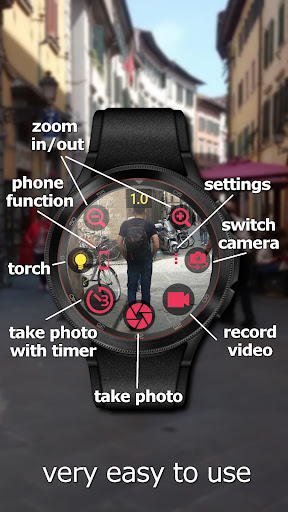
• Take picture
• Take picture with time delay
• Video recording
• Camera preview on watch
• Zoom in/out: Back and Front cameras
• Torch/Flash: Back and Front cameras
• Camera switch: Back and Front
• Find My Phone
• QR/Bar codes scanner
Swipe up to show settings view.
Swipe down to show/hide all icons.
When to use? Examples.
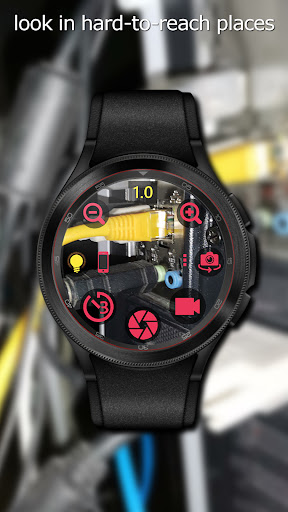
1) Turn on your phone’s torch and use your smartwatch to see an inaccessible places.
2) Take a selfie with friends using only smartwatch to trigger camera button from distance.
3) You can watch your baby using smartwatch on a wrist and phone in baby’s room.
4) Scan QR codes or bar codes from products and labels.
Camera Opus needs below permissions to work properly:
1. Camera permission: to control phone camera.
2. Microphone permission: to record video with audio.
3. Storage permission: to save photos and video recording files.
4. Display over other apps: this function allows to run camera view direct from background by watch app. Important: since Android 10 you have to add this permission manually in phone Settings / Apps / Camera Opus / Advanced. ⚠ Note: you will be not prompted about this permission with above permissions at first app launching.
ⓘ The app required to be added to the list of apps which ignore Power Saving function. Otherwise background service will be killed by some phone manufacturers like Huawei or Xiaomi. Background service allows to connect to watch app automatically. It takes a little battery power and you always can turn it off in app’s settings in section Power Management if you don’t use this app for longer time.
ⓘ This application works with all Wear OS smartwatches since Wear OS version 2.1 . Download watch app from Play Store on Wear OS powered watch.
ⓘ For HUAWEI Harmony OS powered watches you have to download app on your watch from app HUAWEI Health / AppGallery.
ⓘ For Garmin watches you have to download app for watch from Garmin Connect IQ Store. Supported the most of touch and buttons devices.
ⓘ For Fitbit watch you have to download app for watch from Fitbit Apps Gallery. Supported OS 4 and OS 5 watches.
ⓘ FREE version limitations: not all functions are available. Picture and video quality max. 1MP. After upgrade to premium, picture and video quality is changed to the best available on your phone and all functions available.
ⓘ You can buy premium version by phone or watch app in case Wear OS watch. For all watches you can buy premium version in Camera Opus on phone in section Watch.
Found bugs and ideas please send us at support email. In case bugs click settings view in Camera Opus on phone, scroll down and click 'Send bugs report to developer' - write short what happens. Thank you.
v. 1.0.10:
[phone] Added support for HUAWEI Watch Fit 2.
[phone, watch] Fixed a few minor bugs.


9Apps 4.9