


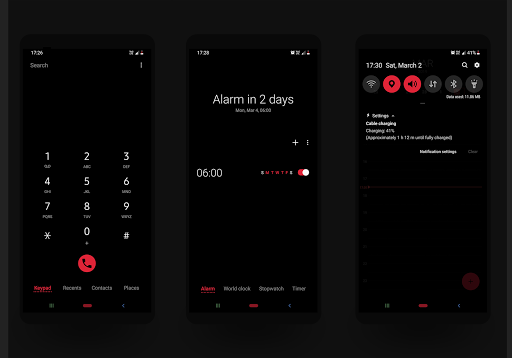
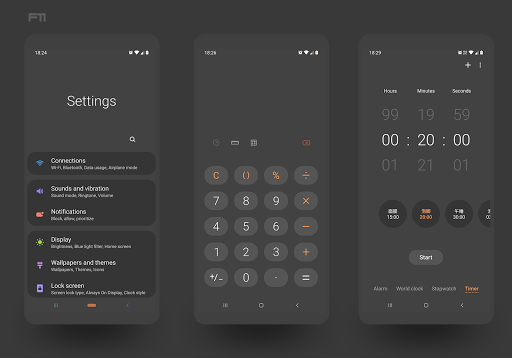
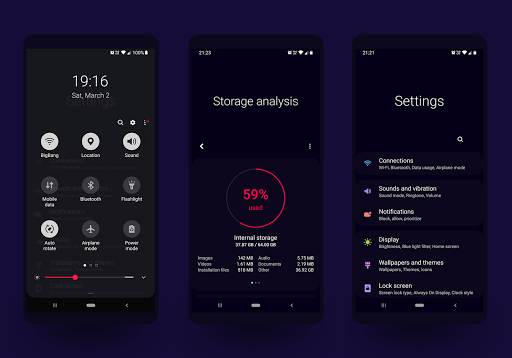
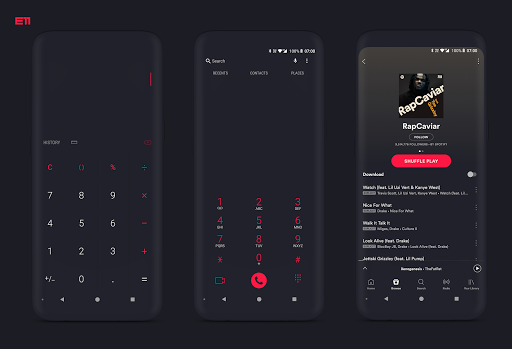
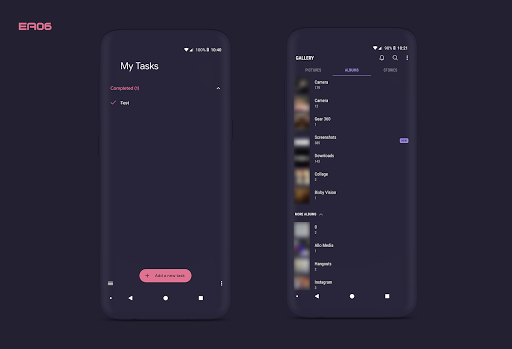
Attention : This theme is only for Samsung devices running Oreo and Pie (One Ui)
Substratum theme engine must be installed to use this application
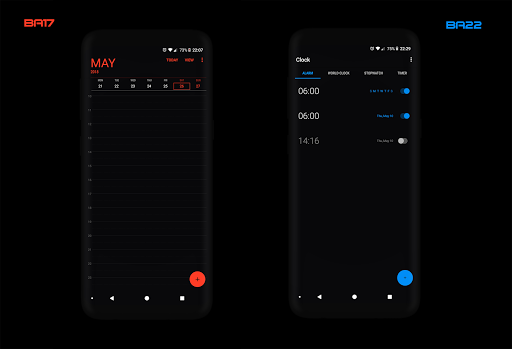
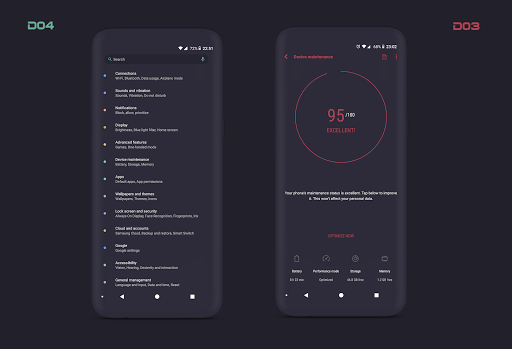
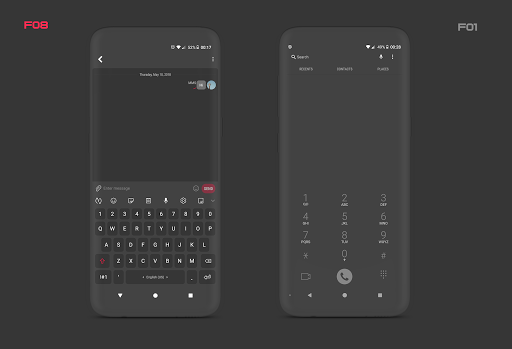
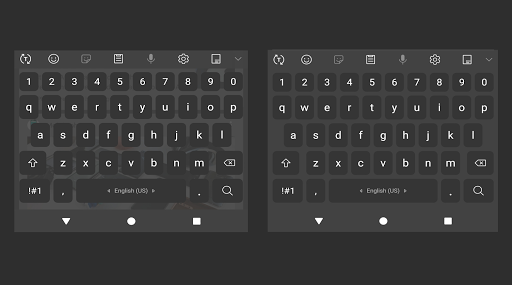
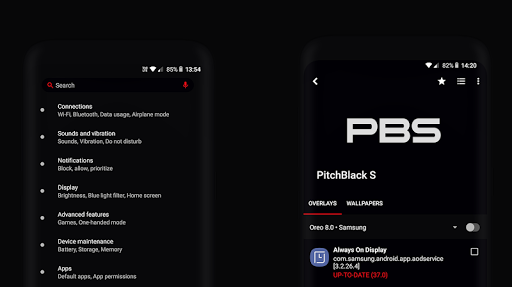
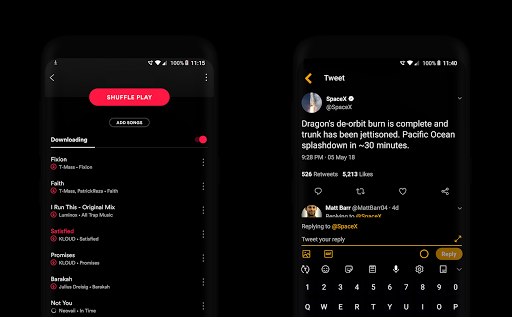
Pitch-black S is the result of perfecting the art of materialism, considering the depths of minimalism and playing around with the most vibrant color combinations. As the name of the theme suggests, “PitchBlack” is a “dark” theme that works with dark and/or black backgrounds (the users get to choose!) which makes it battery-friendly for AMOLED devices.
Theme-sets and overlays
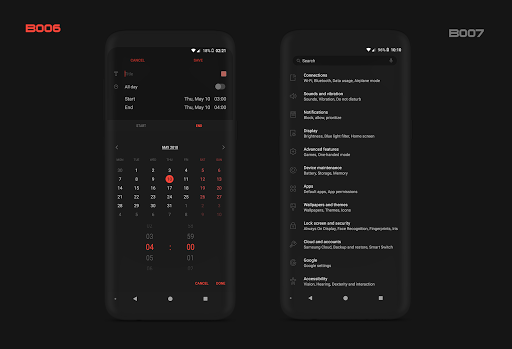
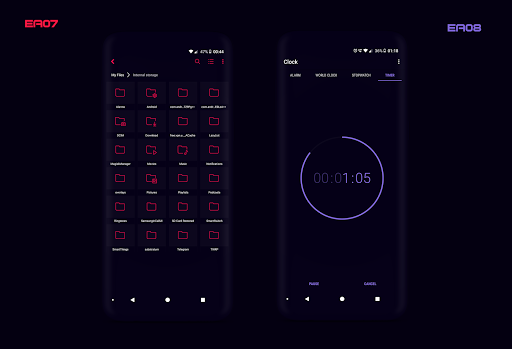
Pitchblack S ships with pre-curated theme sets with pairs of an accent and a background each.
Including more than 130 theme sets and 160 high-definition dark app overlays
Supported OS
• Samsung Pie OneUI (Works with Root or Synergy)
• Samsung Oreo 8.0/1
Installation
• Enable system Dark Mode if you are on One UI
• Launch substratum
• Tap on PitchBlack S tile
•
Select your android version
•
Select all and configure the selected apps with the required options there.(System apps must be selected, like Settings, Android System and SystemUI)
• Tap on build and update
• Wait till all the overlays are installed and ENABLED
• Finally reboot
Quick note:
If you are having issues please report to this email: pitchblackthemes@gmail.com
A quick FAQ
Q : Which applications are themed?
A : Here is the list of themed applications
https://gist.github.com/westcripp/402154af211899f1b5c80b16dce56a24
Q : Does it require rooting my device?
A : Actually NO, since oreo substratum team developed a rootless method which needs an addon to buy that is called Andromeda.
Q : How does Andromeda work?
• First of all download Andromeda PC client.
• Download Andromeda from play store then enable USB debug from developer option.
• Launch the Andromeda app on your device then connect it to pc via usb cable.
• And start the Desktop client.
Q : is it possible to use Andromeda without desktop?
A : Yes, enable Sungtromeda mode through substratum settings which will run using legacy method like Samsung Nougat substratum installation (installing the overlays manually).
• For more Information about andromeda desktop clients
https://forum.xda-developers.com/apps/substratum/andromeda-desktop-clients-release-notes-t3668682
Q : What if my device is rooted ?
A : You don't have to buy andromeda just install substratum and apply the theme.
Q : Some overlays seems to be installed but they aren't ?
A : enable Sungtromeda mode and check what are the missing overlays and install them manually.
Q : What if the theme is updates ?
A : Just build & enable while using latest theme version.
Q : What if an application force closes after updating it ?
A : Just rebuild the overlay and apply then reboot.
Q : How do i recover my phone from a bootloop ?
• Try booting into safe Mode and uninstall the overlays.
• Uninstalling the overlays using ADB via Andromeda client folder dictionary.
Telegram group for support http://t.me/pitchblackthemes
Contact pitchblackthemes@gmail.com
V36.1
• Updated Google Search
• Updated Google Drive
• Updated Google Maps
• Updated Google Messages
• Other fixes and improvements
If you are having any issues, please report to email.
Email : pitchblackthemes@gmail.com








9Apps 4.9














