


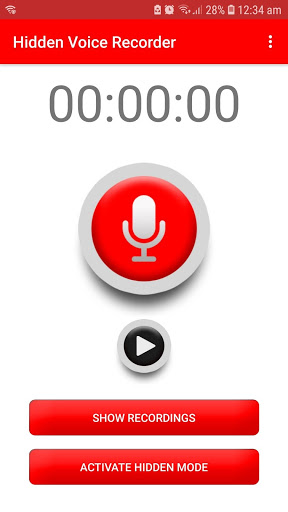
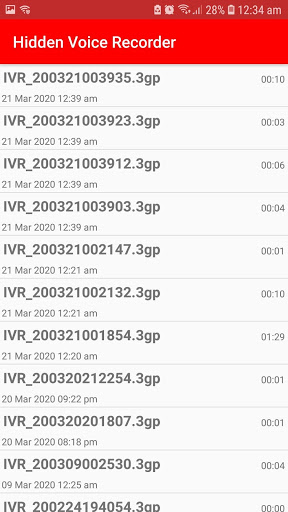
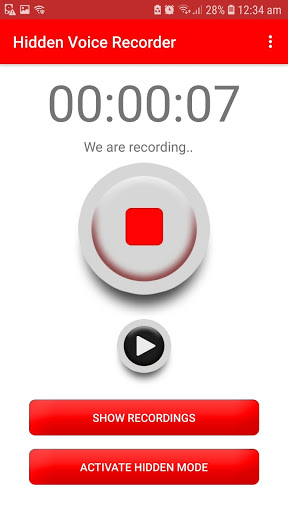
Hidden Voice recorder app is a voice recorder app which helps you record voice by one click without knowing to other person. Useful functions include continuous recording when your screen is off, hidden Recording, an easy to use one-click voice recorder.
[Main Features]
- Volume buttons can be used to start and stop recording. (Press any volume button twice to start or stop recoding)
- The phone will vibrate every time when volume key is pressed twice to notify that recording has started/stopped.
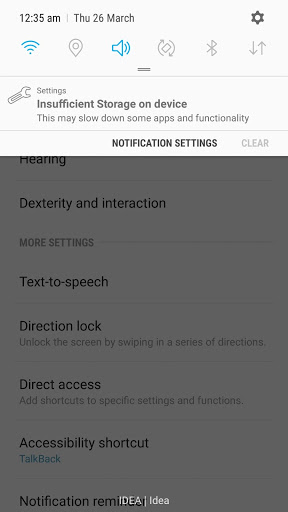
- Whenever recording is on in background, you will see a false notification which will help you incase your phone is used by someone.
- Upload/Share recorded files over Mails, Google drive etc.
- Unlimited recording duration.
- Supports “auto stop recording” when device storage is low.
- Password protected
- Secure well-coded app
- Beautiful design GUI
[How to Use]
HOW TO ACTIVATE HIDDEN MODE-
1. Open app and click on Activate Hidden Mode Button.
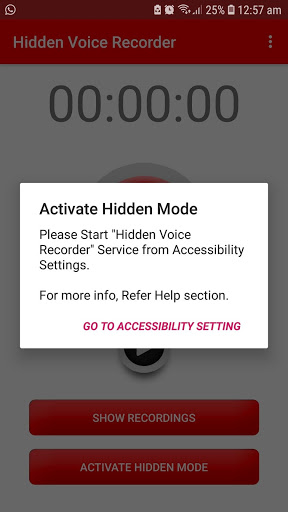
2. If you receive a message saying “Please start “Hidden Voice Recorder” Service from Accessibility Settings ”then follow below steps.
Steps-
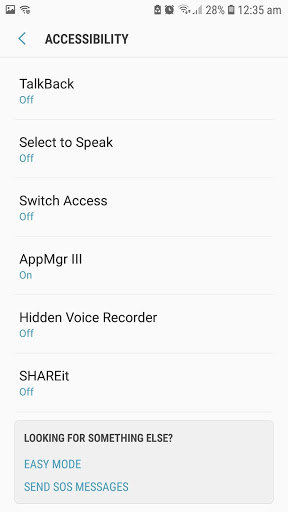
a. Click on "Go to Accessibility Setting" Button on the Message popup. This will redirect you to Your phones Accessibility Settings
b. Find and open "Hidden Voice Recorder" option from accessibility Settings.
c. Start the “Hidden Voice Recorder” service.
d. Close all apps.
e. Open “Hidden Voice Recorder” app and click on “Activate Hidden Mode” Button.
HOW TO USE HIDDEN MODE FUNCTIONALITY-
Once hidden mode is activated, you can close the app.
Double press volume buttons to start/stop recording in background automatically.
The phone will vibrate every time when volume key is pressed twice to notify that recording has started/stopped.
Whenever recording is on in background, you will see a false notification on notifications list saying “Insufficient Storage on device”.
This false notification will help you incase your phone is used by someone.
If the phone screen is off and if you want to start recording in hidden mode then you have to press power button first then double press /- volume button.
All feedback and feature requests can be sent to the following email
pankaj.p.bhabal@gmail.com
Bug Fixes to support API 29









9Apps 4.9













