
PDF Scanner App - Phone PDF Creator is an application to scan documents really fast and easily!
No Need to pay for the expensive scanner, just use this PDF scanner App all features without any restriction and scan, create, share PDF documents easily.
Convert PDF to Images, convert/modify Images from sd card or SCAN documents with Camera and share all modified images in PDF or ZIP format with friends or family easily in encrypted or non-encrypted mode.
FEATURE HIGHLIGHTS
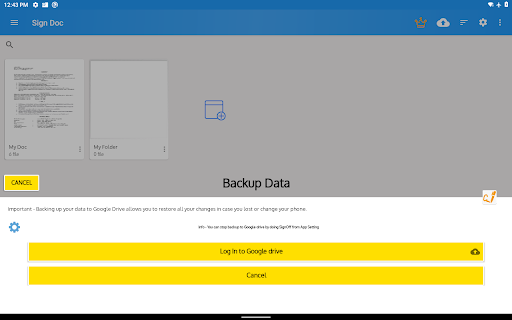
- Your privacy, our first concern, we don't use any of the cloud or server storage.
- No SignUp/registration to use this app
-Scan your document.
-Page edges are detected automatically.
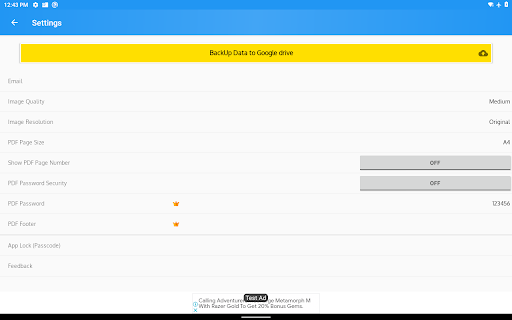
-Set page sizes for PDF (Letter, Legal, A4, and more)
-Share PDF/JPEG files.
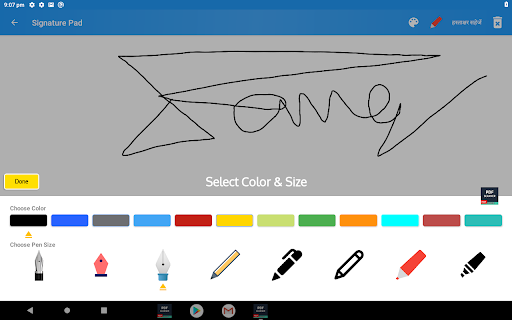
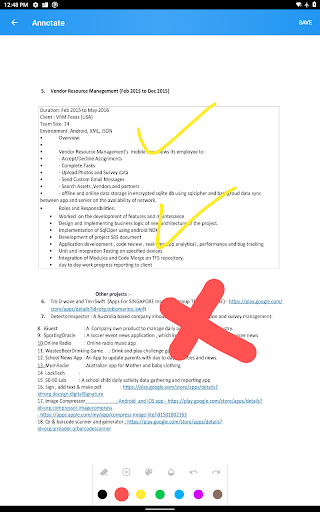
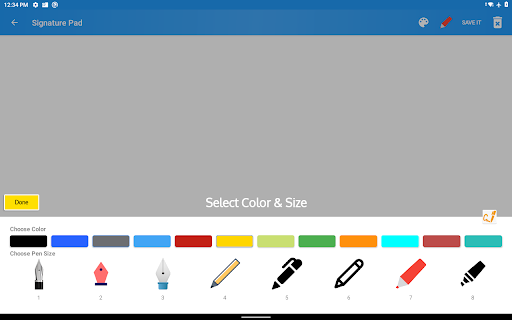
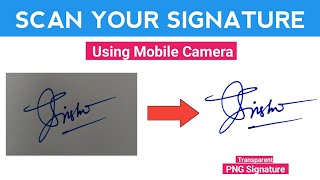
-Easily Add, Create e-Signatures to Pdf, Doc, Xls, Ppt & Images.
-Print and fax the scanned doc directly from the app
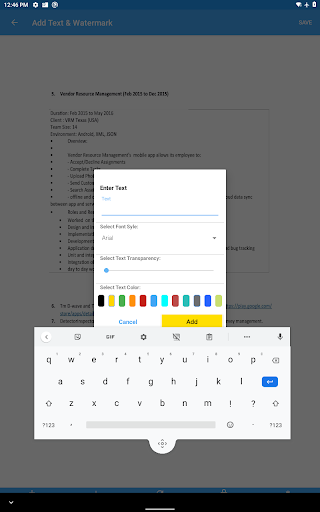
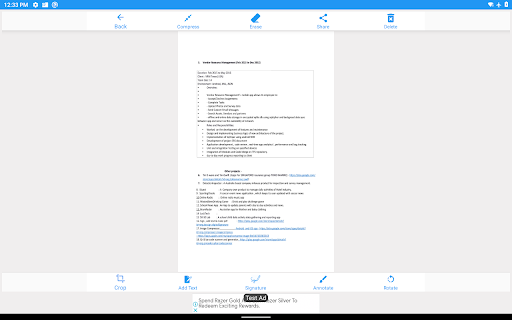
-OCR Scan, Add custom Text & Add Signature to IMAGES.
-Auto Crop Corner Detection for Camera or Gallery Images.
-Generate High, Medium or Low-resolution Images.
-Generate A3, A4 , A5, Letter , PostCard, Bussiness etc PDF format to share with other.
-Use Passcode to enhance App data Security.
-Generate & Share Password Protected PDF.
-Share Images in ZIP format.
-Choose Image Resolution from a set of options.
Other Features
● Merge PDF file
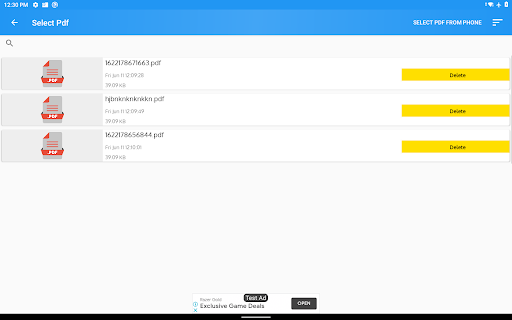
The PDF merge functionality will allow the user to select multiple PDF files and merge them into one PDF file.
● Extract Images/Photos from PDF file
If you have photos in PDF file, extract functionality will extract all photos from PDF files. It will keep the PDF file intact but extract all photos in the selected folder.
● Password Protect PDF file/Encrypt PDF file
You can encrypt or password protects your PDF file to avoid others to open it without the password.
● Convert image/photo into PDF file
If you have photos and you want to convert them into PDF, you can use the image to pdf functionality. It allows the user to convert either one or multiple image files into one single pdf file. This is very convenient when you want to send a large number of photo to other into one file.
●Simple User Interface
Very elegant and intuitive simple user interface based on google's latest material design.
A PDF Scanner App where you can convert any PDF page to an image or merge multiple PDFs, and share as a single PDF file.
A PDF Converter app will allow you to view the pages of PDF before converting. So, you can decide which page needs to be converted to an image.
Enjoy now PDF Conversion with one click and convert your PDF to JPEG or PDF to PNG.









9Apps 4.9













