My Color Digital Clock Widget (No ad) icon

My Color Digital Clock Widget (No ad)

1.14 for Android
3.5 | 50,000+ Installs | Reviews

ecSoft

Description of My Color Digital Clock Widget (No ad)

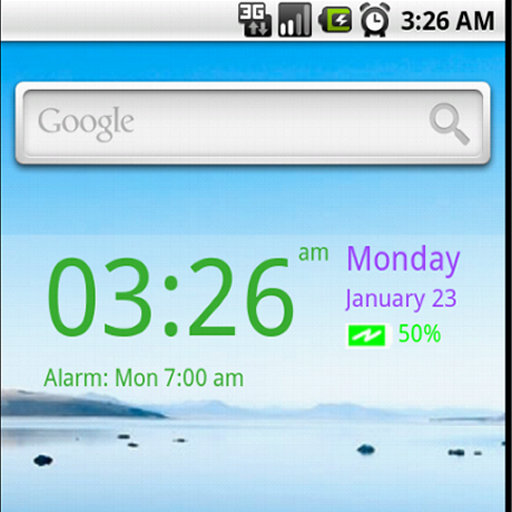
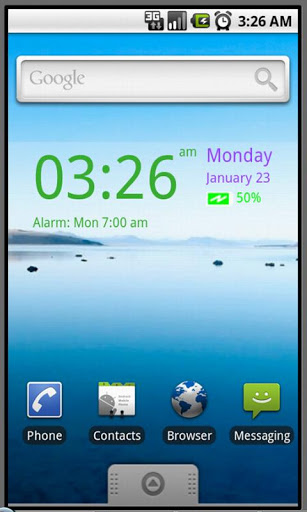
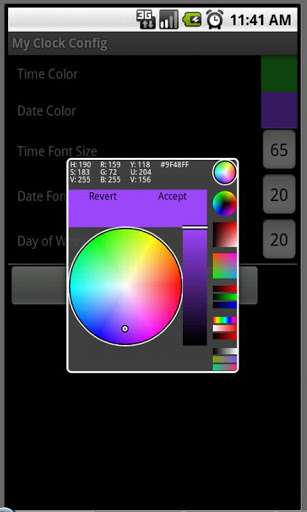
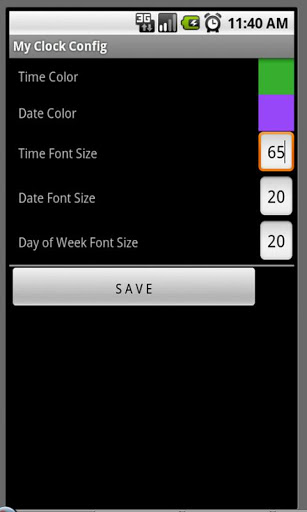
It is a nice digital clock widget. You can set your own colors, font sizes, etc. It also shows alarm clock set and battery level.
If you like this app, pls consider to purchase the pro version - My Color Digital Clock Pro
Widget will not be automatically installed. After download, you will need to install it manually by going to your home page, select menu->add->widgets->MyClock.
Please make sure empty space is available on the page to insert this widget.
Enjoy ! Feel free to email us your feedback/comment

What's New with My Color Digital Clock Widget (No ad) 1.14

- Enhanced settings
- Updated for new Android version

Information

  • Category:
    Tools
  • Latest Version:
    1.14
  • Updated:
    2020-03-28
  • File size:
    879.7KB
  • Requirements:
    Android 4.2 or later
  • Developer:
    ecSoft
  • ID:
    org.ngosite.android.myclock
  • Available on:
Reviews
  • avatar
    Very Nice But please add option to change Colors & Battery Icon should turn red when we put on charge or give option to set 5 different colors Segments, so it changes at every 20% Thanks please update
    2020-10-02 03:37
  • avatar
    No matter what device I have if it is a smartphone or tablet, this is my go to clock/alarm I will always use it! I eventually went pro with it, so worth the monies & it wasn't out of my budget, I have a strict budget due to limited disability income! [since 2013]
    2019-06-16 01:45
  • avatar
    did not change time for an hour and a half stayed the same not good
    2019-05-28 12:17
  • avatar
    good but should remain...pl
    2019-04-09 01:23
  • avatar
    Good app but would be nice if it actually worked, does not update the time, installed an hour ago and has not changed.
    2019-03-23 12:19
  • avatar
    I hate this app does not work
    2018-12-16 11:27















