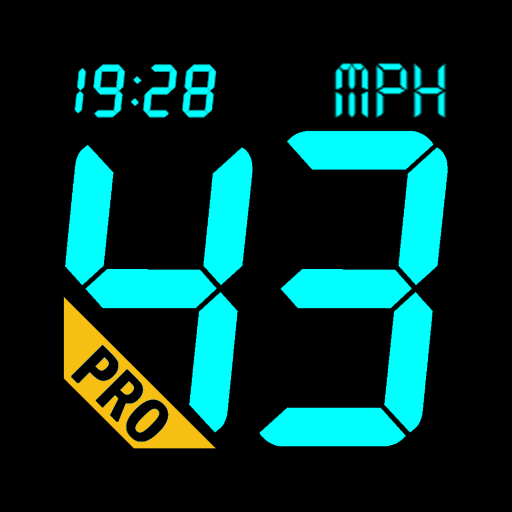

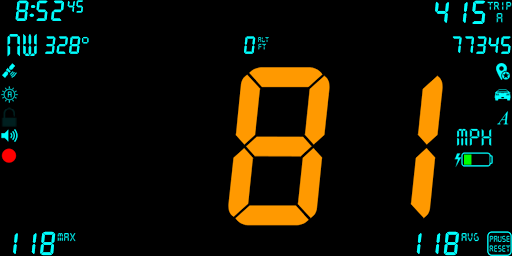
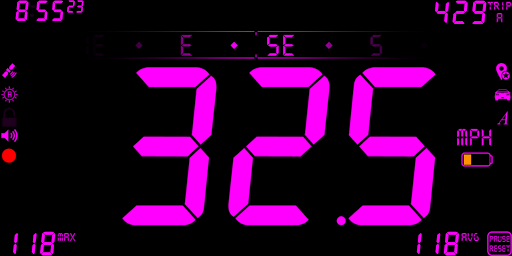
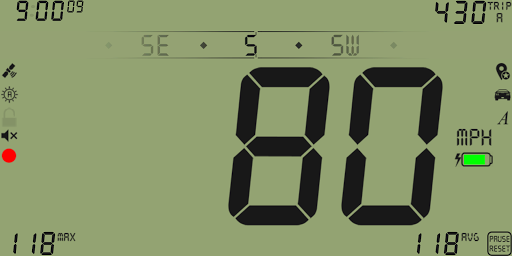
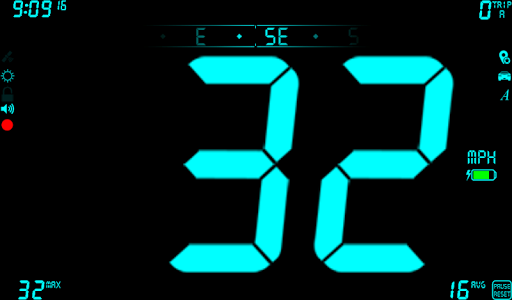
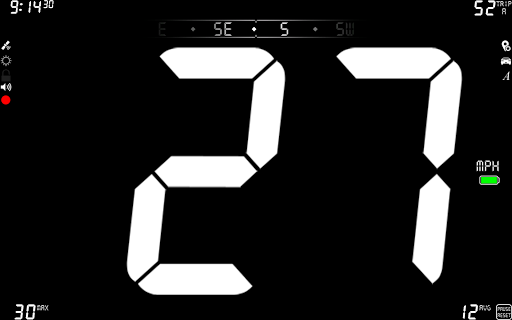
DigiHUD Pro Speedometer is a GPS based digital heads-up display (HUD) that shows and can record useful speed and distance information for your journey. Ideal if your vehicle speedo has died, you want to verify your vehicle speed or you just need to know your speed when cycling, running, flying, sailing etc.!
Although we strive to make all readings as accurate as possible they are only as accurate as your device's GPS sensor and should only be regarded as approximations.
* PLEASE ENSURE THAT
DIGIHUD
WORKS WITH YOUR DEVICE BEFORE PURCHASING THIS VERSION - (Link at the bottom of this description) *
Using DigiHUD Pro:
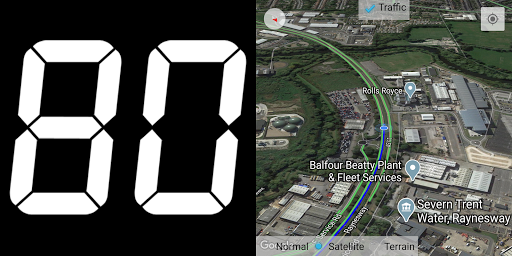
- Swipe the speed left or right to switch between Full, Lite and speed/map split view
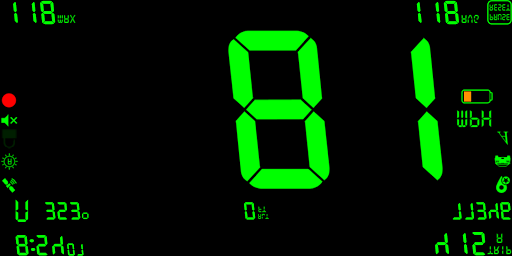
- Swipe the speed up or down to switch between HUD (mirrored) and normal displays
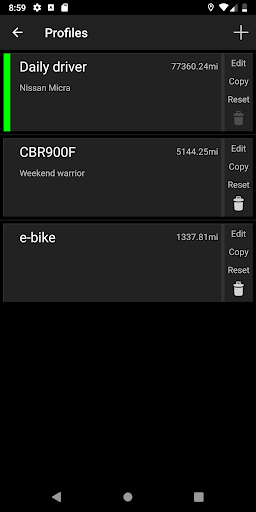
- Tap the car icon to open Profiles
- Tap the Pin icon to save this location as a Pin. Long press to see your Pins
- Touch the trip counter to cycle through the three counters
- Long-press the speed unit to choose between MPH, KMH and KTS (also in the Menu)
- Long-pressing on a speed or trip value will reset it
- Long-press the red circle to start/stop logging
- When in window mode touch the DigiHUD Pro icon (top left of the window) for a menu to switch to the full screen app, pause, start/stop logging or exit
- All values can be reset by long-pressing "PAUSE RESET" (except Odometer reading in the Statistics popup).
- The screen will not turn off during long journeys and works in landscape or portrait mode.
Features:
Includes all DigiHUD Speedometer features plus:
* Lite Mode (speed only) - swipe the speed left
* Altitude, show clock seconds
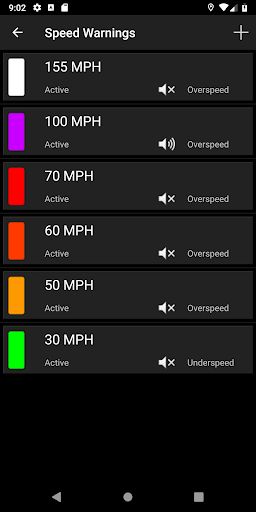
* Multiple Speed Warnings - have as many as you like. Set a color, trigger speed, built-in/custom/no alert sound. Trigger on overspeed/underspeed (possibly one for the pilots)
* Set any background color
* Profiles - create profiles for different activities or modes of transport and keep all their settings and values separate
* Pins - save locations you visit. Navigate there or view them in Google Maps later
* Log your routes and export to .KML, .GPX and .CSV file formats, or open in Earth if installed
* Day/Night mode - choose a different color and brightness setting for day and night. Auto mode automatically switches at sunrise and sunset
* Edit speed and distance values, like odometer, trip and max
* Optional start/stop on power connected/disconnected
* Litespeed - switch to 'Lite mode' when you go over a chosen speed
* Speedtouch Lock - turn off all screen touch events over a chosen speed
* Elapsed time (tap the clock to switch, and again for the clock)
* Tap compass for simple compass, bearing and odometer (tap again for classic compass)
* Speed offset - adjust the displayed value by up to +/-20%
* Hide unlit number segments - make those empty digits less distracting
* Google Map view (swipe speed right)
* Choose the number of decimal places to show for values, up to two
* Speed can optionally be to one decimal place
* Compatible with Samsung's Multi-Window & LG's Dual-Window Modes
If you have any suggestions please email the address at the bottom of this listing.
*This application requires the use of the GPS receiver, which may increase battery usage.*
Privacy etc:
There never will be third-party Ads, however the app may tell you about other DigiHUD usage opportunities.
DigiHUD Pro uses an internet connection (if available) for the Google Map, address lookups and crash/analytics reporting. Please review Help within the app for more information.
It will work with no data or cell connection.
If you have any problems using DigiHUD Pro please check the
FAQs
or
contact us
.
* Bug fix: Floating Window freeze/crash








9Apps 4.9