

IMPORTANT NOTE
: Before running Mobile Martus, you (or someone you designate) must have a Martus desktop client account set up on a computer to receive your Mobile Martus data, and you will need that account info to configure Mobile Martus.
If you do not already have it, you can download the Martus desktop client and follow the installation instructions in the Reference Guide at https://www.martus.org.
Mobile Martus is a secure, Android-based mobile documentation application built on Benetech’s Martus technology, which allows human rights defenders, activists, journalists, and other users anywhere in the world to securely gather information about human rights violations.
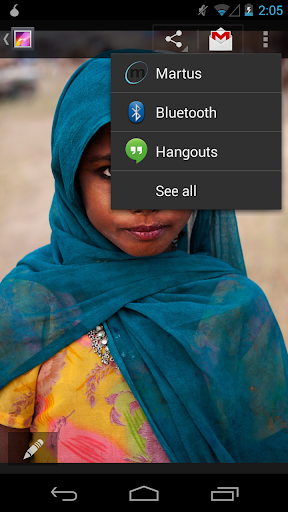
The Mobile Martus application allows users to send crucial data from the field—text, photographs, audio and video—to the Martus network of secure servers. The data is automatically encrypted on the mobile device, and when being sent to the server, so it is protected in case the device is lost, stolen or confiscated. A user—or someone they designate—can later retrieve their data, and can search, analyze and report on the information, using the Martus desktop client software (https://www.martus.org) on their computer.
Version 1.2.3
(2015-01.16 – 5.0.2)
- Fixed display issues and problems connecting to the Martus servers experienced by users of Lollipop (Android 5.0 ).
- Updated Arabic and Spanish translations.
- Added French and Portuguese translations as well as un-reviewed German and Polish translations.










9Apps 4.9














