Color Calibrator icon

Color Calibrator

1.5.4 for Android
3.4 | 1,000,000+ Installs | Reviews

HalfCycle

Description of Color Calibrator

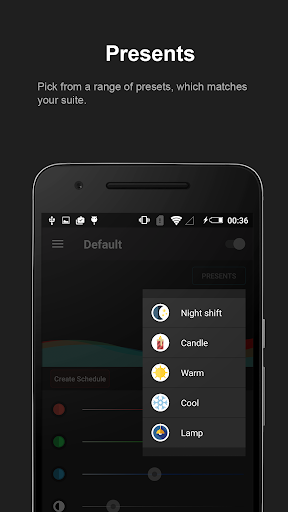
Color Calibrator can be used to reduce eye strain, by adjusting the screen colors to natural.
It can filter out the intense colors produced by your phone.
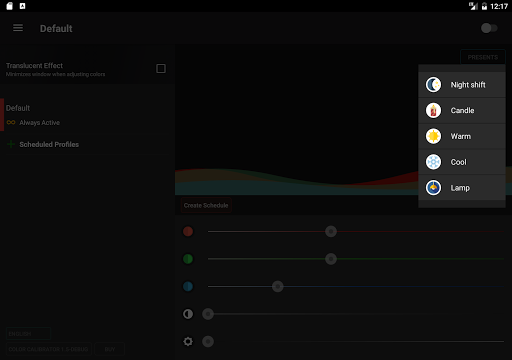
Features like night shift can also relief eye irritation and help you have a good night sleep.
Features:
- Blue light reduction
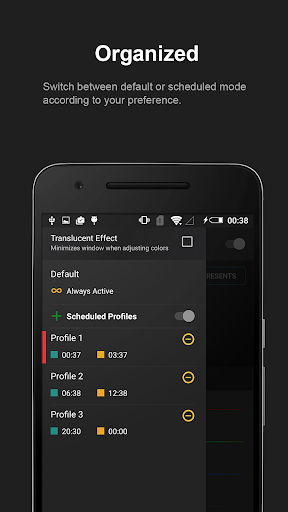
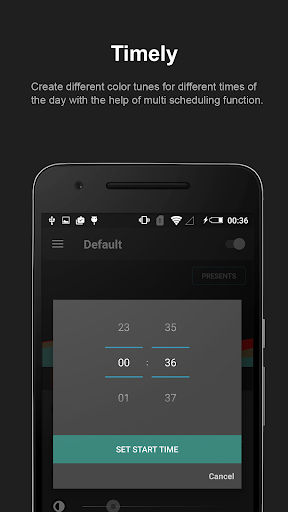
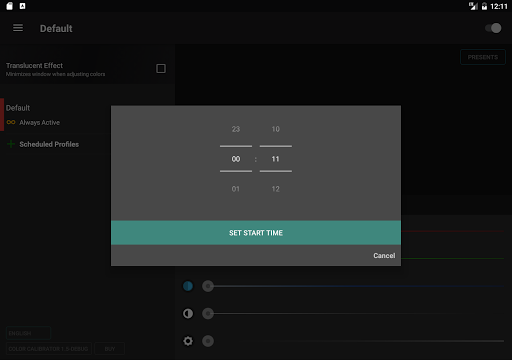
- Create multiple schedules
- Save power by built-in screen dimmer
- Eye protection from intense colors
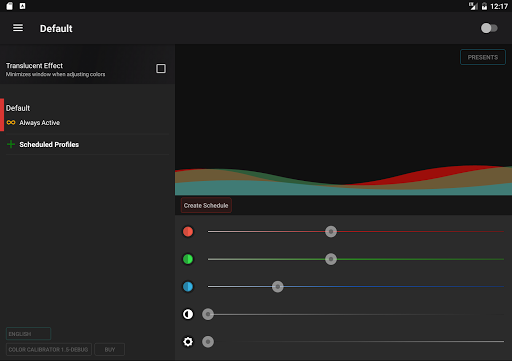
- Translucent effect, to set accurate colors
- Pre-adjusted configuration
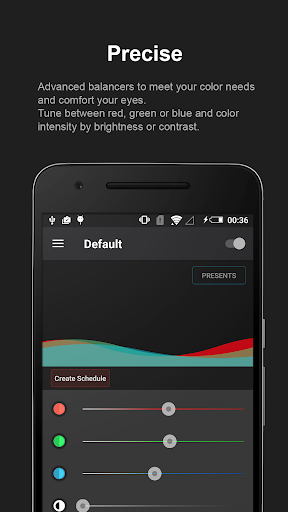
- Screen color adjust
Permissions:
- Run at start-up, To start the app again after restart
- Display system-level alert, To draw color overlay on top
- Network, To facilitate in-app purchase

What's New with Color Calibrator 1.5.4

Release v1.5.4 -
# Bug Fixes
- App switch not working properly on some devices

Information

  • Category:
    Tools
  • Latest Version:
    1.5.4
  • Updated:
    2018-11-19
  • File size:
    2.0MB
  • Requirements:
    Android 4.0 or later
  • Developer:
    HalfCycle
  • ID:
    org.halfcycle.cc
  • Available on:
Reviews
  • avatar
    It would have been nice if they did not design it as a blue filter but as a color booster and balance for phone display
    2020-10-20 01:44
  • avatar
    The app is actually pretty good ... I use it to reduce the yellowness on my galaxy s5 display so it looks brighter
    2020-10-05 11:58
  • avatar
    Basically you don't need the app because the same options are available in the Android settings. But by playing around with the app, I found the perfect white balance settings by coincidence.
    2020-09-28 11:08
  • avatar
    This is the best app ever guys my phone was so color full and also it will be dark when i start gaming but this app make it bright and it is easy to play u have to download it i appericiate that!!!
    2020-09-28 10:25
  • avatar
    Broken on Android 11 when rotating the screen horizontally- only the section of the screen that would be covered in vertical orientation has the color effects applied. Also sometimes deactivates, even before 11
    2020-09-20 05:03
  • avatar
    No information, instructions, or 'help' window, just a bunch of sliders to try and some presets -- very few presets at that. I was hoping to improve contrast in overly bright (and low color contrast) areas of games so I can see what I'm doing much better and win more often. What I really was looking for is gamma control. I guess this isn't the app for that, though it seems good for improving color balance issues.
    2020-09-07 12:32