
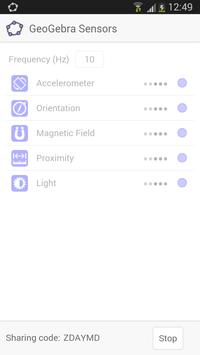
The GeoGebra Sensors app allows you to use the sensors of your mobile device in order to collect real life data and directly import it into the GeoGebra Web application.
HOW TO GET STARTED
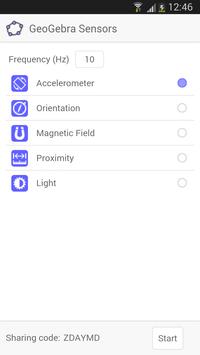
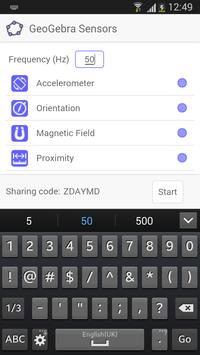
Open the GeoGebra Sensors app on your mobile device. Select the the sensor(s) you want to use and enter your desired frequency of the data transfer.
Then, open the GeoGebra Web application (see
http://web.geogebra.org
) in a web browser and activate the ‘Sensors’ option in the ‘View’ menu. Use the ‘Sharing Code’ provided in the Sensors app in order to activate the connection. You may also decide in which format the data of each sensor should be displayed in GeoGebra Web (e.g., Numbers, DataFunction, or List).
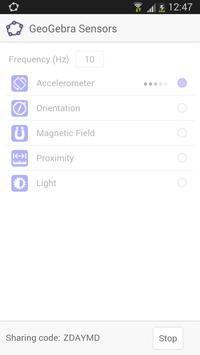
Press ‘Start’ in the GeoGebra Sensors app in order to start the data transfer.
SUPPORTED SENSORS
Depending on your mobile device, sensors to measure a selection of the following quantities will be available:
* Acceleration (m/s²): Measures the acceleration of your mobile device for all three physical axes. Note: The measurements include the force of gravity.
* Orientation (degree): Measures the orientation of your mobile device for all three physical axes.
* Magnetic Field (myT): Measures the magnetic field around your mobile device for all three physical axes.
* Distance (cm): Measures the distance between your mobile device and other objects. Note: Some sensors only distinguish between the values ‘Near’ and ‘Far’.
* Illuminance (lx): Measures the intensity of the light around your device.
translations added





9Apps 4.9













