

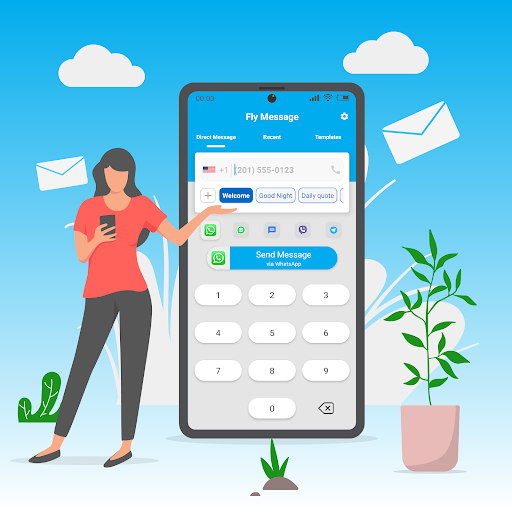

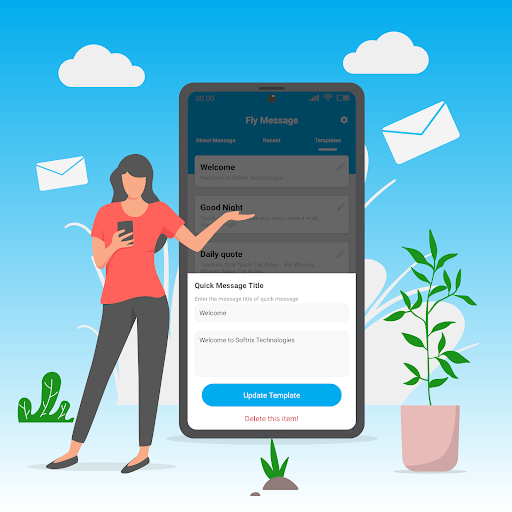
Direct Message via WhatsApp allows users to send chat messages to any number via WhatsApp and other favorite messengers without saving number into contacts. Just type your desired number, type message body and press 'Send' button to initiate conversation in WhatsApp app. This app also supports WA Business, Viber, Telegram, and Messaging App, and more favorite chat apps in android.
How to Send Direct Chat Messages via WhatsApp?
1. Open "Fly Message App" and type or paste any number in the given box.
2. Enter text to send, and proceed to next step.
3. Press 'Send' Button to initiate conversation in WhatsApp, Viber, or Telegram app.
4. Attach media file in WhatsApp or other supported apps and send your message.
It is a very simple app and requires very less knowledge about sending your WhatsApp Messages directly without saving number into contacts.
Most businesses require communication with their new customers via WhatsApp and other messengers, but for every new customer they have to save number into contacts to initiate a new conversation. But with this app, you will not need to save any ghost contacts to communicate via these messengers and simple you can start new message by typing any mobile number, entering body text, and click 'send' to initiate a new chat.
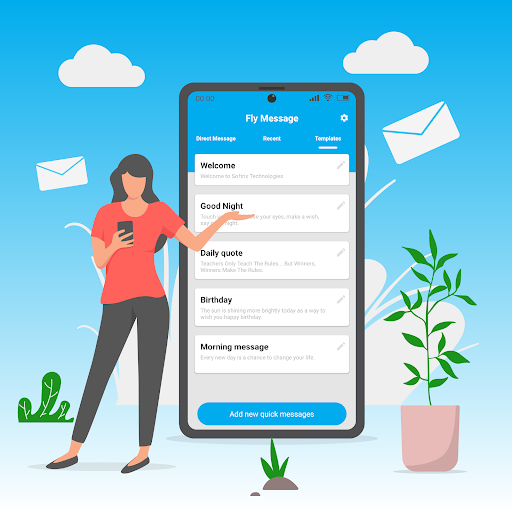
How to save chat templates in this app?
- Just type number, and click " " plus button to add a new template for sending your direct chat message. Type the body of template, and save it. By default, the newly created template is selected and ready for initiating the conversation. As soon as you click 'send', it opens WhatsApp or any other selected favorite messenger, and automatically fills in the text in your favorite messaging app to start conversation.




9Apps 4.9















