
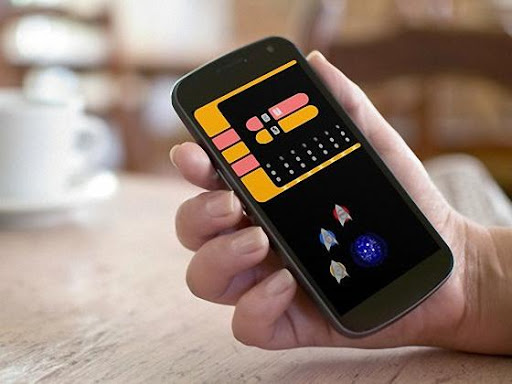
For all Star Trek Fans around the world: This is your LCARS Alarm Clock!
We give you:
• Android wear support.
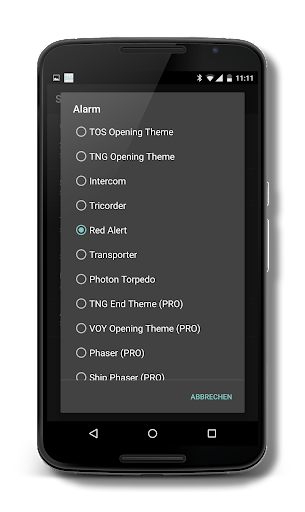
• selection of Star Trek sounds to set as alarm tone.
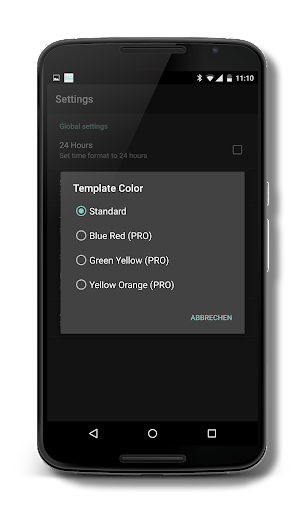
• different theme colors (PRO Version).
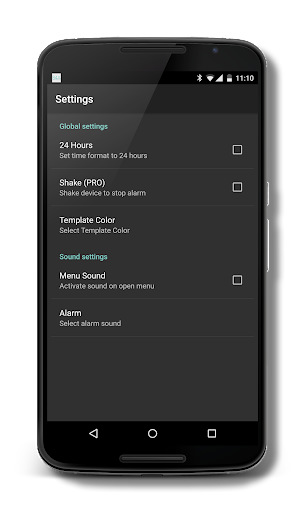
• 24-hours option.
• shake device to stop alarm function (PRO Version)
• possibility to disable menu sound.
• Quick Alarm.
• weekly repeating alarm.
Differences PRO Version:
• NO Ads.
• More Star Trek sounds to set as alarm tone.
• Three additional theme colors.
• Shake device to stop alarm.
QUICK TUTORIAL:
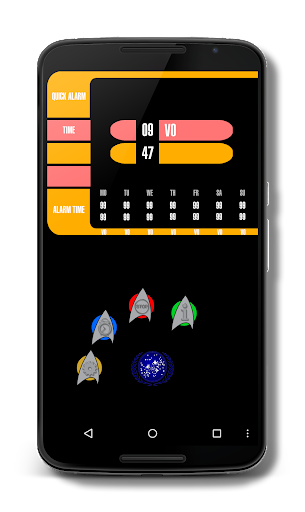
Tap the menu button on the bottom to open menu.
There are four menu icons:
- Settings (yellow)
- Quick Alarm (blue)
- Stop (red)
- Info (green)
Set Quick Alarm:
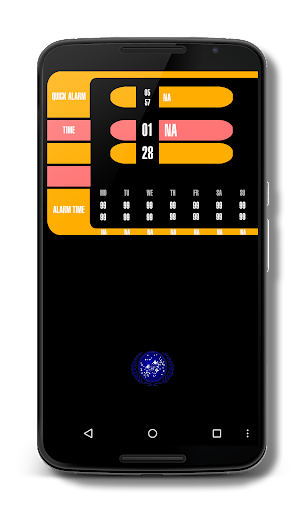
Tap the Quick Alarm icon to set alarm time. After setting the alarm time, the Quick Alarm time appears on the of the screen. To cancel the alarm, tap and hold the Quick Alarm icon.
When alarm starts, tap the Stop icon. Alternative you can shake your device to stop alarm (a option for PRO Version).
Set weekly Alarm:
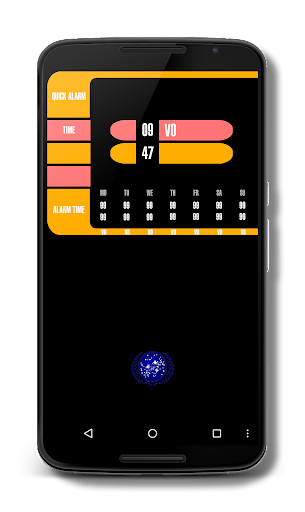
Tap on the time of the day you want to set (standard 99:99).
To cancel the alarm, tap and hold the alarm time of the day.
When alarm starts, tap the Stop icon. Alternative you can shake your device to stop alarm (a option for PRO Version).
Android Wear:
Do you have a Smartwatch with android wear? Great! When the alarm appears on your Smartwatch, slide card to left and tap on your Smartwatch to stop alarm.
For more information about LCARS Alarm Clock, visit us at www.androidtec.org
- Bug fix
- increased compatibility (min. API level 14)




9Apps 4.9













