

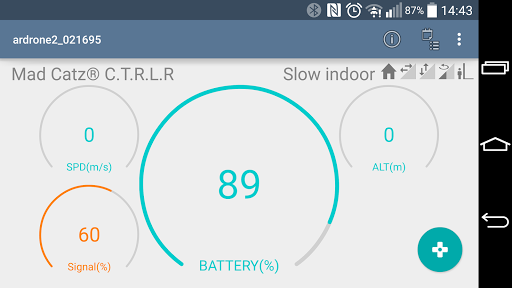
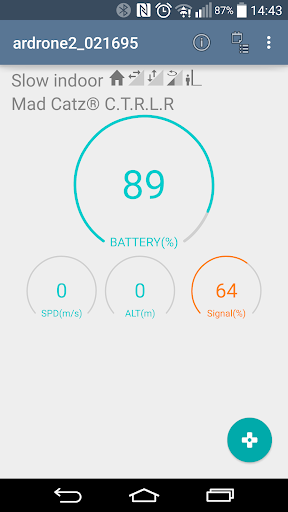
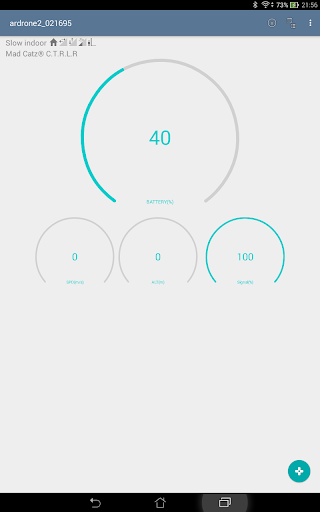
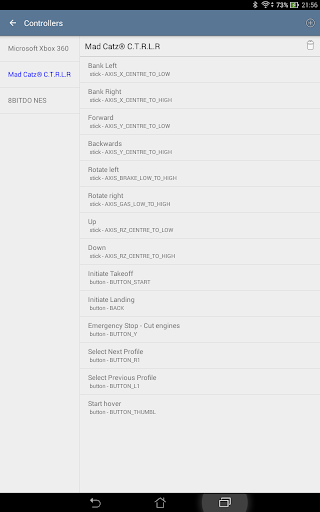
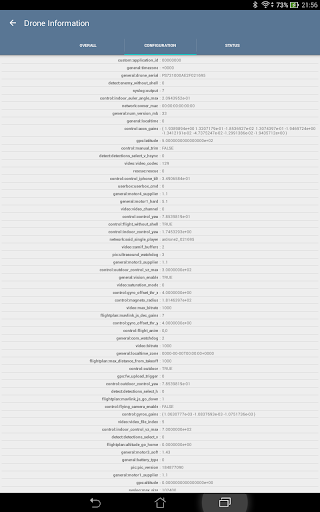
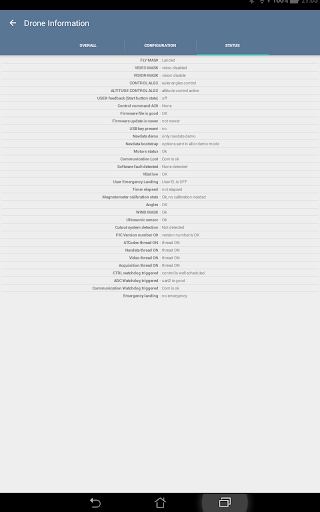
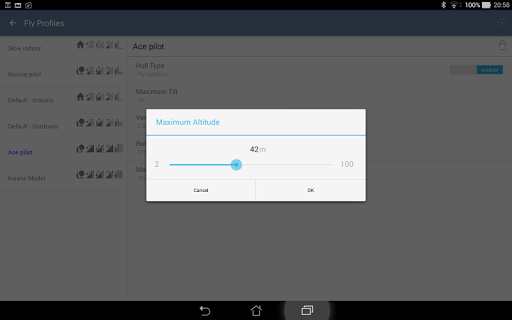
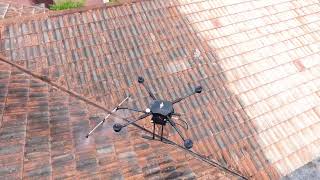
Intuitive flying of your A.R. Drone (no support for Bebop yet) with a standard USB or Bluetooth controller like the Playstation, Xbox, or Mad Catz Controller. Handle your drone with analog sticks and precise movements.
Required hardware
•
Parrot AR.Drone 2.0
- running the latest firmware;
•
Bluetooth or USB gamepad/controller
- Xbox, Playstation, Mad Catz Controller, or any other Bluetooth or USB input device.
(If you use USB, you might also need a USB-OTG (On-The-Go) cable. You can buy those online (like at Amazon) for around $1.)
Features:
•
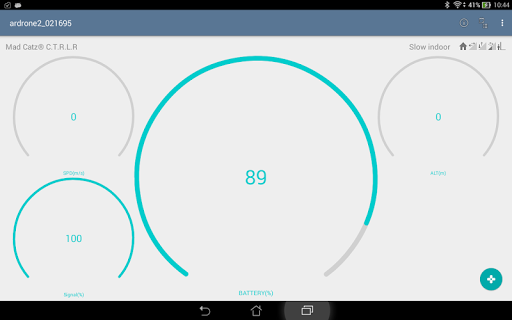
Control drone with a Bluetooth or USB controller/gamepad;
•
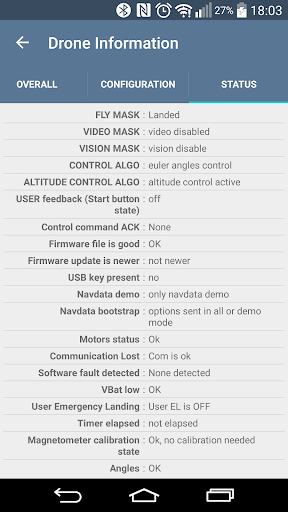
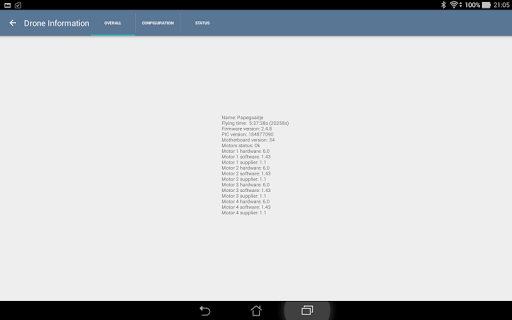
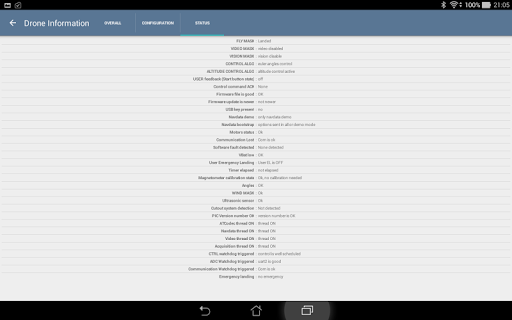
See drone status and configuration;
•
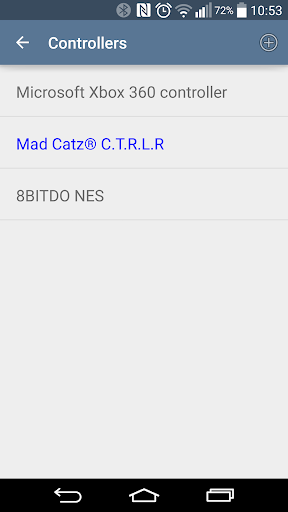
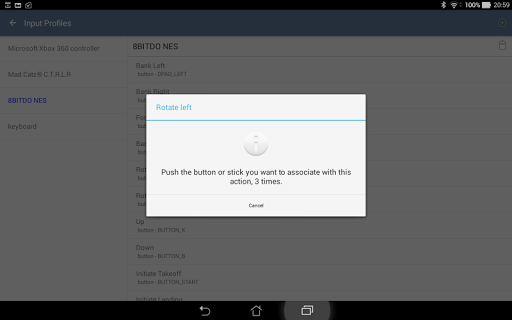
Customizable Controller Profiles
- Completely configure the controller/gamepad's behavior;
•
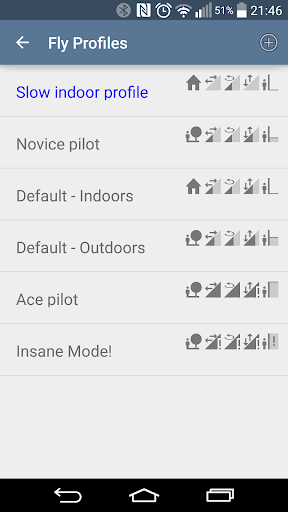
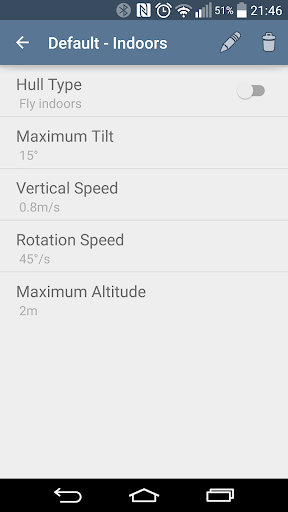
Customizable Fly Profiles
- Change fly behavior speeds, max altitude, etc.
Features to come:
•
USB Video recording;
•
Detailed drone configuration settings;
•
Fly Animations;
•
Absolute movement;
•
Easy cornering: automatic yaw/pitch.
Covering our behinds
Controlling a robot is potentially dangerous. Flying a drone is no different. Please fly responsibly! We put serious effort in making our app safe but many external events influence flight behavior so we cannot guarantee absolute control at all times. We recommend you fly your drone in a safe area, no matter which control device (be it an app or hardware controller) you use to control it.








9Apps 4.9














