

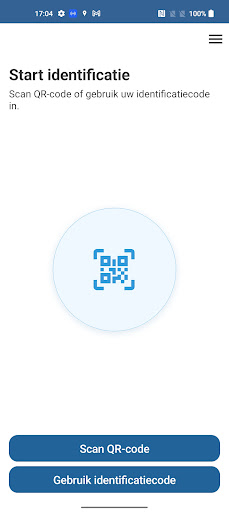
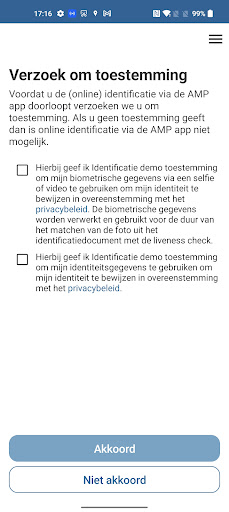
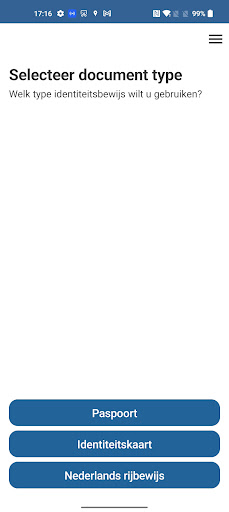
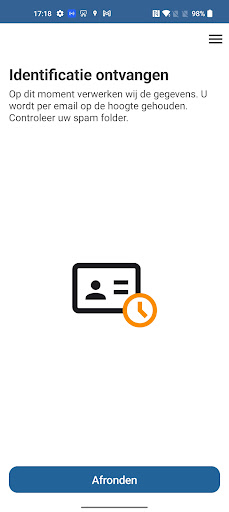
With our identification app, we are the link between applicant and you. Simply download the app, scan the QR code you received from us and start your online identification.
When do you use AMP Group's identification app?
You have submitted an application to one of our clients and need to be identified for it. This identification process will be handled by AMP Group.
How does the online identification work?
- Scan the QR code or enter your ID code manually
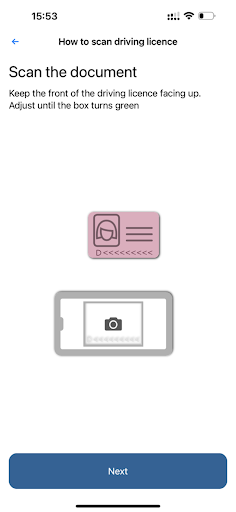
- In the first step, the ID proof is scanned with the phone's camera. This reads the MRZ code and recognizes and classifies the type of document.
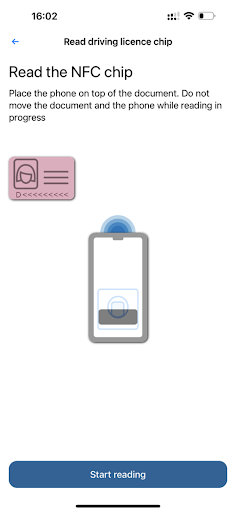
- Next, you are given instructions for reading the chip via the phone's NFC reader.Among other things, the certificate of the chip is checked for authenticity.
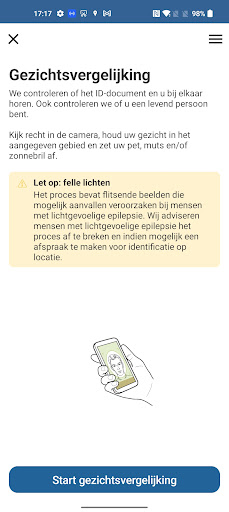
- In the final step, during facial comparison, we check whether the holder of the ID certificate matches the photo on the chip.
What do you need for successful identification?
We would like to give you some tips so that identification goes smoothly and without problems. Make sure that you have
- Have a stable internet connection
- Have a valid ID document at hand
- Have a smartphone with a camera
- Are in a room with enough natural light
More information about AMP Group's identification app can be found at: https://ampgroep.nl/wat-we-doen/identificeren/identificatie-app/
It is simple. During the identification process, you will be explained exactly what the steps are for a successful identification.
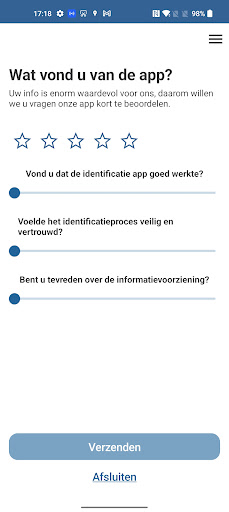
SDK update and rate the app






9Apps 4.9














