


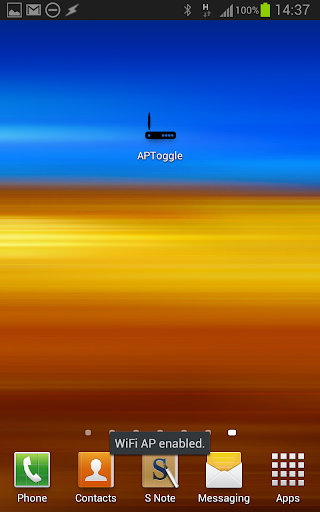
Activate your WiFi Hotspot / Access Point / Tethering Mode with one click.
Note:
Due to Android changes this app will no longer function starting from Android 8.0
Quick usage guide:
Please touch the app icon and wait a few seconds for the phone to enter HotSpot/WiFi tethering mode. Touch it again to deactivate.
There is no additional interface. The app will announce the current mode by a quick text overlay when activated. To set up additional HotSpot properties please use the settings menu of your phone.






9Apps 4.9














