
Useful for STEM education, academia, and industry, this app uses device sensor inputs to collect, record, and export data in comma separated value (csv) format through a shareable .csv file. Data can be plotted against elapsed time on a graph or displayed digitally. Users can export the data for further analysis in a spreadsheet or plotting tool. This app also generates tones, colors, and a stroboscope. See www.vieyrasoftware.net for a variety of usage ideas for STEM education.
This app includes all capabilities of Physics Toolbox Sensor Suite plus the following additional features:
- Audio Analysis (Oscillocope functions, Spectrum Analyzer)
- Calibration
- Data Alert
- File loading after recording
- Moving Average data filter
- Kalman data filter for g-force mode
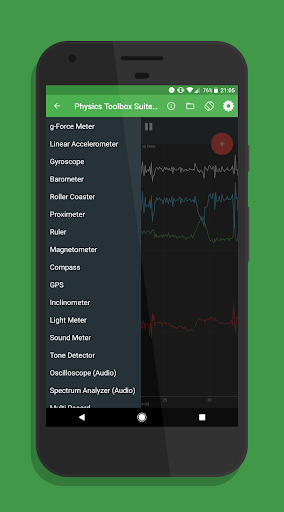
A menu allows the user to sense or generate the following (dependent upon the user’s mobile device capabilities):
SENSORS
(1) G-Force Meter - ratio of Fn/Fg (x, y, z and/or total); automatic calibration to (0, 0, 1); moving average ; Kalman filter
(2) Linear Accelerometer – acceleration (x, y, and/or z); automatic calibration to (0, 0, 0); moving average
(3) Gyroscope - radial velocity (x, y, and/or z); automatic calibration to (0, 0, 0); moving average
(4) Barometer - atmospheric pressure; manual calibration by selecting offset values ; moving average
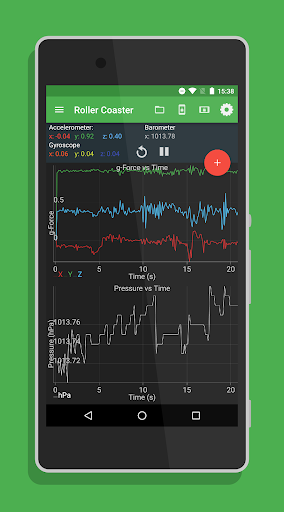
(5) Roller Coaster - G-Force Meter, Linear Accelerometer, Gyroscope, and Barometer
(8) Proximeter - periodic motion and timer (timer and pendulum modes)
(9) Ruler - distance between two points
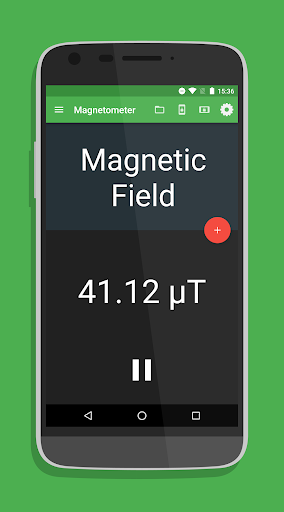
(10) Magnetometer - magnetic field intensity (x, y, z and/or total); automatic calibration to (0, 0, 0) ; manual entry for alert setting; moving average
(11) Compass - magnetic field direction and bubble level
(12) GPS - latitude, longitude, altitude, speed, direction, number of satellites
(13) Inclinometer - azimuth, roll, pitch
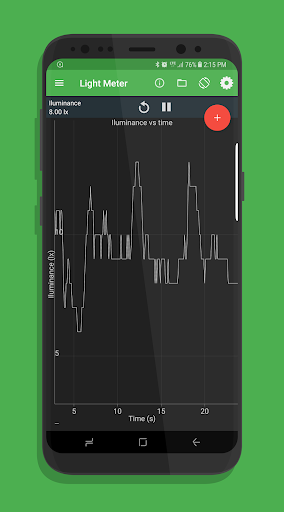
(14) Light Meter - light intensity manual calibration by selecting offset values ; moving average
(15) Color Detector - detects HEX colors within a small rectangle area on the screen via the camera.
(16) Sound Meter - sound intensity
(17) Tone Detector - frequency and musical tone
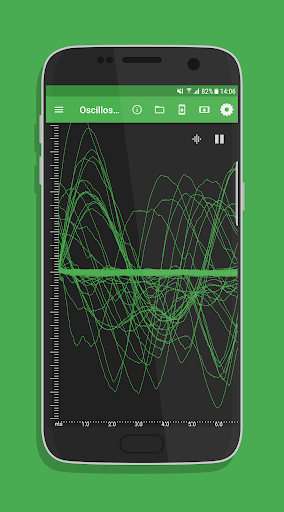
(18) Oscilloscope (audio) - wave shape and relative amplitude
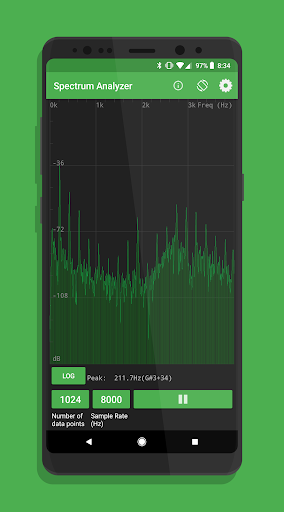
(19) Spectrum Analyzer (audio) - graphical FFT
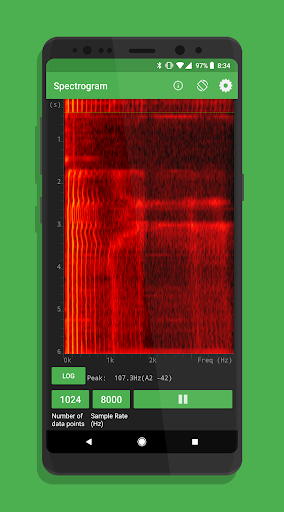
(20) Spectrogram (audio) - waterfall FFT
MULTI RECORD
(21) Multi Record
GENERATORS
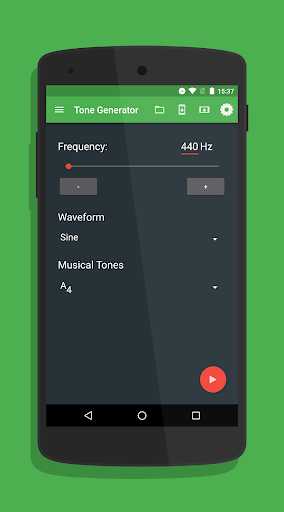
(22) Tone Generator – sound frequency producer
(23) Color Generator – R/G/B/Y/C/M, white, and custom color screen
(24) Stroboscope (beta) - camera flash
In multi record, users choose one or more of the above sensors to collect data at the same time. Files can be easily named before export, or saved to the device's internal for easy organization and retrieval later on.
Additional features include the ability to record data with clock time or elapsed time, select either the comma or semicolon as the csv delimiter, change line width on graphs, modify the relative sensor collection rate, and maintain the screen on at all times.
Permissions Explained:
Location
Used to calculate the azimuth.
Photos/Media/Files
A csv file is created and modified on the phone's internal memory.
Microphone
The app has a sound meter mode that analyzes sound using the microphone.
Updated the timestamp precision.
Spectrum analyzer bug fixes.
Gyroscope settings bug fixes.
Barometer settings bug fixes.








9Apps 4.9