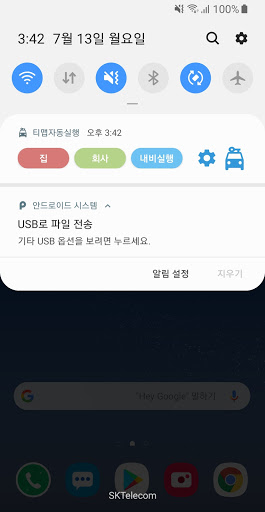
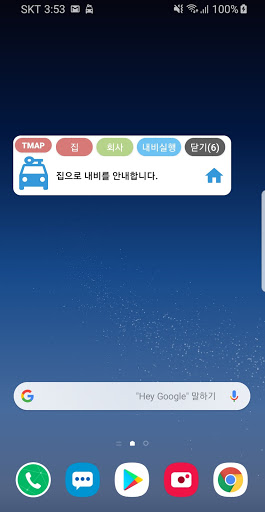
★ Basic usage
1. Set the "home" address.
2. Set the "company" address.
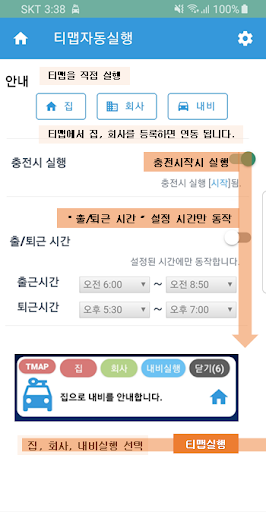
3. Connect power (charging) to the mobile phone. (Wireless charging possible)
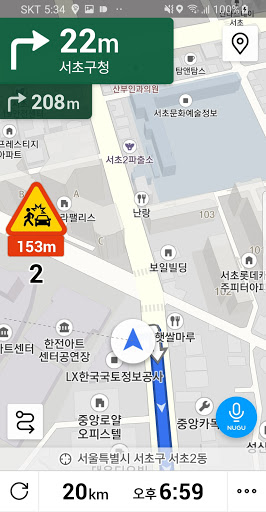
4. "T-map navigation" starts automatically.
-In the "am", "company" information.
-In the "afternoon", the "home" guide.
※ Function to update the work/commuting time is scheduled.
5. Settings
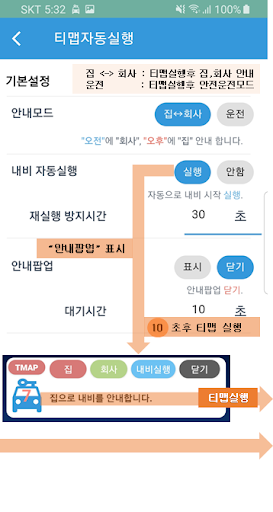
-If you set "Navi Auto Run" to "Run", you can start the guidance immediately.
-When "Popup (Overlay)" is set to "Show", the icon is always displayed.
-If "Pop-up" closes too quickly, adjust "Pop-up (Overlay)"-"Wait time".
-You can set "Guide Mode" to Home
Favorite, Driving.
-You can turn off "Run on charge" and have your guide run directly.
◆ What you can do
-When connecting power (charging, starting a car),
"T-map navigation" automatic guidance starts.
1. Resize the alarm icon
2. Change the internal processing logic when clicking the alarm house, company, navigation button (more naturally).
3. When setting the popup icon "Show": Modify to always show the popup icon.
4. Apply in-app updates


9Apps 4.9