


Key Features
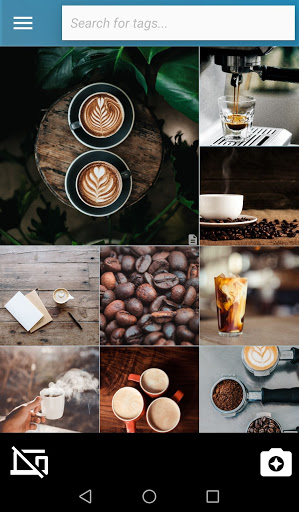
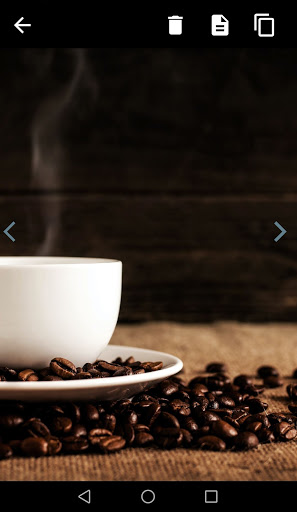
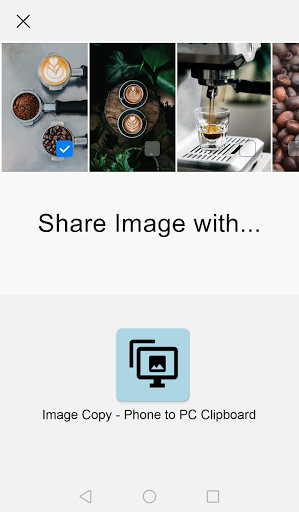
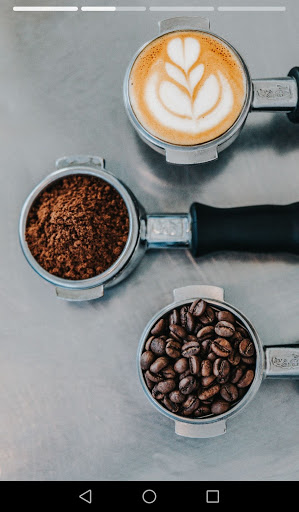
📷 Take photos with your smartphone (or share from gallery)
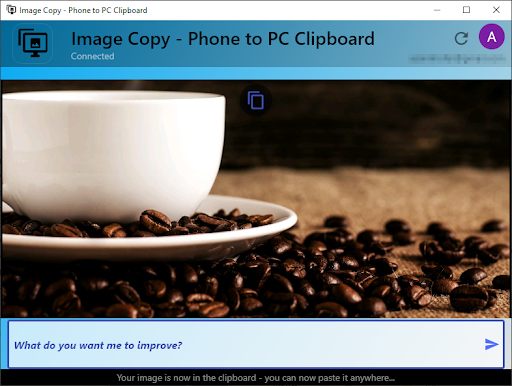
💻 The images are transfered to the clipboard of your PC
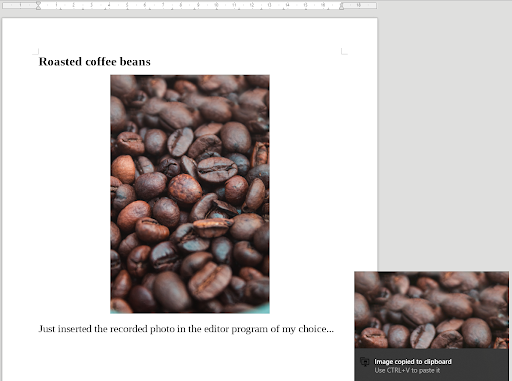
📋 Paste the images anywhere on your PC (e.g. by CTRL V)
Benefits
💻 Easy pairing mechanism with your PC
🖼️ Quick transfer of images to your PC clipboard in real-time
📰 Simple inserting of images on your PC with one click
⏱️ Efficient by avoiding manual transfer, selection and copying
🔒 Secure by signing-in with your Google account
How does it work?
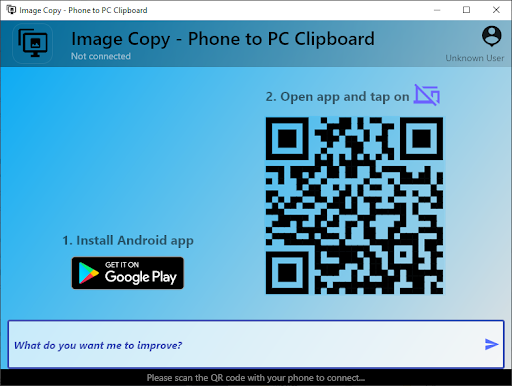
1️ Run the desktop app on your PC
2️ Pair the mobile and desktop app
3️ Take photos with your phone → they appear in your PC's clipboard
4️ Paste them anywhere on your PC
Possible Application Areas
⭐
General:
In all situations, where you want to immediately use your images on your PC (e.g. scanning documents with your smartphone)
⭐
Business analysis documentations:
Create real-time documentations/protocols by incorporating captured images in real-time
⭐
Meeting minutes:
Enhance real-time meeting protocols by including images of physical drafts (e.g. flipchart, whiteboard, hand-written papers, etc)
⭐ Paste images from your phone in your PC's folders and documents
⭐ Improved performance and added feedback section to further improve




9Apps 4.9














