

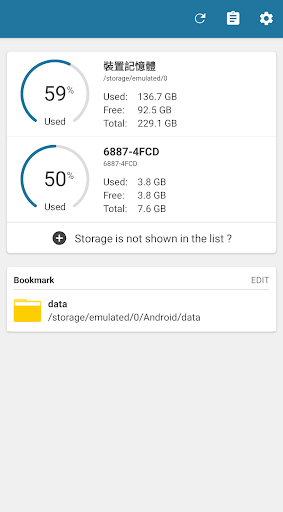
A tool that manage large amount of files efficiently and easily.
What is this ?
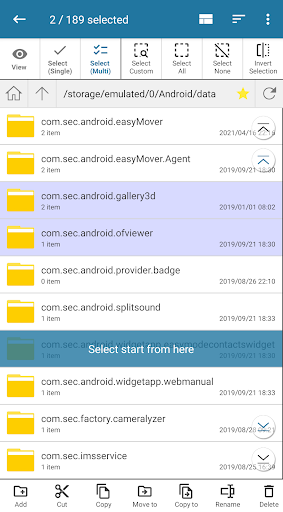
A file manager that provide different ways to select the file, with below features:
1. Select Mode
- Single
- Multiple
2. Select Option
- Select All
- Select None
- Invert Selection
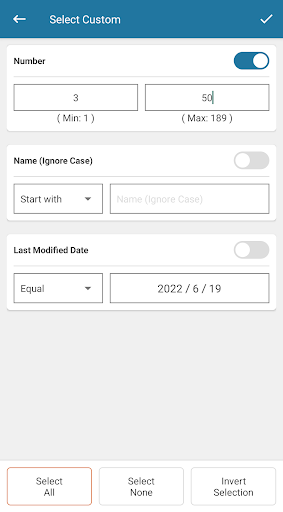
- Select Custom - Number
- Select Custom - Name (paid feature)
- Select Custom - Date (paid feature)
Advanced renaming provides the following features:
1. Most common method
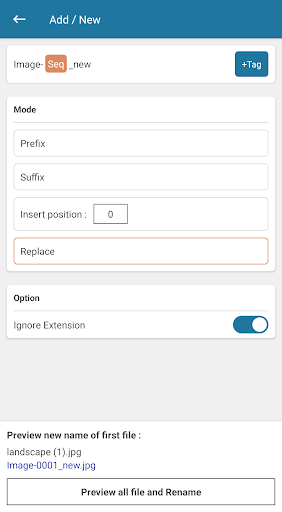
- Add / New
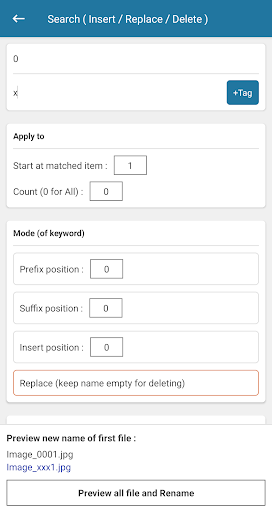
- Search ( Insert / Replace / Delete )
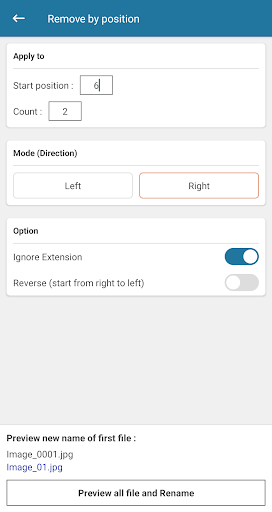
- Remove by position
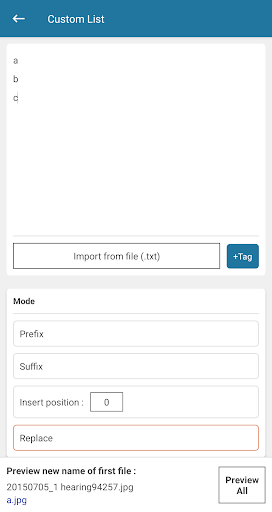
- Custom List
2. New name can contain dynamic "tags"
- Name of the file without extension
- Name of the file with extension
- Extension of the file (without dot)
- Sequence of number (custom format)
- Date time of the file (custom format)
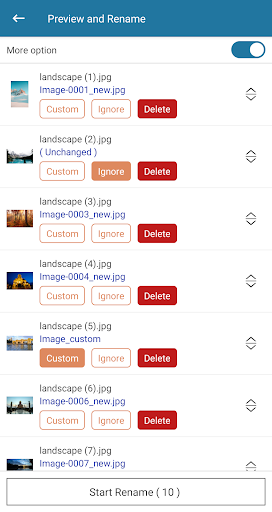
3. Advanced preview list
- Ignore a file
- Set custom name
- Sorting
Why you need this ?
There are many file manager on the market, but most of them only can select files one by one. This app let you select multiple files easily.
FAQ
Q1: Where is my activation code ? [deprecated]
A1: After an in-app purchase, a dialog will appear asking you to enter an email address to receive the activation code. After that, the app will be automatically upgraded to premium version. If you missed the dialog asking for your email address, go to "Settings" page --> Click "Upgrade to premium version" --> Click "Yes, please". If the purchase is detected successfully, the dialog will be displayed again.
* If you did not receive the email, please check spam / junk mail box
* The code will be used when reinstalling the app
* Each code can only be activated on one device
*** Important ***
1. Tested on Android 5, 6, 7, 8, 9, 10, 11, 12
2. This application has been extensively tested. Despite that, we will not be responsible for any data loss or damage.
► 2.2.0
1. Supports Samsung Dual Messenger (multi-user profile)
2. Bug fixed and little improvement
- Rename tag: Time
► 2.1.0
1. Temporary update for accessing the Android 13 data folder
2. App optimized
- dependencies version updated
3. Bug fixed
► 2.0.3
1. Bug fixed and little improvement
- Rename method: Search (Regular Expression)
► 2.0.0 - 2.0.2
1. New UI
2. App optimized
3. Supports multiple devices (premium feature)
4. More



![How to batch rename files in CX File Explorer [Step By Step Guide] screenshot 3](https://i.ytimg.com/vi/b343HY623Gc/mqdefault.jpg)







9Apps 4.9















