

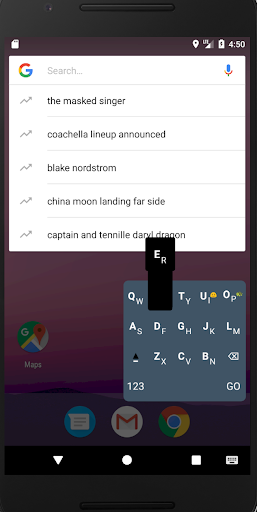
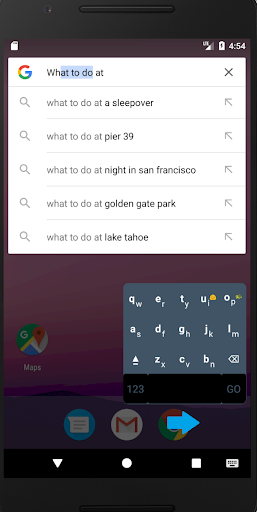
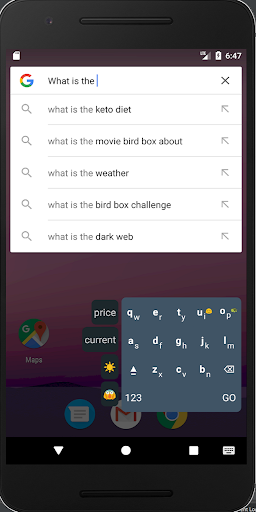
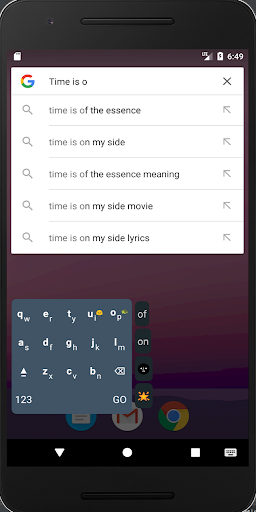
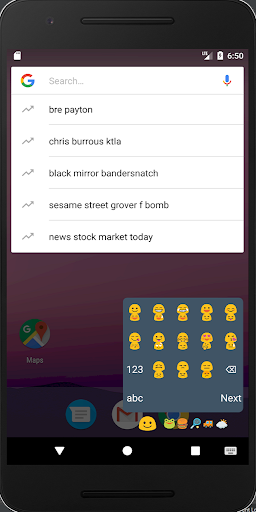
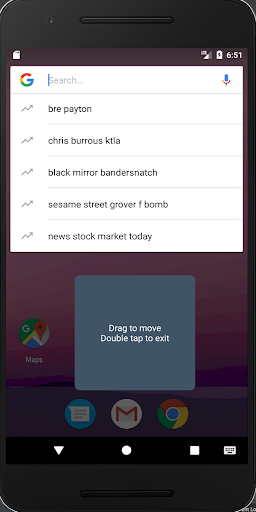
Early Demo for an enhanced one-hand typing/text-area-selecting experience on a half-qwerty layout using a stacked Long Short Term Memory neural network trained with Twitter data:
-Predicts intended character when a pair of characters is tapped based on surrounding words, surrounding letters, and word frequency
-One action per character for non predictive typing. A tap on a key will choose the top character shown in that key. A down flick on a key will choose the lower character. Tap the textbox below the keyboard to apply the non-predictive word a space character.
-Swipe horizontally on the third row to move the cursor
-Swipe horizontally on the fourth row to start selecting surrounding characters. After at least 1 character is selected, swiping the third row horizontally will modify the selected region by moving the other cursor.
-Long press on the Green Turtle emoji to move the keyboard around, double tap to get back
-Long press on the Smiley emoji to go to Emoji layout
-Double tap on empty space on the other side (horizontally) of the lower screen to move the keyboard over (for changing hand)
-2 next best emoji predictions and word predictions appear on the left textboxes. Tap to apply.





9Apps 4.9













