Volume Notification icon

Volume Notification

1.0.7-alpha3 for Android
4.4 | 100,000+ Installs | Reviews

Seht

⚠️ You need 9Apps App to install .XAPK File. How to install XAPK?

Description of Volume Notification

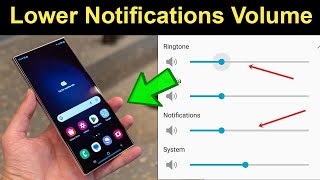
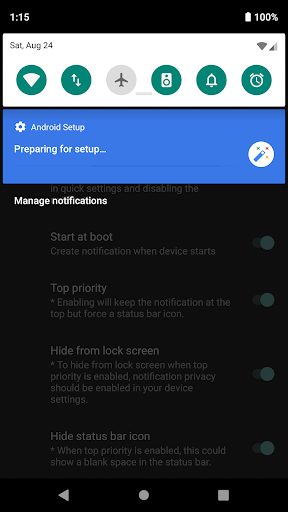
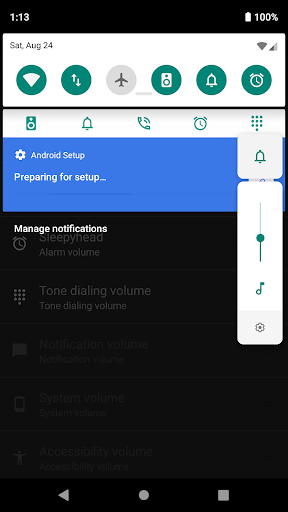
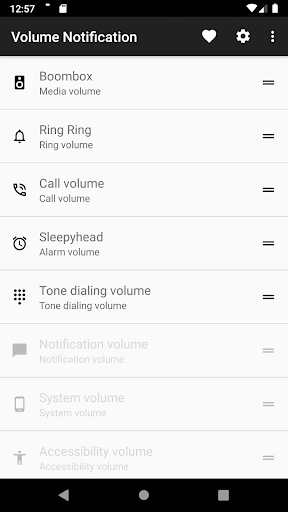
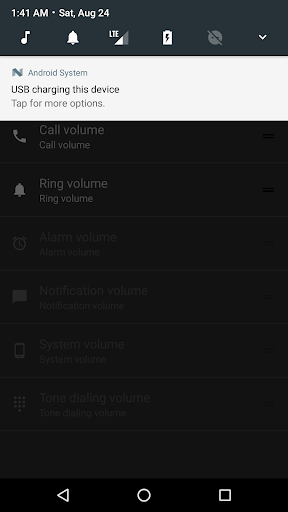
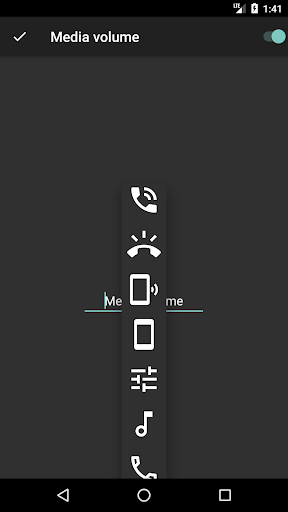
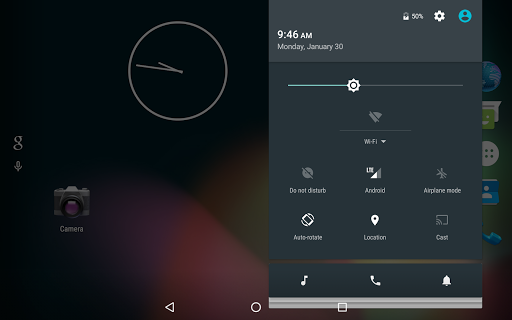
Access your device's sound sliders straight from the notification drawer!
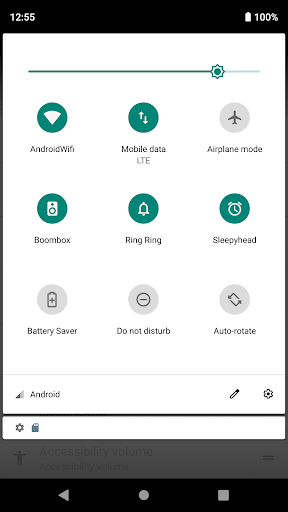
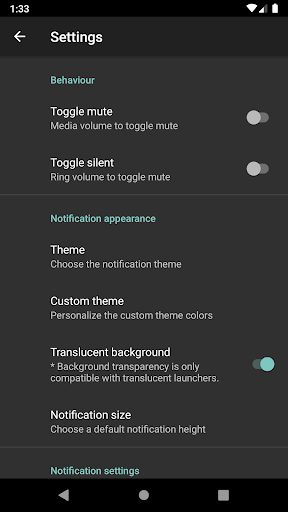
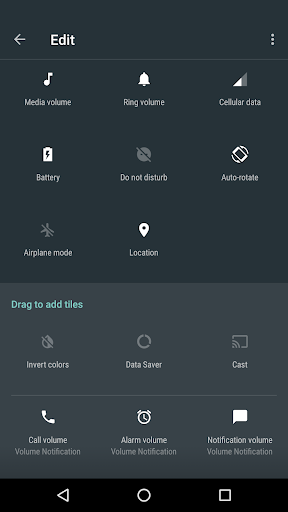
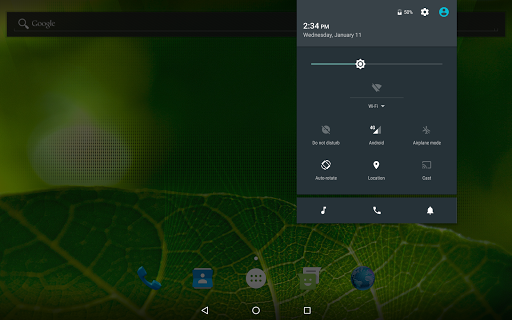
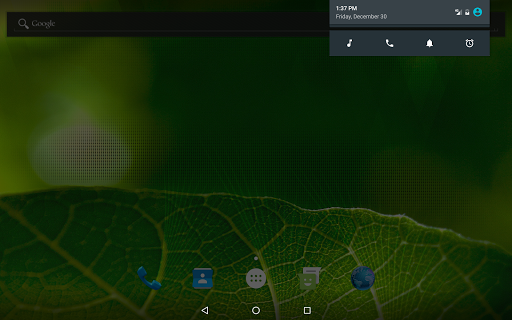
Featuring quick settings tiles for Android N and a discrete notification that matches your launcher for Android 5.0* and above. You'll only notice that it's there when you need it.
This tight little app becomes particularly useful when you want to keep or share any media streaming during a voice call. Or simply when access to physical volume buttons is limited or you just fancy a full touch device.
But it can also be a life saver, when you need to quickly toggle that background audio. Never wished you had it? Well, now you do!
This application is open source and does not require any special permissions.
Please feel free to file any issues or feature requests. Your feedback is always appreciated!
* For Android 4.x please download the v0.9.5 release directly from GitHub.
https://github.com/seht/volumenotification/releases/tag/v0.9.5
** If your phone controls both the notifications and ringer volume with the same slider this app will not be able to control them separately.

What's New with Volume Notification 1.0.7-alpha3

## When updating from an old version, please reinstall and the clear app data. ##
- Fixed custom theme preference
- Fixed repeating notification
- Fixed new app icon
- Exported background service receiver (to external apps)
- Android 4.x support has been deprecated (please use v0.9.5 from GitHub)
If you find any issues please file a report on GitHub or send me an email. <3

Information

  • Category:
    Tools
  • Latest Version:
    1.0.7-alpha3
  • Updated:
    2019-09-09
  • File size:
    918.5KB
  • Requirements:
    Android 5.0 or later
  • Developer:
    Seht
  • ID:
    net.hyx.app.volumenotification
  • Available on:
Reviews
  • avatar
    Tapable area is to smaller. can u plz increase the area. Also u can implement slider bar in same area where current button is appear. No need to show separate vertical slider bar for it. Tnq
    2020-10-17 07:12
  • avatar
    Great one..this is what i am looking for..Thank you a lot dev and its a very well made app!!
    2020-10-16 01:11
  • avatar
    Very useful for me, my phone is Redmi 9 running miui 11, this app is perfectly compatible with system notification bar.
    2020-09-21 06:39
  • avatar
    Recently this app started to malfunction after working for sometime in my POCO F1
    2020-09-17 06:13
  • avatar
    Simple and effective. We need more apps like this. Functional and no hassle
    2020-09-01 01:59
  • avatar
    I would have kept it and rated 5 stars but even though it works well, the notification bar where the controls are located is always pushed all the way down despite having all the proper configuration options checked and that's a problem when you have lots of notifications and want to keep the controls at the top.
    2020-08-16 01:06