
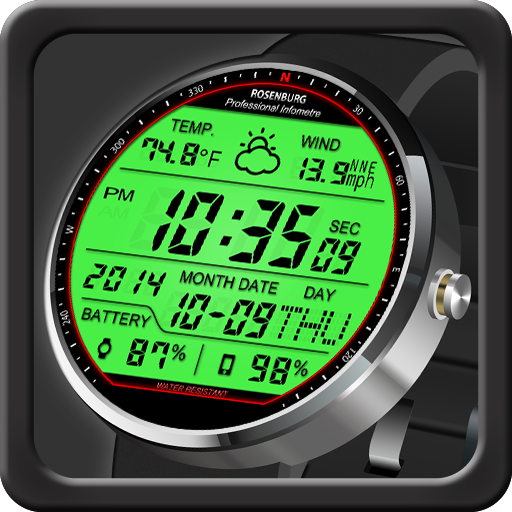

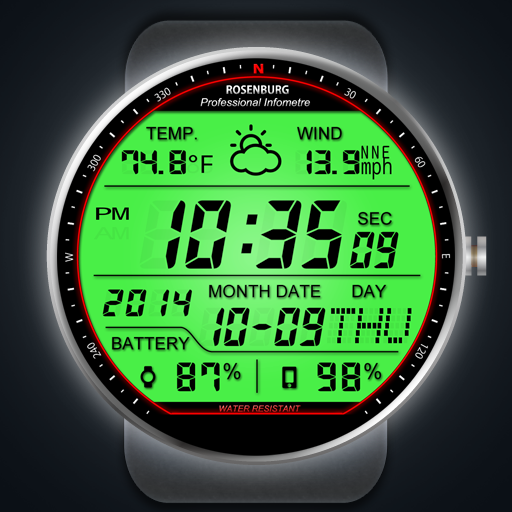
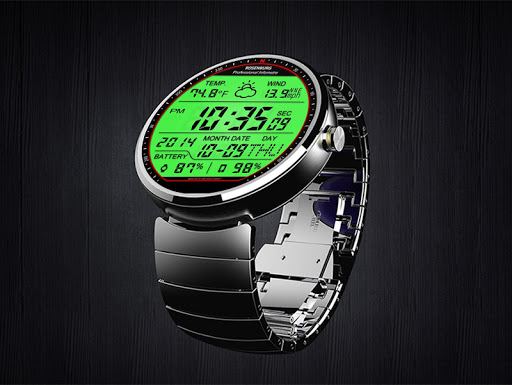
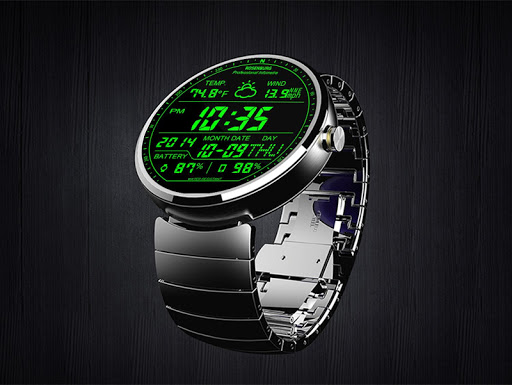
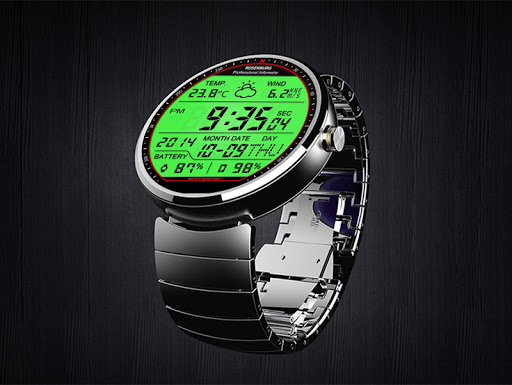
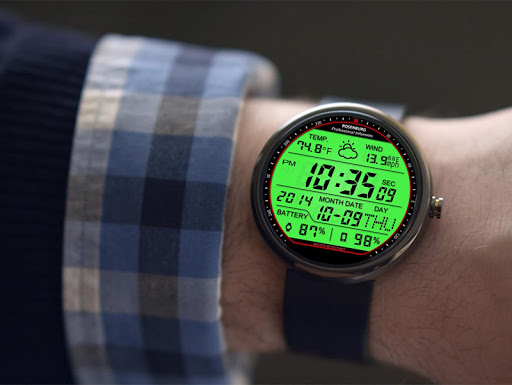
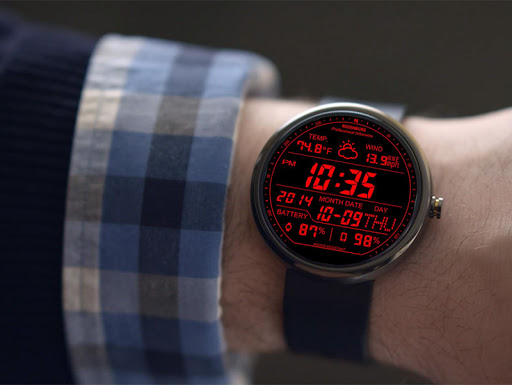
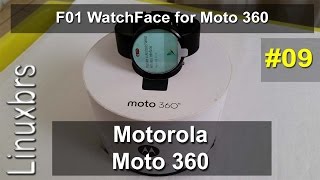
Custom watch face for Moto 360 / Moto 360 2nd generation (Android Wear)
Features
- Awesome designer's watch face for you.
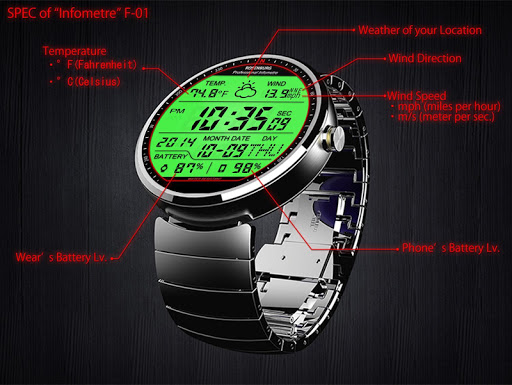
- show wear's battery level (0%-100%)
- show phone's battery level (0%-100%)
- show weather
- show temperature (°F or °C)
- show wind speed
- show wind direction
More watch faces for Moto 360
- Visit our exclusive watchface collections for Android Wear on the Play Store
http://goo.gl/aEm45T
For Android 6.0(and higher) phone users
Need to do following setup procedure after installation.
http://androidwearface.com/for_android6_users/
Installation
It will be installed on your watch automatically from your phone paired with your watch after a short time and please wait.
After installation,you can choose the watch face from the setting menu.
Or just long tap on the current watch face screen,so watch face selector screen will open.
Weather Feature
Option to set your location
- Automatically set your location by using location provider.(Low battery consumption)
- You can set your location manually.(No battery consumption)
Keep your phone's connection to wear to display weather.
Needs PERMISSIONS
It needs following permissions.
- INTERNET (Download weather information)
- FINE_LOCATION (Specify your location automatically)
Please Note
* F01 WATCHFACE MAKES NO GUARANTEE OF VALIDITY OF WEATHER.
* Please note that technical specifications are subject to change without notice.
Settings:Support color mode changing
- Auto switch Color mode and Black-and-White mode (when dimmed)
- Always Black and White mode
Settings:Support Black-and-White mode's color change
- You can select Black-and-White mode color from among seven colors.
Select 'Color filter at the time of the Black-and-White mode' on the setup screen.
Settings:Temperature Unit
- °F (Fahrenheit)
- °C (Celsius)
Settings:Barometer Unit (Pressure)
- in. (inchHg)
- hPa (hect pascal)
Settings:Wind Speed Unit
- mph (miles per hour)
- mps (meters per sec)
* Tap the watchface icon on your PHONE to setup.
Please note
- If you don't like this model please cancel your order in 15 minutes. And try another watch face.
*Smartphone and Moto 360 (Android Wear) must be paired before you use it.
[NOTICE]
If you have a question,plsease contact our email address in English.








9Apps 4.9















