
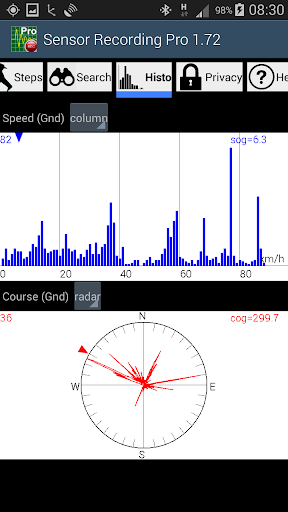
You need a black box for your car or sailing boat, want to trace your geocaching or other outdoor activities, wish to monitor your sleeping behaviour or are just curious about what your smartphone is able to measure? Here is the tool you have been waiting for.
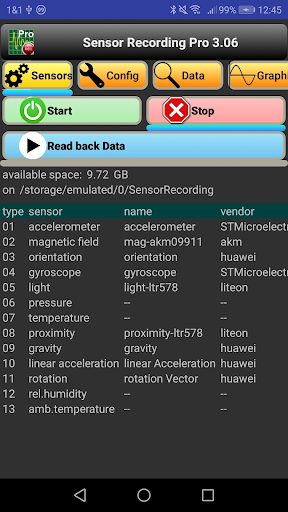
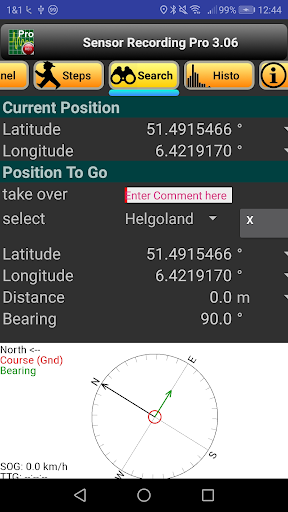
Every smartphone contains many sensors. Not only GPS, but also accelerometer, gyroscope, magnetic field, light, temperature, and many others. If you want to know which sensors are installed in your particular device, this app will tell you, together with all the related information about type, manufacturer, resolution, etc.
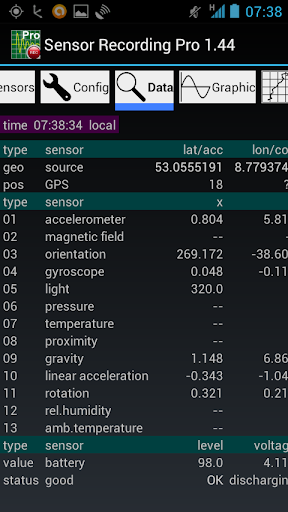
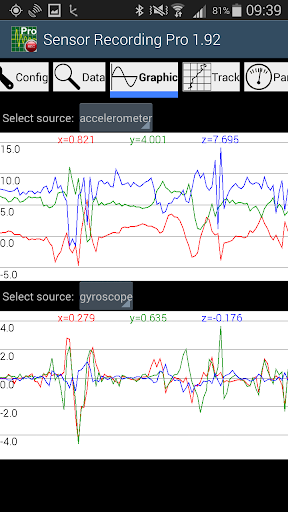
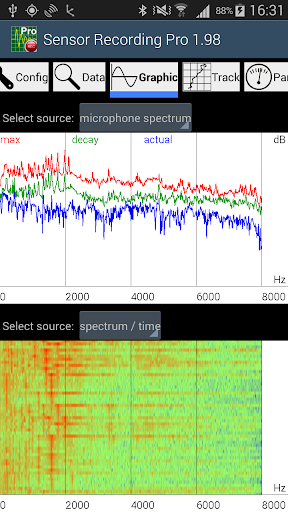
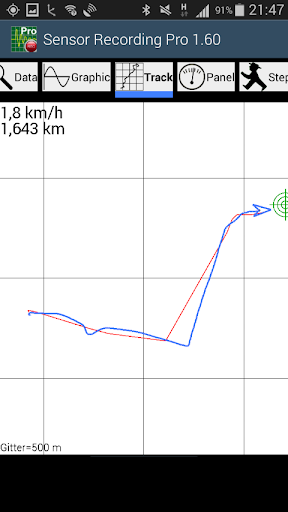
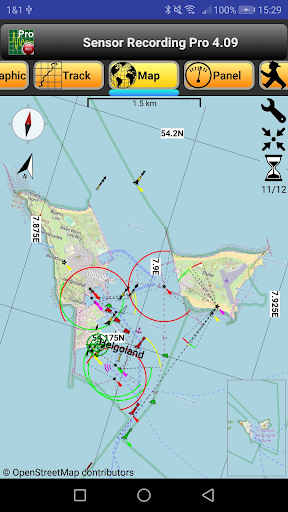
Furthermore, it can read out all the measurement values, display them in table form or graphics and store them as an ASCII file (csv = comma-separated values) for possible further evaluation, e.g. in a spread sheet like MS Excel. That is the main focus of this app, as its name indicates. Moreover, position data are recorded in a kml file for direct display with a program such as Google Earth. All related files are located in the sub-directory "SensorRecording".
There are two variations of the app:
- Pro version (with costs): full functionality
- Lite version (free of charge): data recording is limited to 1 minute.
The display responds to the "auto-rotate" setting (portrait or landscape).The text in menus and on buttons follows the language configuration of the smartphone: English (default), German, French and Spanish. Most views may be scrolled vertically and horizontally.
9.17: Menu "Config": store spectrum data, yes/no
9.17: Microphone Spectrum with Zoom Pan
9.16: Microphone Spectrum with additional Curve (Average)
9.16: Maximum Replay Speed for numerical Displays
9.16: Handling of METAR TAF in Replay Mode
9.15: Menu "Meteo": Determine METAR TAF in one Step
9.14: Bugfix Menu "Meteo": METAR with negative temperatures
9.13: Read Data Files: Improved Error Handling
9.12: New Menu "Wind": Flight Planning, Wind Triangle






9Apps 4.9













