

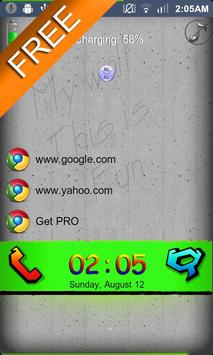
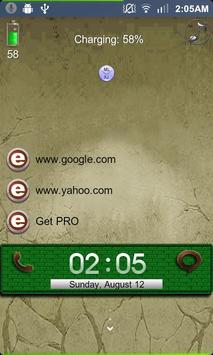
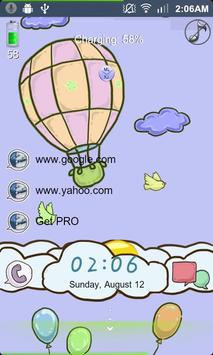
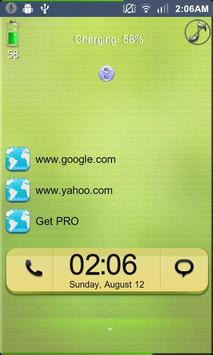

'MLT - ML HighFive Free'
It's a Magic Locker Theme App.
To run this theme app, you must install Magic Locker App first.
(Follow the installed theme app indication or search 'mobi.lockscreen.magiclocker' in Google Market)
********
*Author :
*Description :
********
Q&A:
Q: How to find more Magic Locker Themes?
A: You can press 'More Themes' button in 'MagicLocker Setting->Themes Tab'.
Or search 'mobi.lockscreen.magiclocker.theme' in Google Market directly.
Q: How to install Magic Locker Themes?
A: After you install a Magic Locker theme app, you need to
run the theme app and press
'Install this theme' button in the theme dialog.
Q: How to uninstall Magic Locker Themes?
A: You can long press theme in 'MagicLocker Setting->Themes Tab' then press 'Uninstall theme'.
Or go to the 'System Setting->Applications->Manage applications' then find the theme App to
uninstall as general App.
Q: Why the 'Lost Robot' theme can't be ininstalled form MagicLocker?
A: 'Lost Robot' is the default theme in Magic Locker and MagicLocker must ensure there is at least
one theme exist.
Q: Why a theme disappeared from 'MagicLocker Setting-> Themes Tab'?
A: First, please ensure your SD card is available, if yes, please try to reinstall the theme app.
Version 1.5
Initial release

9Apps 4.9













