
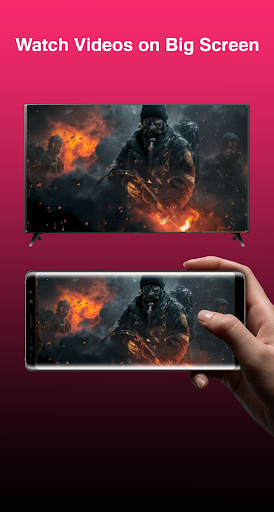
Looking for Any View Cast app for every Android phone?
A screen mirroring Miracast app that you can easily cast phone to TV to enjoy media content on a larger screen?
Well, b>Any View Cast – Screen Mirroring Miracast is just the app that is designed to facilitate most of the Android devices to cast to TV.
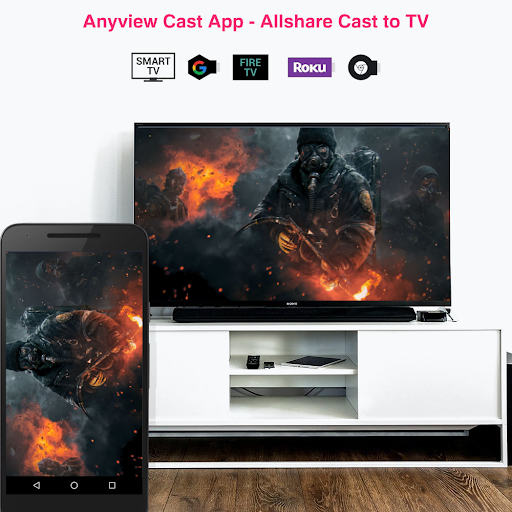
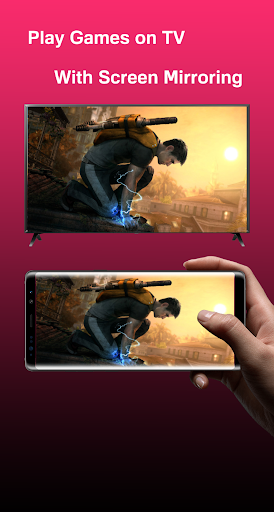
Screen mirroring your mobile on your TV can be useful when want to share the videos from your phone with your family or giving a demonstration at work. With this Any View Cast App, you'll be able to display your Android phone's screen on Smart TV with just two clicks.
Watching videos on your TV or tablet is great but when you have family and young children staring too close to your phone can be damaging to their eyes.And this screen mirroring app can be a vital tool to keep your toddler away from your phone by screen sharing on the big screen.
In order to cast phone to TV, please follow these simple steps.
1. Make sure your phone and TV are connected to the same Wifi.
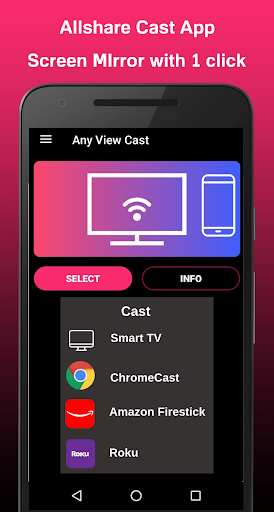
2. After downloading Any View Cast, simply click the cast button to find your TV.
3. Next screen you will be able to see the TV(s) that are connected to your wifi.
4. Choose the option you wish and enjoy the screen mirroring experience.
🎞️
Miracast for Android to TV
With Any View Cast, users can now enjoy their screen mirroring experience for free. Yes, you read that correctly, it is 100% free. Registration is not mandatory; there is no hidden cost or subscription fee. You will be able to cast phone to TV without a single cent.
⚡️
FAST LOADING, SUPER-PERFORMANCE
Forget about the frustration of lagging, unstable connection and any other form of glitches. We made sure our technology is top notch by developing an extensive testing program with multiple mobile devices as well as multiple smart TVs.
Fixed minor bugs to improve Anyview cast user experience.



9Apps 4.9












