


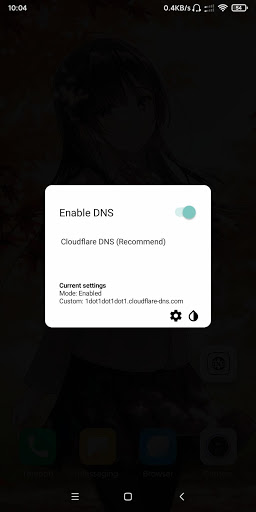
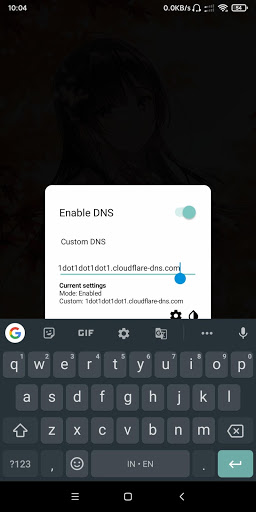
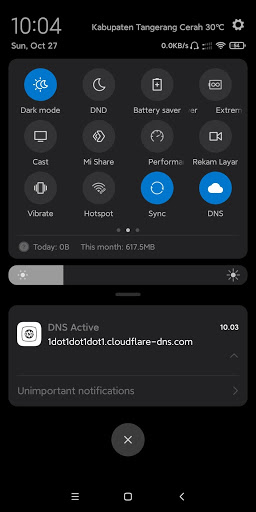
Change DNS without VPN and without Root.
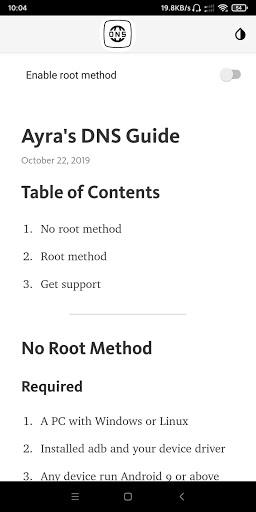
To do this you need to grant write secure settings into this app, please read guide in this description or in app description with image.
*How to grant permission*
- You need a PC with adb and driver installed
- Go to your PC, plug USB cable to your phone, and type this:
adb shell pm grant me.ayra.dns android.permission.WRITE_SECURE_SETTINGS
Also this app work for root too!
Without need grant permission.
*Please read in app guide for more details!*
Don't forget to contact me if you have any issue!
Support group: https://t.me/TeamNusantaraDevs
My Telegram: https://t.me/AyraHikari
Tested and works for Redmi Note 5 Pro and Realme 5 Pro
- Updated source SDK to 29 (Android Q)
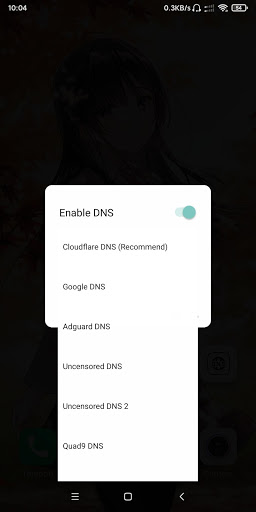
- Added Full DNS list (over 50 dns list avaiable!)
- Added Live DNS list (Select "Other" in list DNS)
- Added new animation in DNS list
- All DNS list are on Internet, so you need to connect internet to get latest DNS list
- Removed some dns bcz it doesn't work
- Stay tunes, next release will be avaiable with OTA notification and others features!







9Apps 4.9














