

OVERVIEW
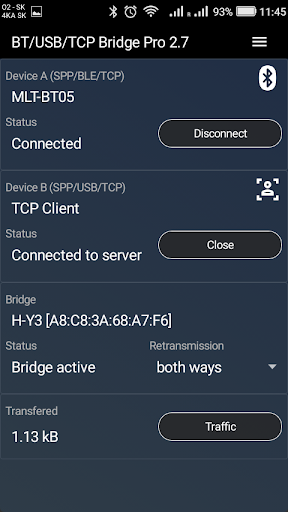
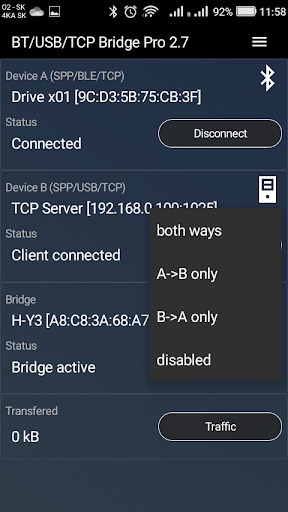
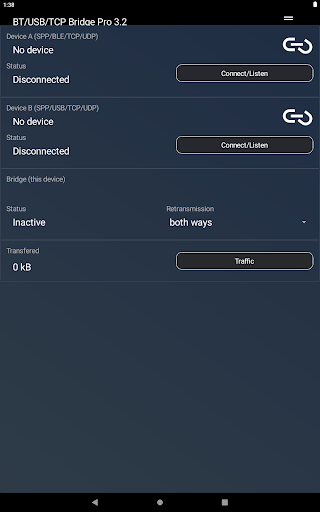
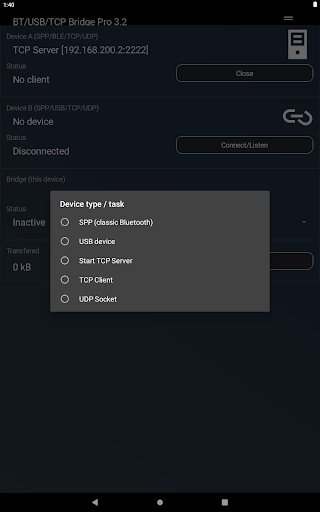
Bluetooth/USB/TCP Bridge app enables communication between different types of communication technologies. Smartphone with this app installed acts as a converter device. It connects to remote devices which cannot communicate directly between each other, and it creates communication bridge between them, enabling them to exchange data. Following types of connections are currently supported:
- Classic Bluetooth devices : devices such as Bluetooth modules (HC-05, HC-06), other smartphone with Bluetooth terminal app, PC or any other device capable of opening Bluetooth port (serial port profile/SPP). App can also create listening port to which remote Bluetooth devices can connect.
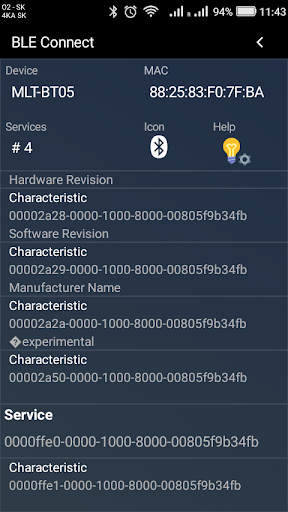
- BLE (Bluetooth low energy) / Bluetooth 4.0 devices : devices such as BLE Bluetooth modules(HM-10, MLT-BT05), smart sensors (heart rate monitors, thermostats...)
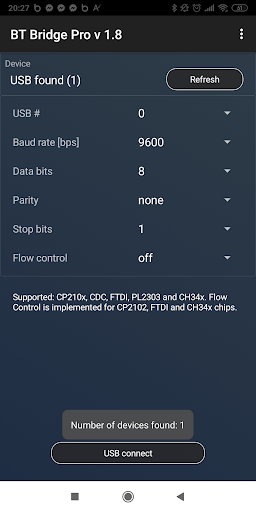
- USB devices : supported: CP210x, CDC, FTDI, PL2303 and CH34x chips
- TCP server : app can create listening TCP server socket to which you can connect TCP client running on remote device
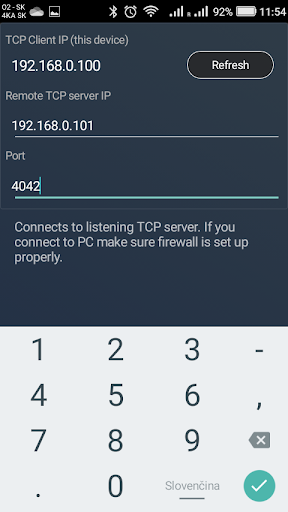
- TCP client : app can connect to listening TCP server
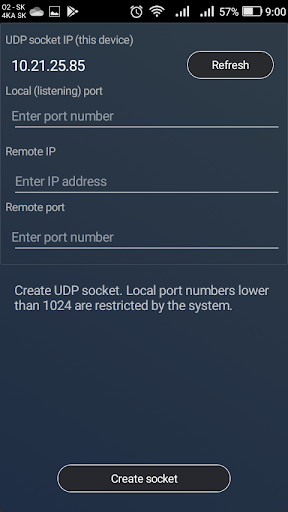
- UDP socket
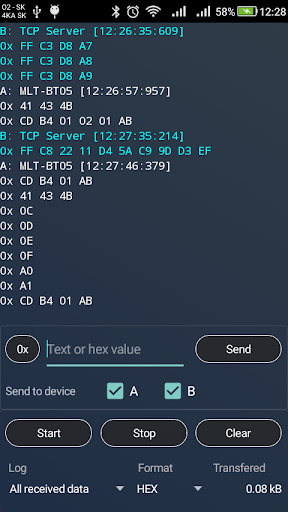
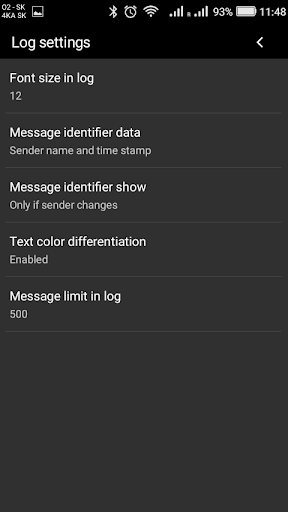
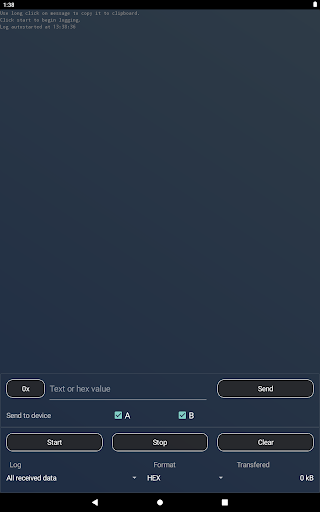
Bluetooth/USB/TCP Bridge app can also display all received data in log in hexadecimal or text form. From v3.1 it is also possible to send data directly to connected devices from the app (0x or text form).
User guide now available.
https://sites.google.com/view/communication-utilities/bridge-user-guide
CONNECTIONS
Connecting to SPP devices - Click Connect/Listen and select device from the list of paired devices. Make sure other device is listening for incoming connections. You can also initialise connection from remote device. In such case use long click on Connect/Listen button which creates listening SPP port.
Connecting to BLE devices (only as device A) - When BLE device is selected, app starts scanning for nearby BLE devices. Select your device in the list of found devices. Characteristics and services are retrieved automatically. One characteristic can be used for receiving and transmission (one Rx Tx characteristic), just click on characteristic which you want to use.
Connecting to USB devices - Your phone must support USB OTG function. Some phones detect more than one USB device, in that case you need to try which one is the correct one by changing parameter USB#. Following parameters are supported: Baud rate[bps], data bits, parity, stop bits, flow control. Flow control is implemented for CP2102, FTDI and CH34x chips.
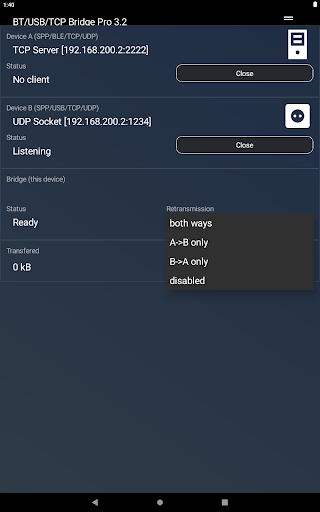
Opening TCP Server - App can create listening TCP Server socket. You can connect to it from remote device using TCP Client. Make sure your firewall allows such connections. This version allows connection of one TCP client.
TCP Client - App has also TCP client, which can connect to listening TCP server. As usual, you just need to specify server IP and port number. In case of connecting to PC make sure firewall is set up properly.
Unsupported
Unfortunately, devices like headsets and Bluetooth speakers are not compatible with this app, since they use different Bluetooth profile, neither SPP (serial port profile), nor BLE (Bluetooth Low Energy).
SUPPORT
Found a bug? Missing feature? Just email the developer. Your feedback is greatly appreciated.
masarmarek.fy@gmail.com
v3.4
- BLE scanning process fixed on newer Android devices
- minor design changes
- bugs








9Apps 4.9














