

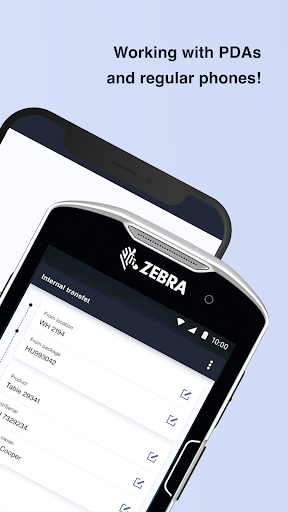
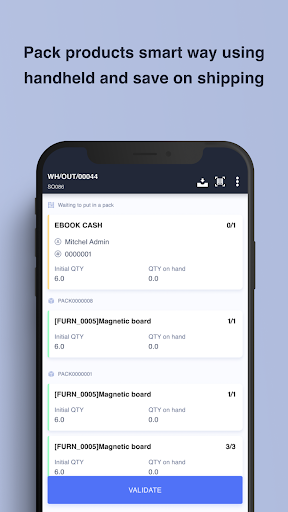
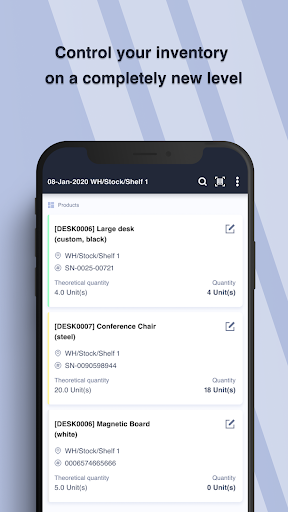
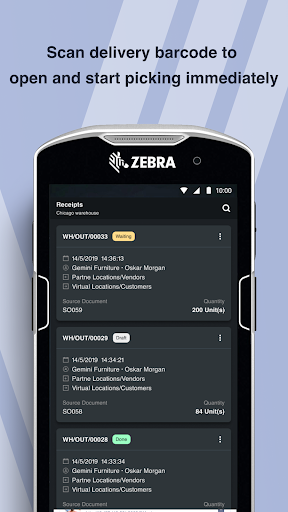
Ventor is the best in class inventory management app for Odoo 8 and up to Odoo 16! This app supports Odoo Community and Odoo Enterprise editions. Ventor app is more convenient for usage as compared to the standard Odoo barcode app: it has a clear interface, big buttons, and requires only minimal interactions with the screen. As a native mobile app, it is perfectly integrated with the best scanners brands, like Zebra, Honeywell, and others.
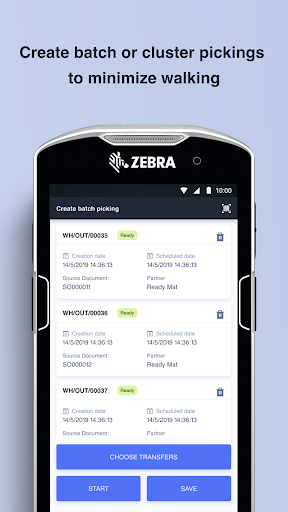
You can manage products, lots, serial numbers, packages, and consignments (as a product owner). The Ventor app allows for multiple orders picking (e.g., wave picking, batch picking, cluster picking) and guides your warehouse staff through the warehouse on the optimal way to pick items faster. Ventor supports regular EANs, GS1 barcodes, QR codes, and many more types of barcodes from different industries.
Ventor: Odoo inventory manager simplifies your stock management and increases efficiency of your warehouse workers. This app helps by making receiving, delivery, and inventory adjustments of goods in warehouses and stores of any size. The app is ready for any type of customizations. It also has foolproof functions to avoid accidental mistakes or potential chaos in the system.
KEY FEATURES
– Full GS1 barcodes support, QR codes, any type of barcodes
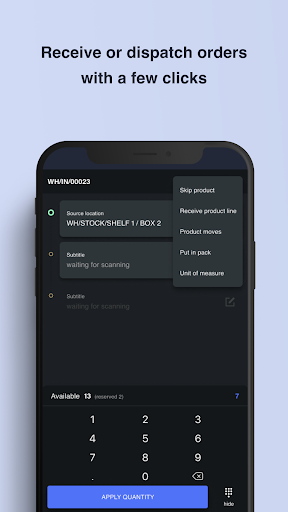
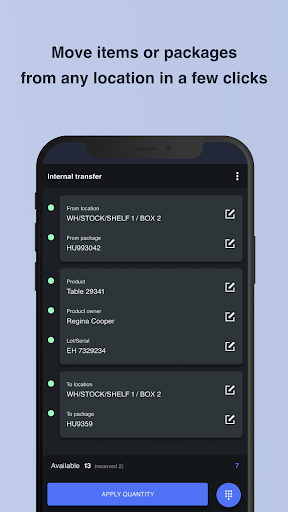
– Receive, deliver, or make internal transfers based on source document orders
– Changing a destination location while receiving goods (Putaway)
– Advance scrap and inventory management
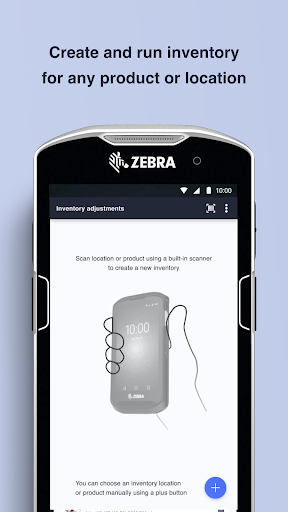
– Optimized stock counting processes for fast Odoo inventory (instant inventory, inventory adjustments)
– Picking of multiple orders at once and optimizing picker routes (batch / wave picking)
– Picking multiple orders and sorting them out (cluster picking)
– Print shipping or packing slip labels directly to a printer without downloading in PDF*
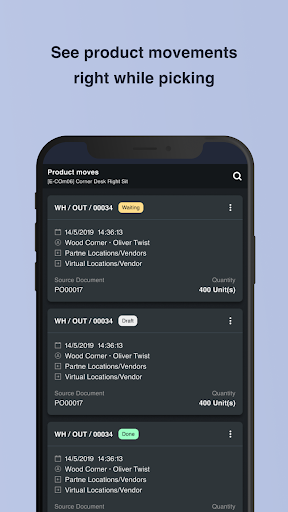
– Scan a product, location, package to get all the associated information
– Move an item from any location to another in a seconds
– Advanced replenishment and stock optimization
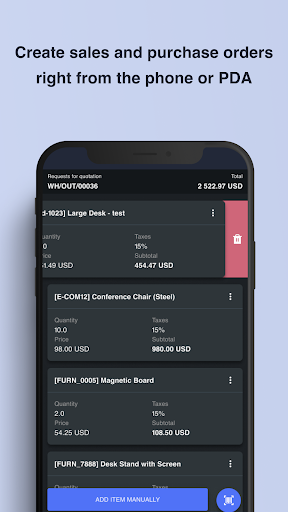
– Create sales and purchase orders, like in POS
– Create and assign lots, serial numbers, add EAN to any product at any stage of movement
– Manually input products or locations if you have no barcodes
– Full package and product packaging support
– Remote device control and access rights management for all users**
– Simple UI and Google Material design
* Odoo Direct Print PRO app is required
** Odoo Ventor Base app is required
Check out our quick start guide – https://ventor.app/guides/ventor-quick-start-guide
Watch the main Ventor app features video – https://www.youtube.com/watch?v=gGfMpaet9gY
Read the latest news and release notes on our blog – https://ventor.app/blog
Note that this is a 15-day trial app with in-app purchases!
Subscribe for €9.99/month or €99.00/year (20% lower!) You can also purchase the app directly from our official website - https://ventor.app
There are no functional differences. However, you cannot customize the Google Play version, and you will not get access to license management to activate or deactivate devices remotely for your employees.
So, if you don’t need customizations and you work in a small family business, then go ahead with the Google Play version. However, if you need new features when updated or you have employees, then you need to buy the PRO version from our website, not from Google Play.
Manage your inventory fully in Odoo by using the Ventor app.
More than 300 companies around the world have optimized their warehouses. Be among them, download Ventor: Odoo Inventory manager!
- New Order Recheck menu
- New RFID menu
- Added information about quants' reservations in Warehouse operations & Quick info menus
- Now it is possible to search transfers by packaging in Package management menu
- Updated translations
- General bugfix and improvements









9Apps 4.9














