
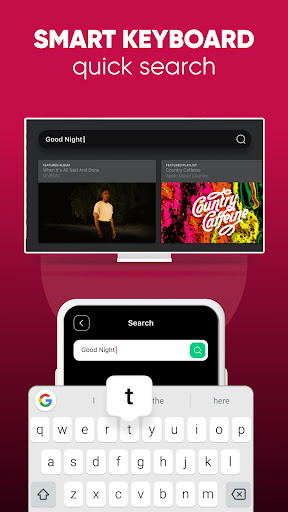
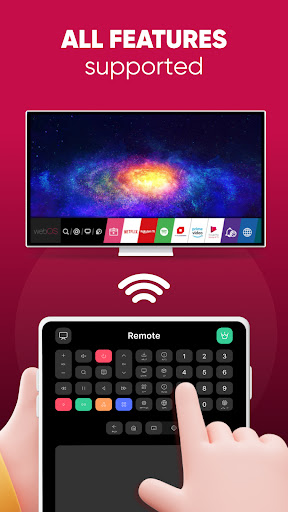
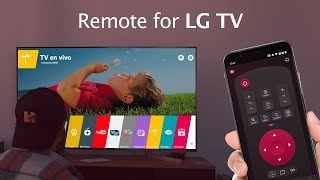
Lost your physical LG Remote? Don't worry! With the LG Remote for LG TV plus ThinQ, controlling your LG Smart TV, LG TV Plus, viewing photos, and playing videos and music from your phone to your LG Smart TV Oled has never been easier!
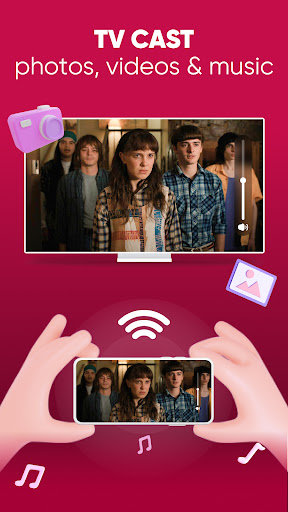
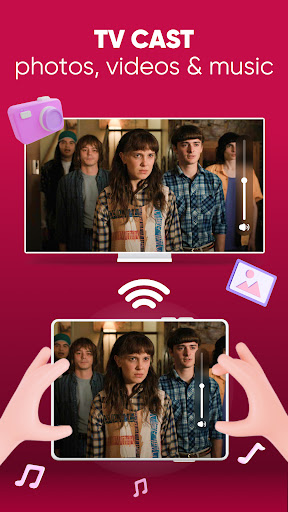
Broaden your LG Smart TV experience with the LG Remote for LG TV plus ThinQ app by connecting your phone and LG Oled TV with the same wifi display. Then, access the Screen Mirroring feature to cast photos, videos, your slides, watch films, YouTube, Netflix and audio and enjoy your new smart share on the big screen within seconds.
MAIN FEATURES
- Smart Share from your mobile devices to your LG TV thinq
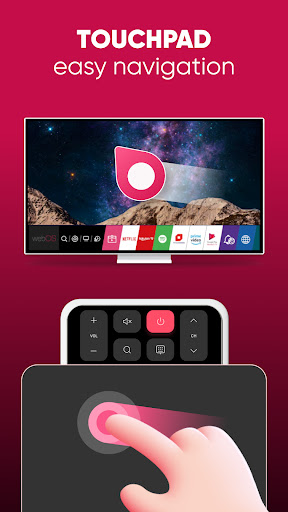
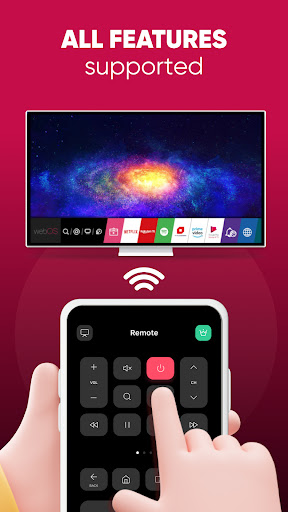
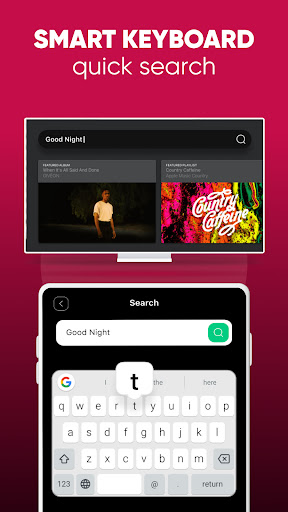
- Fast remote for your LG TV smart thinq
- Screen Mirroring photos, videos with HD quality is a plus
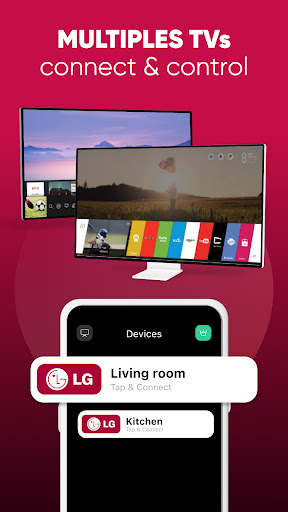
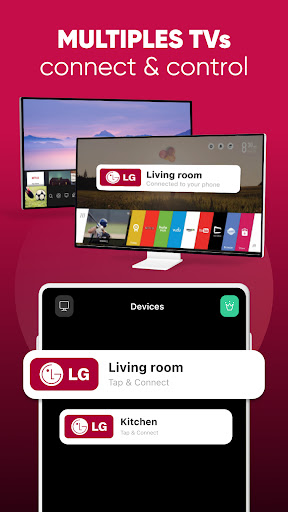
- Easily connect your LG Smart TV
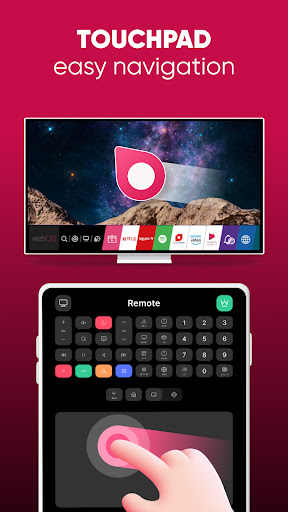
- Volume controller like your physical LG TV Remote
- Automatically connects to previously connected devices
- Compatible with all Android devices
- Flexible navigation Control Panel
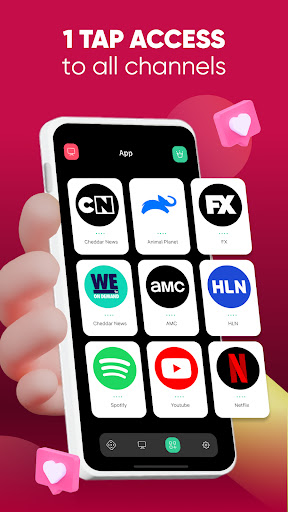
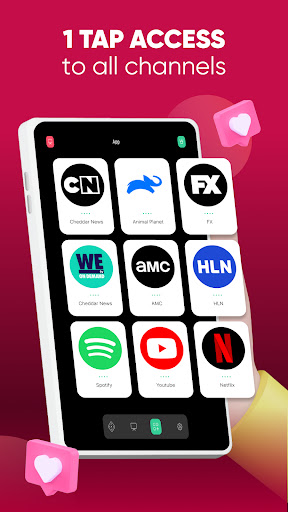
- Easily find your favourite apps
- Change app appearance with the light & dark mode
HOW TO SETUP
Connect the app and your LG TV Plus with the same wifi and then enter the PIN code shown on the TV screen into the app.
DISCLAIMER:
TV Cast's app is neither an official LG product nor affiliated with the LG company.
- Fix Bugs
Thank you for choosing us today.
If you have any issues relating to the app, please leave us a message at support@tvcast.in

![[LG TV] - WebOS Basics, Tips and Tricks screenshot 2](https://i.ytimg.com/vi/SnSZFtljZvU/mqdefault.jpg)
![[LG TV] - Tips & (Hidden) Tricks on the Magic Remote (WebOS22) screenshot 3](https://i.ytimg.com/vi/RjvoUsaOhco/mqdefault.jpg)


9Apps 4.9













