

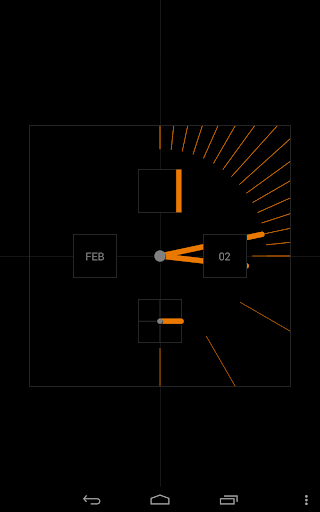
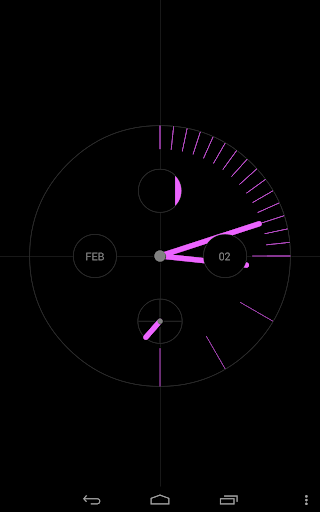
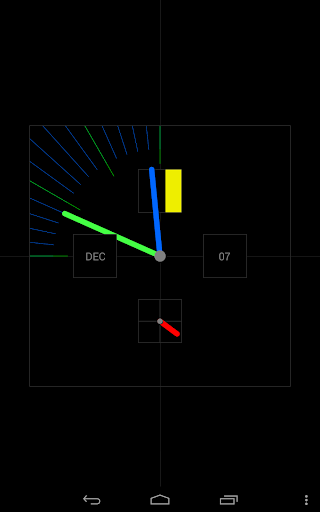
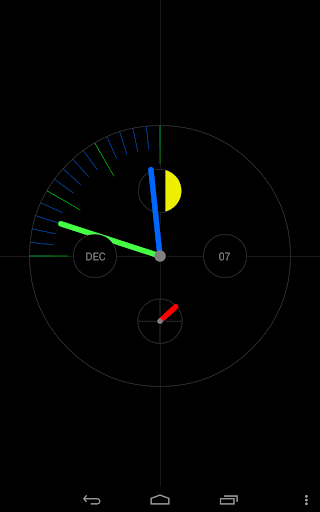
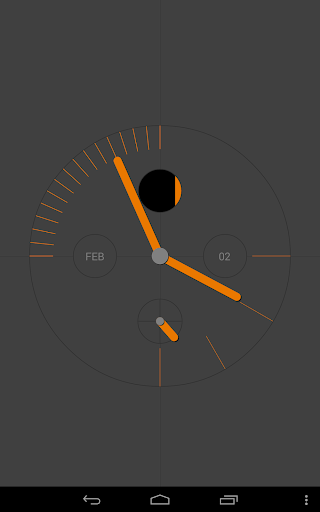
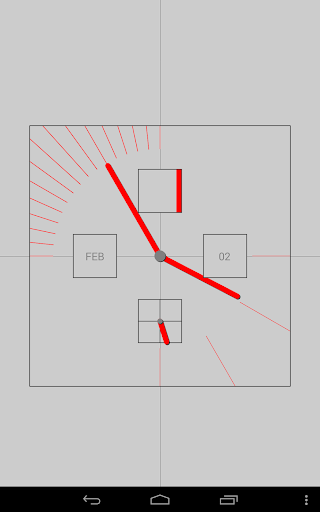
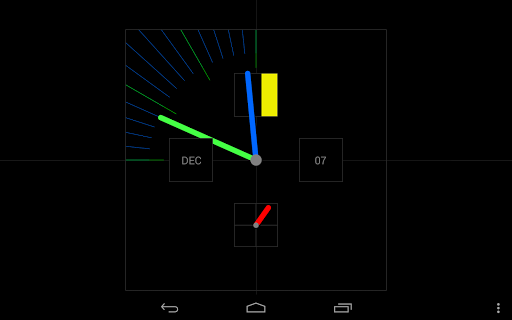
The ARTware PRO OnTime Clock is a Live Wallpaper Clock (LWP) with a very simple but stylish look. The traditional watch elements (hands, moon-phase, etc.) function slightly different than they could on a mechanical watch (foreground/background and moving indicators).
OnTime displays the hours, minutes, seconds, day, month and shows the current moon phase. The minute and hour indicators move with the time. There are two version of the designer clock-face (Round and Square). The (Alternate) option lets you run both faces sequentially for one minute intervals. Beside the multi-color there are monochrome options (gray, blue, red, green, yellow, pink and orange) that allow for a fashionable setup not to be confused with your grandfathers Swiss watch. This PRO version has extensive settings for displaying date/no-date and adjust the text size to your device and lets you change the clock size and placement on your screen (widget-like) as well as the background color.
For "first time" Live Wallpaper Users (after download):
Please go to Wallpapers -> Live Wallpaper -> ARTware PRO OnTime Clock
Please email us for any problems, questions or suggestions.
Be "On Time" with your ARTware OnTime Clock
ARTware Software
(Swiss made modern minimal analog/digital apps without advertising)
1.70 Updated Moon phase calculation for 2021
1.60 Updated Moon phase calculation for 2020
1.50 Adjusted moon-phase calculation for 2019, update to fulfil
new requirements and added link to new NumTree PRO Version
1.45 Updated Moon phase calculation for 2018
1.40 Updated Moon phase calculation for 2017
1.30 Text and hand size adjustments, moved to Android Studio
1.20 Additional background colors (user suggested)
1.10 Added many monochrome color options to the clock
1.00 First PRO Version










9Apps 4.9














