
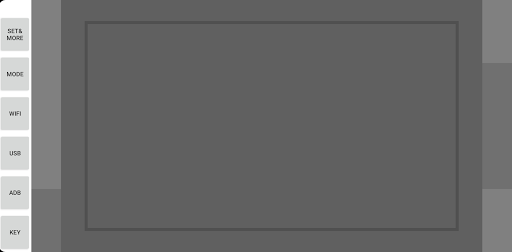
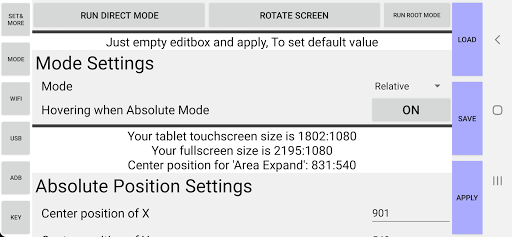
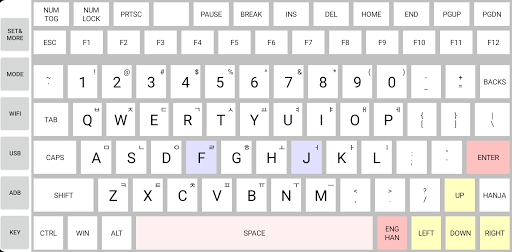
You can use your android device to tablet or touchpad, in Windows PC. It supports connection method: WIFI, USB accessory, ADB. PowerTablet is optimized for low-latency. If your android deivce supports stylus pen which has hovering feature, you can use hovering like tablet. PowerTablet also supports keyboard too.
In order to use this app, you need PC side program. In this link, there is user manual and you can download PC program.
https://blog.naver.com/jinny9807/222089358155
Although PowerTablet is optimized for low-latency, there is limitation due to android itself. If you want lower latency, try to use 'Direct mode'. If you want best performance, you can use ADB connection method or Root mode. They support full-refresh rate of your device and low latency. Root mode is more faster (and fastest) than ADB connection method, but it requires rooted device. For more information, please read manual.
: Able to select device number manually at ADB connection method
: Add app info and update log
: minor performance optimization
: Fix other bug


![[3 Ways] How to Unlock A Tablet When You Forgot The Password 2025 screenshot 2](https://i.ytimg.com/vi/TpdoPW14ta0/mqdefault.jpg)



9Apps 4.9













