Smart Ruler Pro icon

Smart Ruler Pro

2.7.2 for Android
4.7 | 10,000+ Installs | Reviews

Smart Tools co.

$2.50

Description of Smart Ruler Pro

Smart Ruler Pro is the 1st set of Smart Tools collection.
It integrated 6 simple and useful tools into this app. Here is the list.
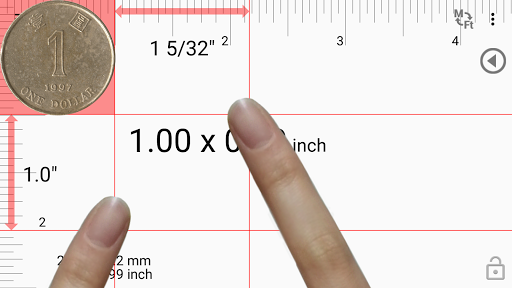
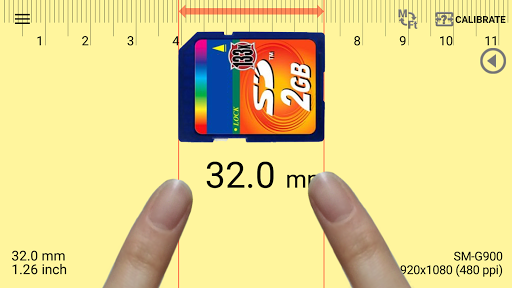
1. Ruler - length
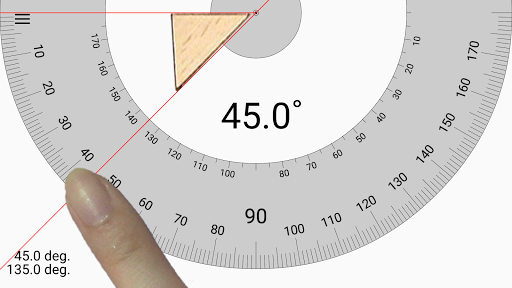
2. ProtractorⅠ(Touch) - angle
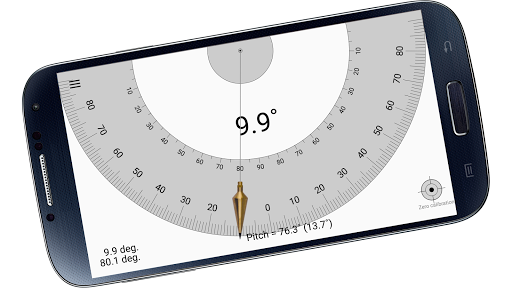
3. ProtractorⅡ(Plumb) - slope
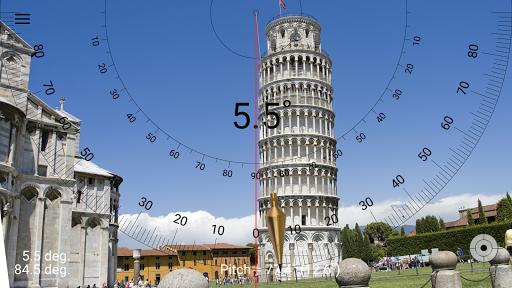
4. ProtractorⅢ(Camera) - goniometer, clinometer
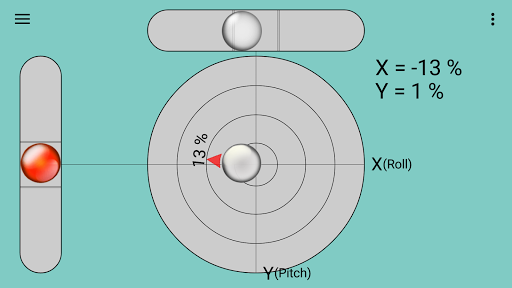
5. Surface level - sprit level
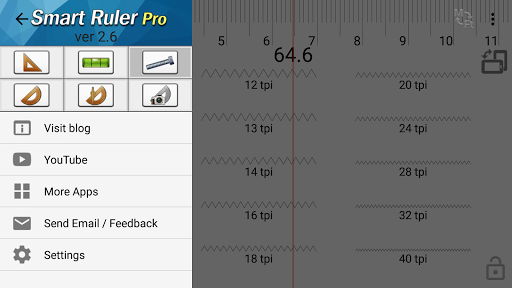
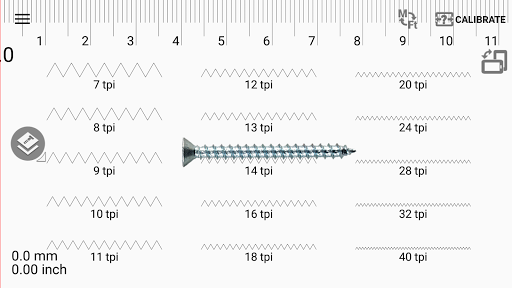
6. Thread pitch - screw, bolt, nut
* Pro version added features:
- No ads
- Multi-Touch mode
- Caliper mode
- Ruler Extension
- Architectural and Engineering Scales
- Various Tilt units
- Screen capture
* Do you want more tools? Get [Smart Tools] package.
For more information, watch YouTube and visit the blog. Thank you.
* It is a one-time payment. The app price is charged only once.
** No internet support : You can open this app without any connection. After installation, open the app 1-2 times with your device connect to WI-FI or 3G/4G.

What's New with Smart Ruler Pro 2.7.2

- v2.7.2 : Support for Android OS 11
- v2.7.1 : Camera selection, Reset calibration icon

Information

  • Category:
    Tools
  • Latest Version:
    2.7.2
  • Updated:
    2021-04-30
  • File size:
    2.5MB
  • Requirements:
    Android 4.1 or later
  • Developer:
    Smart Tools co.
  • ID:
    kr.aboy.ruler
  • Available on:
Reviews
  • avatar
    Very useful and well designed.
    2024-01-29 04:44
  • avatar
    I looked at a lot of apps and it the best by far. I like that I can change the units for the level app, very few level apps support that. It is also great to be able to change the font sizesize, I don't know why so many of these apps use a microscopic font which is useless in the field. The level app does not support portrait mode, which is not a big deal but would be a nice option. I had a question for the developer and they got right back to me.
    2024-01-13 02:30
  • avatar
    Has been a very useful app for various jobs around the house
    2023-11-08 02:52
  • avatar
    Falta podermos escolher a exibição em retrato ou em paisagem, aí vai para o 10.
    2023-08-19 09:44
  • avatar
    A great tool for day to day activities. It is brilliant and extremely easy to use. I fully recommend it.
    2023-08-17 08:34
  • avatar
    Works as advertised, simple, intuitive and just plain works.
    2023-05-08 11:05