
Customize Your Aerophone for Maximum Expression
The Aerophone Editor is a free app for the Aerophone AE-10 that lets you adjust tones, set various playing parameters, and organize tone lists. You’re able to deeply customize sounds and functions with parameters only available in the app, and easily create tone lists for different performance and practice situations. Via a convenient interface, you have access to four tone layers, various controller assignments, effects settings, and more. The Aerophone Editor app is a must-have tool to perfectly tailor your Aerophone AE-10 for your own personal playing style.
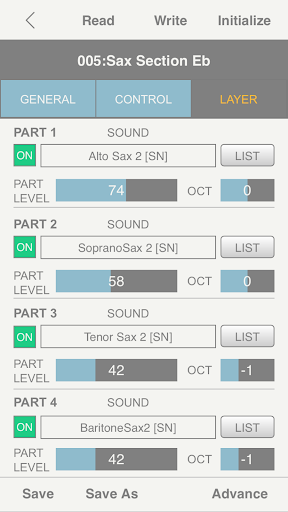
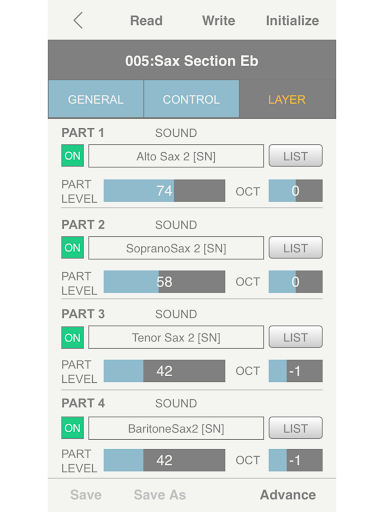
• Create personalized sounds with up to four layered tones
• Build tone lists to fit various playing situations
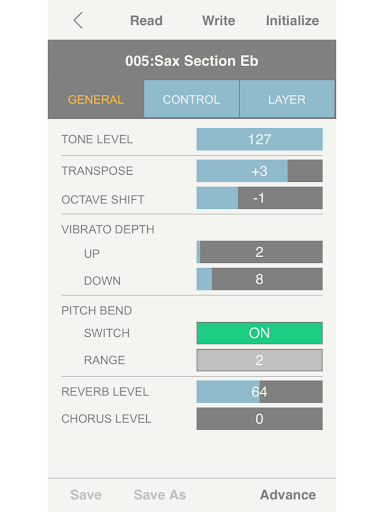
• Extensive tone editing parameters, including many not available on the instrument itself
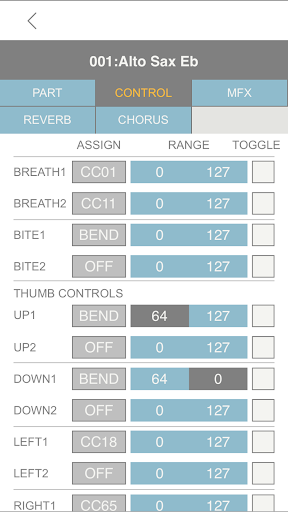
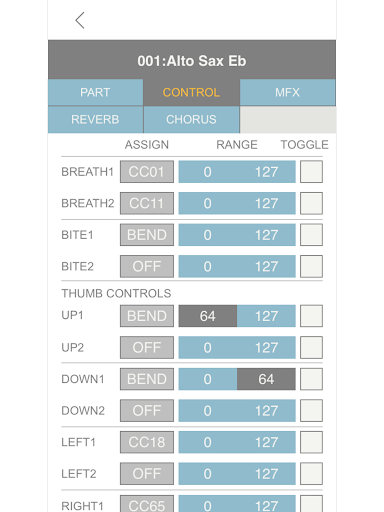
• Customize breath, bite, and thumb control assignments
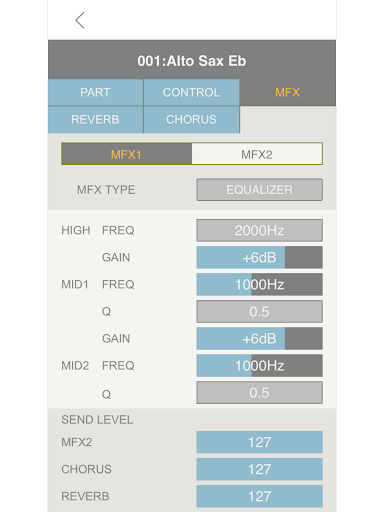
• Comprehensive effects editing
• Requires AE-10 System Version 2.10 or later
• Requires USB cable with a USB Type B connector on one end (for the Aerophone AE-10) and a connector appropriate for your Android device on the other
Create Your Own Tones with Up to Four Layers
Most of the preset sounds in the Aerophone AE-10 consist of up to four different tones that are layered together. Now, the Aerophone Editor unlocks the ability to create your own multi-layered tones. You can blend synth leads with acoustic sax sounds, or build many unique combinations for different songs and styles. And by manipulating detailed tone parameters such as key range, panning, and pitch, you can set up the Aerophone AE-10 to realize further expressive possibilities.
Fine-Tune the Aerophone for Your Personal Style and Playing Touch
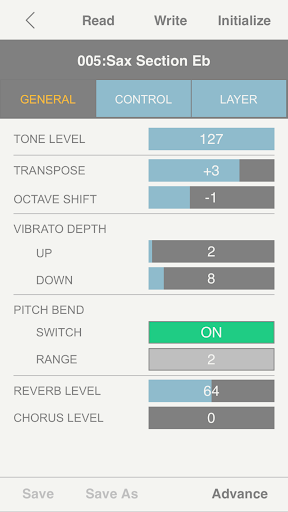
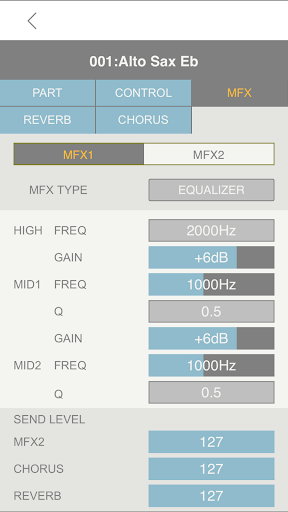
Using advanced editing features only available in the app, you’re able to personalize your Aerophone AE-10 to a deep level. Detailed breath, bite, and thumb control assignments allow you to dial in the perfect response for your unique musical expressions. In addition, onboard effects such as reverb, chorus, and MFX can be adjusted to help your performances shine. It’s also possible to customize external MIDI control information, making the Aerophone AE-10 even more powerful when triggering external sound modules and software-based instruments.
Build Custom Tone Lists for Different Playing Situations
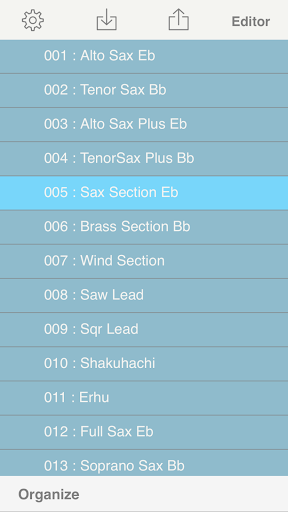
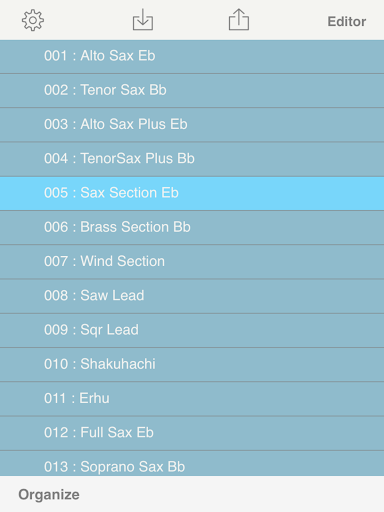
The Library function in the Aerophone Editor makes it easy to organize both custom and preset sounds into tone lists. This allows you to quickly outfit the Aerophone AE-10 for specific gigs, playing styles, and practice regimens. It’s possible to save nearly unlimited tone lists, giving you the power to reconfigure your instrument for virtually any situation. In addition to local storage on your device, tone list files can be uploaded to Google Drive for backup, remote access, and sharing with other Aerophone players.
Fixed a vulnerability in the library used inside the app.






9Apps 4.9