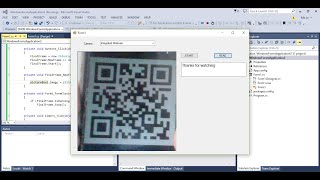
Scan and Create QR Code is a fastest and great app in the Google play market.
Enable more futures for your android device.
Features of Scan and Create QR Code :
•QR code reader
•BarCode Scanner
•QR code Creator
•Download Created QR Code
•Share Your barcodes and qr codes scanning result.
Simple User guide as following:
when your application will start ..
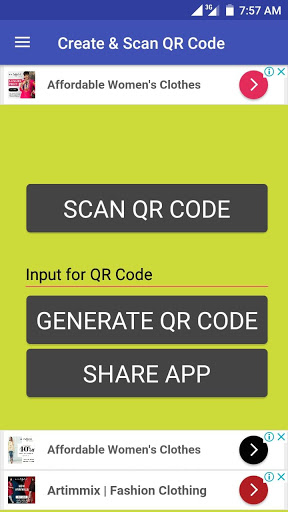
A scan button will show on screen..
You can click on this button to start scan your QR or BAR code ..
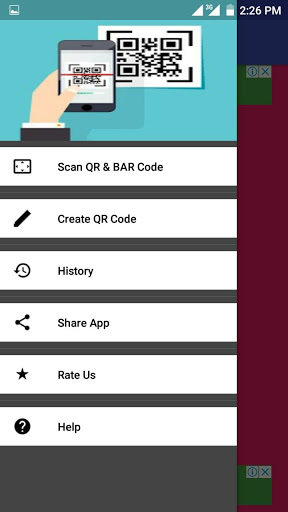
You can find scan button in menubar...
Now if you want to create your own QR code from your text..
Then you can do this from this app,when you will start this application.
You will find a text bar like (input text for QR code),there you can put your text and click on generate QR code...
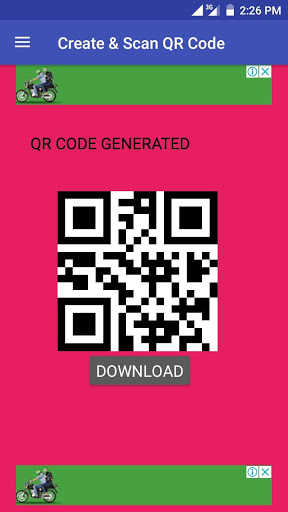
After clicking, you will find your QR code and you can download your QR code in png farmate...
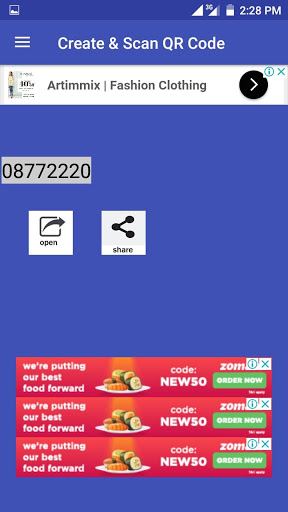
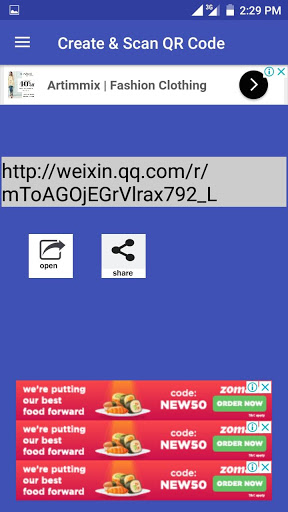
when you will click on scan button ,and scan your QR code then you will find your scanning result,there you can find an open button and share button .
From there you can open your scan result in default browser and you can share your scan result with your freinds.
When you will create your QR code,you will find a download button in the bottom of your QR code,you can download your QR code by clicking on download button in png format.
when you will click on menu bar you will find history button..
Version : 2.0
Test Your friends new Version : 2.0





9Apps 4.9