



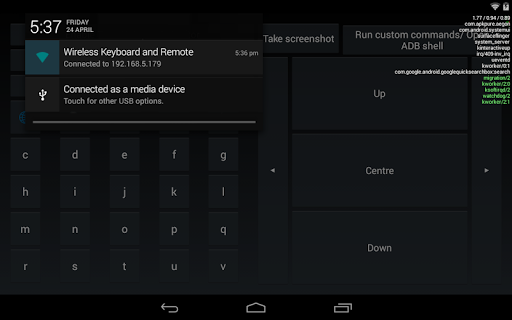
Wireless ADB keyboard and remote for your Android Phones, Tablets and TVs.
*Device1 refers to device you wish to connect to.
*How to Turn on Wireless ADB Debugging: Google search your "device-model-name enable Wireless ADB debugging".
--Prerequisites---
Please ensure that Device1* supports Wireless ADB or ADB over network. Most android devices support USB Debugging but not wireless debugging by default.
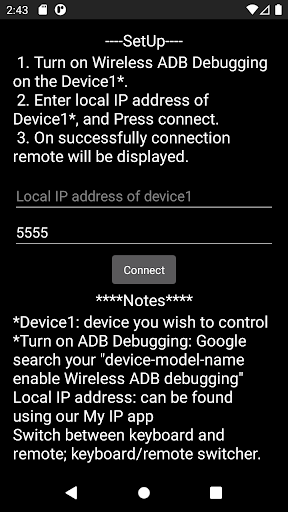
--SetUp---
1. Turn on Wireless ADB Debugging on the Device1*.
2. Enter local IP address of Device1*, and Press connect.
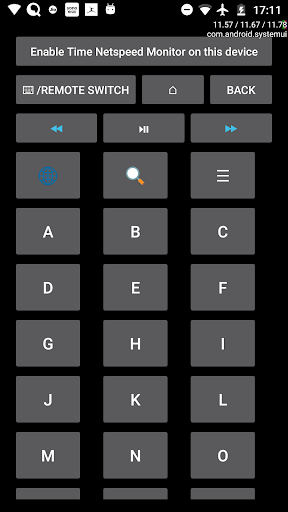
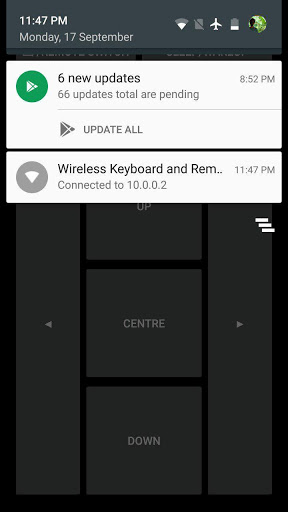
3. On successfully connection remote will be displayed.
***Notes***
Local IP address: can be found using our My IP app
Switch between keyboard and remote; keyboard/remote switcher.
Help if required is available @ https://visnkmr.github.io/help
Find out more about the app @ https://github.com/visnkmr/ADB-Remote-Keyboard-Shell
✓Layout updated.
✓Bug Fixes.
☆Upto previous release☆
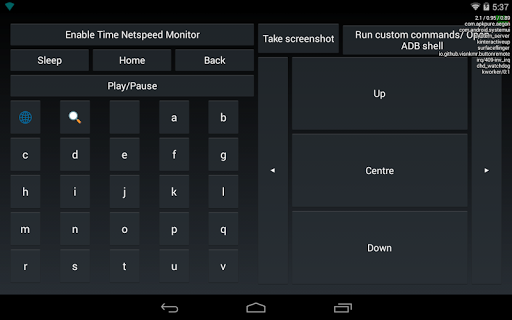
✓ADB shell shortcut added.
✓Added option to enable time netspeed overlay via the app.
More apps @ https://visnkmr.github.io/apps


![Send ADB Commands to Your Own Phone Without a Computer or Root [How-To] screenshot 2](https://i.ytimg.com/vi/4zKespn_OHg/mqdefault.jpg)
![Send ADB Commands to Android with Your Mouse (Windows Only) [How-To] screenshot 4](https://i.ytimg.com/vi/e5DPycLMPGk/mqdefault.jpg)



9Apps 4.9














