
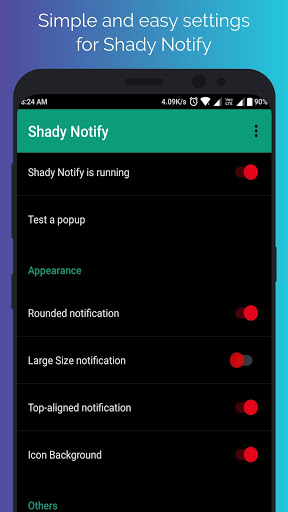
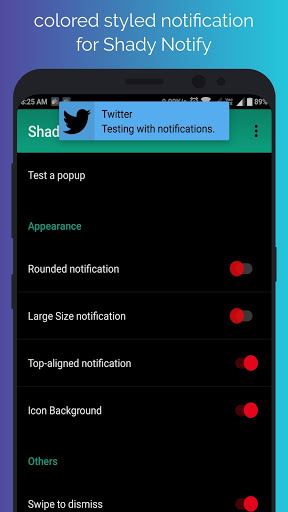
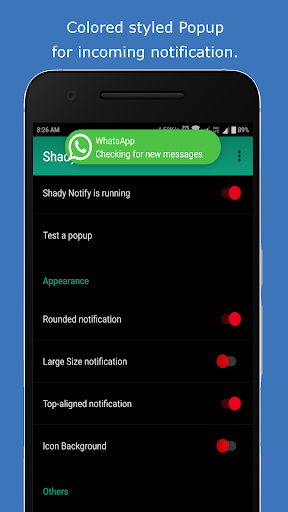
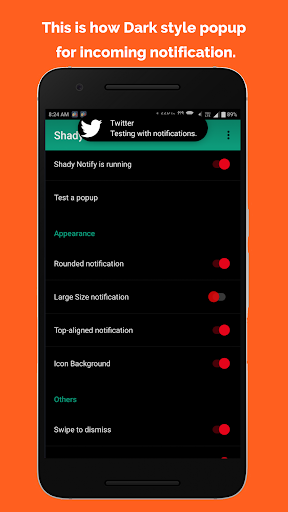
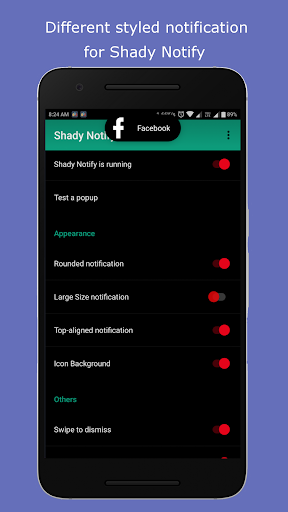
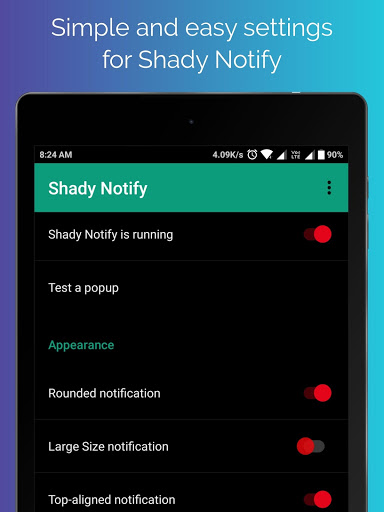
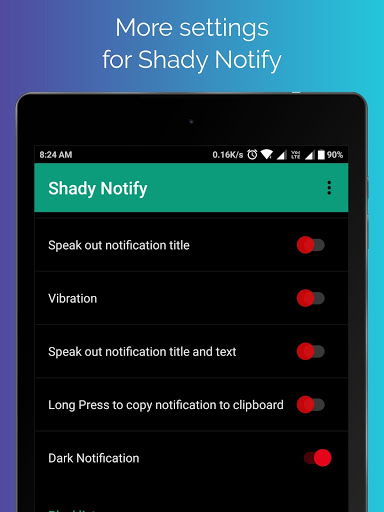
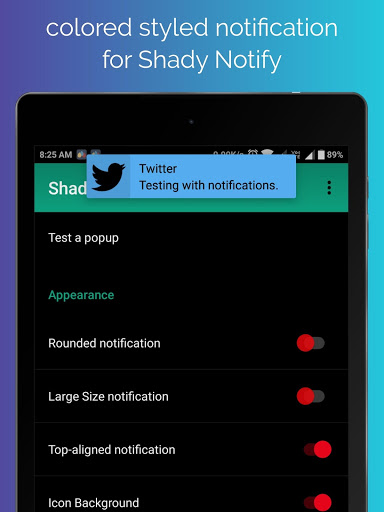
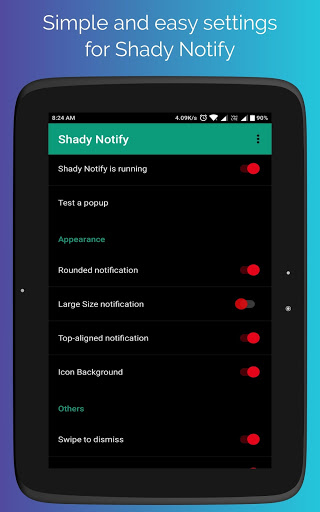
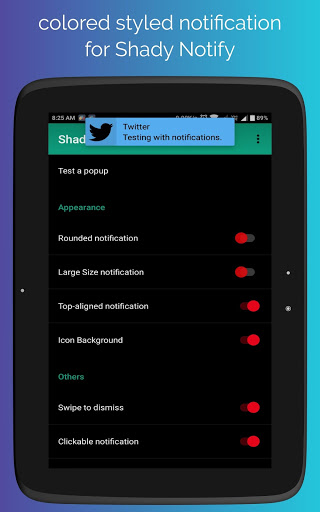
In this application, you can see all notifications in different style
1) You can check notification in dark style or colored style
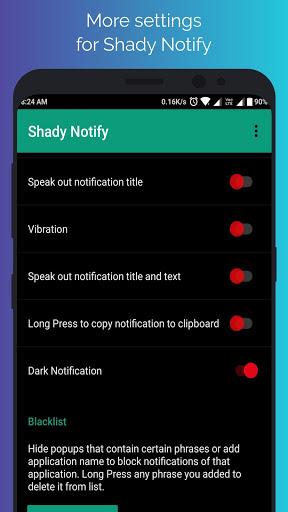
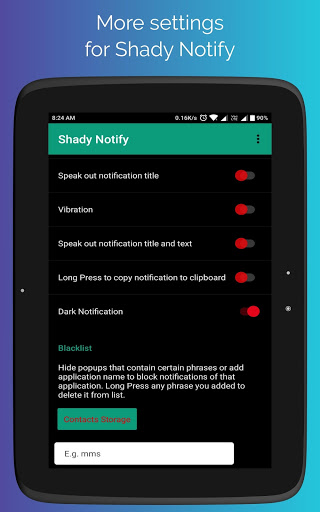
2) You can activate TTS mode only for title, with this app read aloud all Titles of Notifications.
2) You can activate TTS mode for title and subtext, with this app read aloud all Titles and subtext of Notifications.
3) You can change size of notifications.
4) You can change style of notification round or rectangle.
5) You can Change Alignment of notifications.
6) Swipe to dismiss available.
7) Clickable notification help to open app
8) Vibration will vibrate on every new notification.
9) Long Press notification will copy notification content to clipboard.
10) You can block any content or application whom you do not want to see styled notification.
11) Tile service enabled
NOTE: PLEASE READ SO THE APP WORKS
1) If you are on Android Lollipop (5.0-5.1) you must install HeadsOff (https://play.google.com/store/apps/details?id=com.jamworks.noheadsup&hl=en), run the app, and start the service to get rid of the system notifications.
2) If you are on Android Marshmallow (6.0) you must individually for each app go into Settings -> Sound & Notification -> App notifications -> The app you want to disable stock notifications for -> Disable allow peaking.
3) If you are on Android Nougat (7.0) please follow the instructions in Notify to disable the stock notifications.
We do not collect any type of information or data from any one. This application work without internet so do not worry about your data. You are totally secure with this app.
If you have any suggestions or bug just mail me at hugsofts@gmail.com before giving any negative reviews.
NOTE:
PERMISSION DETAILS:
1) android.permission.BIND_ACCESSIBILITY_SERVICE--> This permission is used to show different notifications with popup.
2) BIND_QUICK_SETTINGS_TILE--> This permission is used to add Quick Setting tile.
3) BIND_NOTIFICATION_LISTENER_SERVICE--> This permission is used to read notification and show you with custom based popup.
Thanks to the developer DarkionAvey
bug solved







9Apps 4.9