

Select pictures, documents and web pages from your smartphone and send to Mafil Cloud Print Service to release and print from any public printer in the campus.
With Mafil mobile print app, you now have a convenient printing application for you busy lifestyle.
You can send your documents from your mobile phone, the documents will wait for you on the cloud server and once you reach a public printer in the campus, you can pay and print your job.
How to use:
1.Register to the app
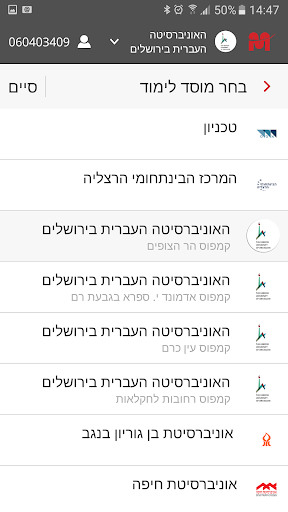
2.Choose your university from the Universities serviced by Mafil
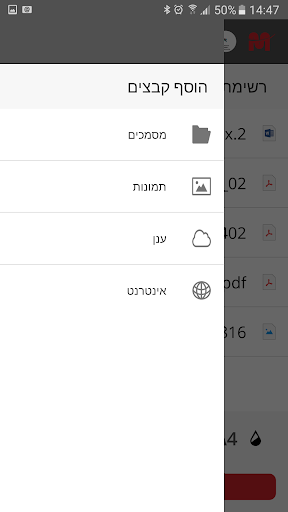
3.Choose your documents (iCloud, local folders, photos, web)
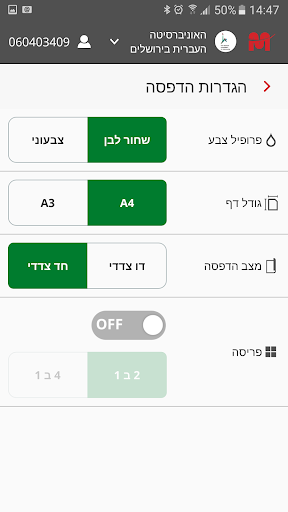
4.Choose the required setting (color/BW, simplex/duplex, A3/A4 etc.)
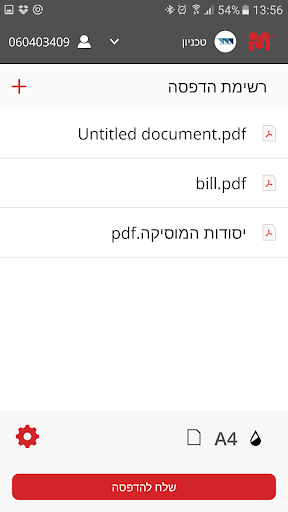
5.Send to printing ( The documents will be available immediately and will wait to be released between 24-72
hours, depending on institute policy)
6.Choose your convenient printer (by location) , identify yourself
select and print any document
from your
documents ready to print list.




9Apps 4.9















