


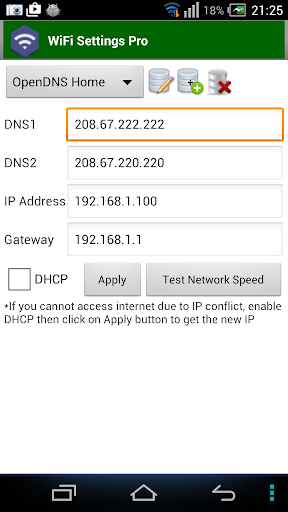
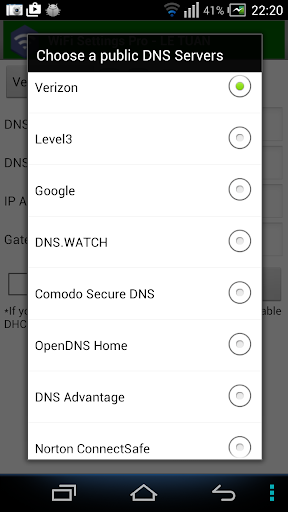
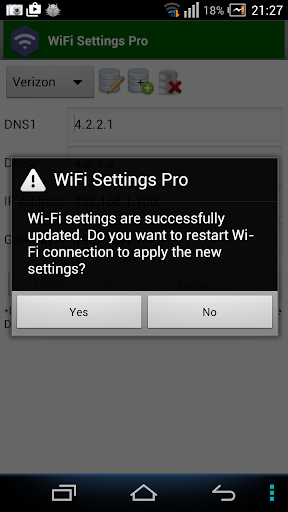
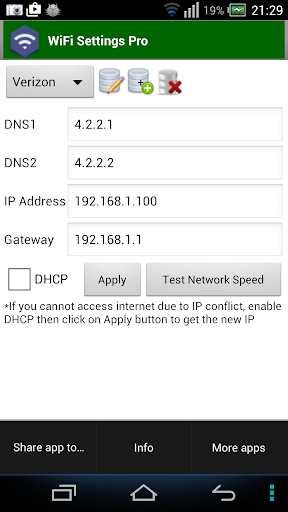
This app enables you to access the blocked sites by using some free DNS servers. If your device is unable to obtain IP address, let use this app. This app works perfectly on Android 2.3 and up. It supports for Android 5.x Lollipop too. On android 6.x, please use
https://play.google.com/store/apps/details?id=htmt.rootdnssettings
. There is no Banner Ads in the WiFi Settings (DNS,IP) Pro version.
When you have changed the DNS successfully, you can check the network speed by clicking on "Test Network Speed" button. It help you find out the best DNS server for your network.
You should try to use the standard
Wifi settings
app and check that it works on your device first!
* Why using free DNS servers?
- Speed up internet browsing
- Be able to access to blocked websites
* Main features:
- Change IP address
- Change Gateway
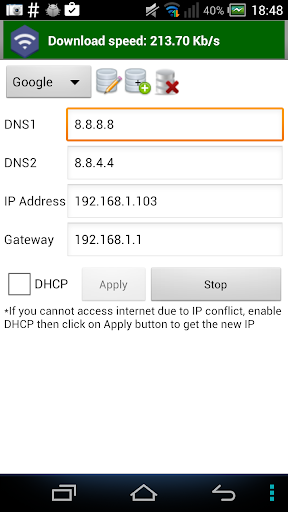
- Change DNS
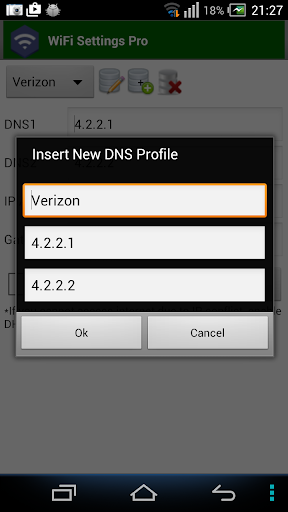
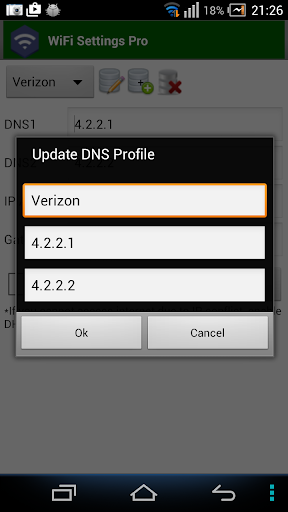
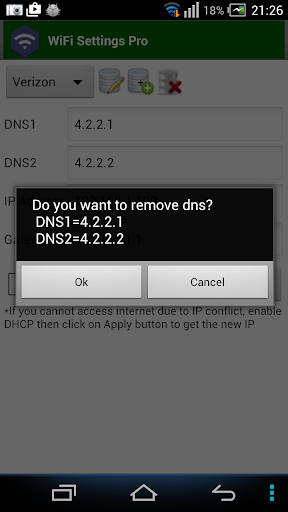
- Add/Update/Remove DNS: You can add a new DNS server to the DNS List. You can also update/remove the DNS that you added to the list.
- Allow user to test the network speed
* FAQ 1. How to change the DNS and use the static IP
Step 1: Turn on Wifi then launch this app.
Step 2: Choose any DNS then click on Apply button. That's all.
* FAQ 2. How to change back to the original DNS
In case you don't want to use custom DNS anymore, please check on "DHCP" then click on Apply button.
* FAQ 3. You are connected to the network but cannot access the internet, what's wrong?
Your IP device may conflict with another device in your network. In order to get a new IP, check on the "DHCP" then click on Apply button. After restarting the Wifi connection successfully, you will get the new IP address. At that time, you can change the DNS manually as shown in FAQ1.
* Notes:
- This app does NOT require root permission.
- This app only works on IPv4 Wifi networks.
- The DNS changes takes effect permanently even after reboot
- Each SSID gets it's own setting, so you can default to your home or work router's setting (which you've already set the way you want). Just remember to set it the first time you use a new access point.
- Allow user to test the network speed





9Apps 4.9














