

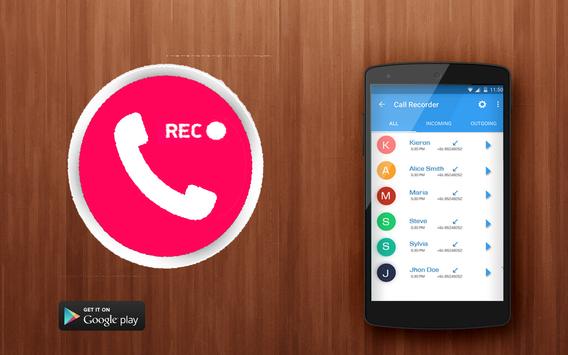
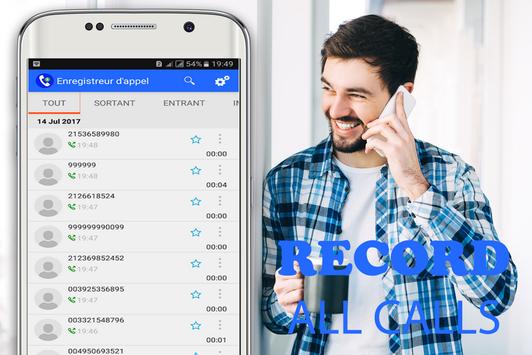
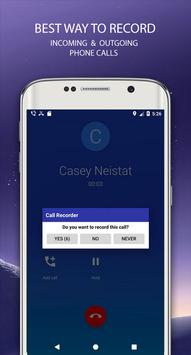
Hidden Auto Call Recorder is a free call recorder application which gives you the easiest way to record all your phone conversations and organised them easily.
This automatic Call Recorder is a great Telephone Recording app for android,
Record any phone call you want, Choose which users or incomingoutgoing phone calls to record
and choose which calls you want to save or share.
✓. Call Recorder automatic - record all your calls on auto-pilot.
✓. Easily manage all your recordings.
✓. Play back, or Share your phone recordings
✓. Sort recordings by names or group by dates.
✓. Record your all calls automatically.
✓. Select multiple recordings to delete, share or mark important calls.
✓. Recycle bin feature to keep records of deleted files, If user delete file by mistake then that file can be recovered easily using Recycle bin feature.
✓. Auto delete feature to delete calls after specific days.
✓. After each call decide to keep recording or not.
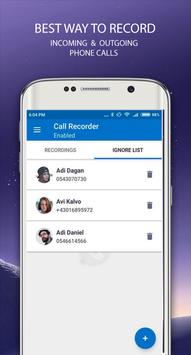
Calls can be recorded in three modes 1. All calls, 2. Record Selective numbers, 3. Ignore Selective numbers.
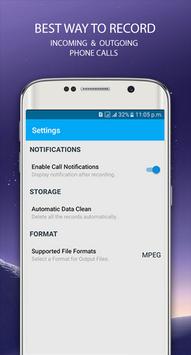
Auto clear option to automatically delete the older records after certain number of days.
Options available for searching the records by Name, Notes, and by Date (available in Pro version only).
The best feature of our App is as and when the call is over, the recorded file is sent automatically to the pre- configured email/Gmail account. The records can be saved and sent to the email in three different modes in Mail Settings: 1. Save, 2. Mail and Save, 3. Mail and Don't Save. Default option is Save.
One other good feature is, the important records can be hidden. To hide a record, go to records list, long press on any record. A popup appears that asks for confirmation for hiding the same. To view the hidden records, just tap four times on the Call Recorder text (top left corner) (available in Pro version only).
With this application you can record audio and video without even taking your phone, simply by repeatedly pressing the button on your device for two or three seconds (by pressing a twice per second) and it will automatically recording, you will know it by a slight vibration. You can stop recording in the same way.




9Apps 4.9













