Bottom Slider - Lock screen icon

Bottom Slider - Lock screen

4.11.22 for Android
3.4 | 10,000+ Installs | Reviews

Smart Launcher Team

$3.49

Description of Bottom Slider - Lock screen

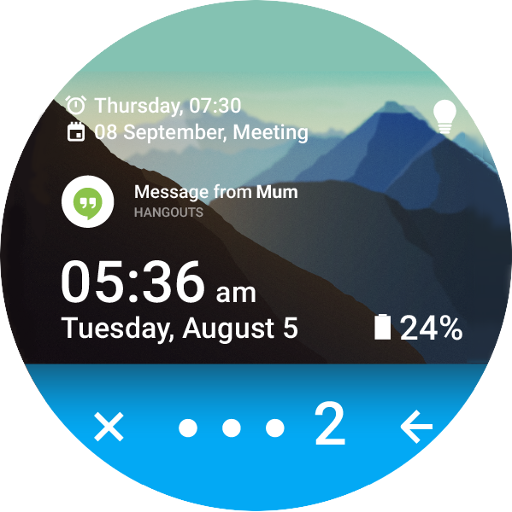
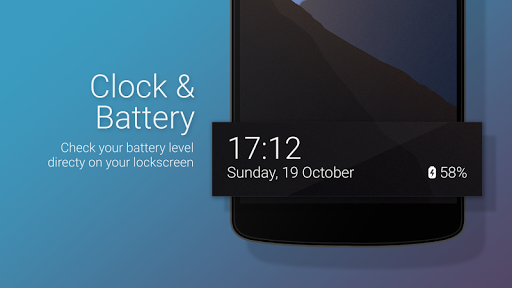
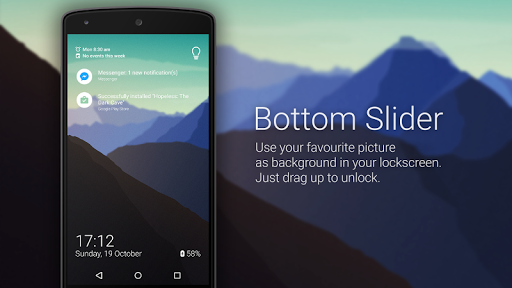
Bottom Slider is a customizable and very functional lock screen that replaces the one build in your phone.
This lockscreen has been designed to work with Smart Launcher but you can use it also in standalone mode.
- Pin pattern: set a pin to protect your phone
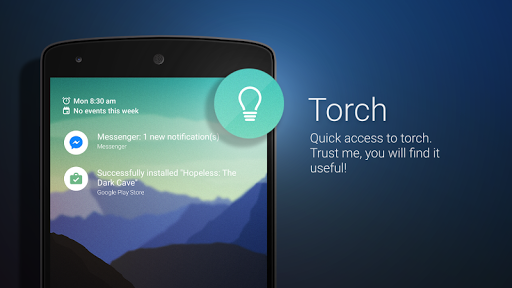
- Quick access to torch
- Customizable background picture
- Double tap to turn off the screen.
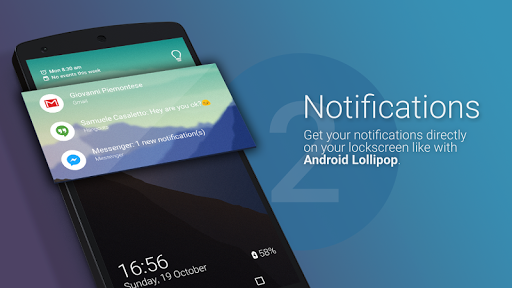
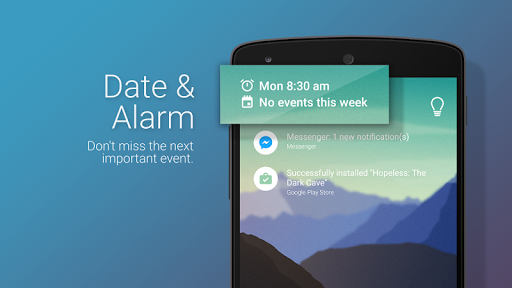
- Notifications on screen
- Rotation;
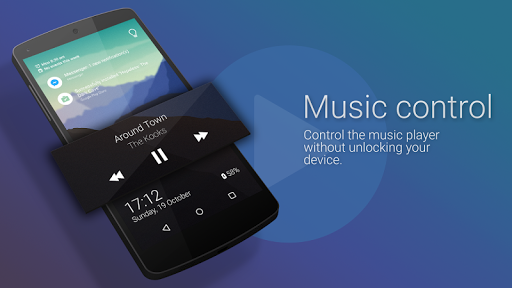
- Music controls
(If you have trouble with music control and Spotify please check this tutorial: https://youtu.be/sgf0SSduaN8 )
If you have Smart Launcher installed, to enable it follow these steps:
- Open Smart Launcher → Preferences → Lockscreen, then select the new lock screen and choose "select as lock screen";
- Now press the standby button twice, the new lock screen should be active.

Information

  • Category:
    Personalization
  • Latest Version:
    4.11.22
  • Updated:
    2017-11-22
  • File size:
    3.8MB
  • Requirements:
    Android 4.0 or later
  • Developer:
    Smart Launcher Team
  • ID:
    ginlemon.locker.bottombar
  • Available on:
Reviews
  • avatar
    Huge Smart Launcher fan... Lack of security fingerprint option a major issue for other apps, waste of money, impossible to use
    2020-02-08 11:22
  • avatar
    Good
    2019-07-11 01:10
  • avatar
    when will we get android pie support?
    2019-05-06 06:18
  • avatar
    Last update 2017... enough said.
    2019-04-02 01:11
  • avatar
    on galaxy a9 and s8 doesnt fit the whole screen...its too short...at the bottom there is aporox 5...6 mm gap and i can see tiny bit of home screen...is it because of this funny 18.9 ratio? can it b fix?
    2018-12-31 10:45
  • avatar
    1 the clock is on the bottom of the screen. 2 I have to unlock my phone to turn off my alarm. 3 The music player doesn't always come on.
    2018-12-19 02:05