Clipper Plus: Clipboard Manager icon

Clipper Plus: Clipboard Manager

2.4.17 for Android
4.2 | 50,000+ Installs | Reviews

rojekti

$2.49

Description of Clipper Plus: Clipboard Manager

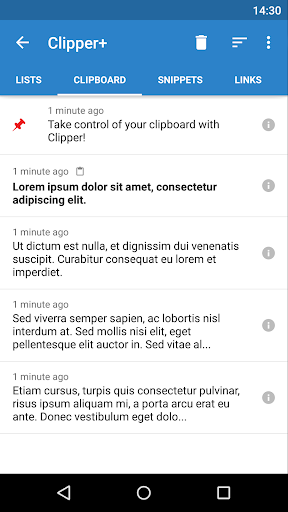
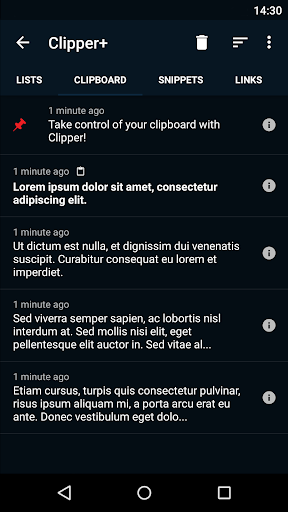
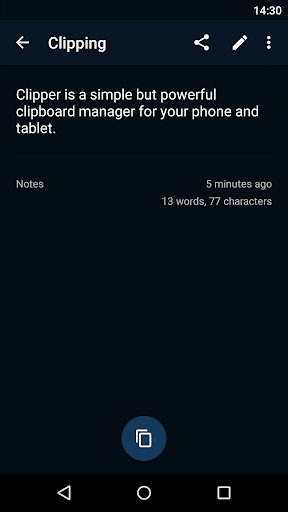
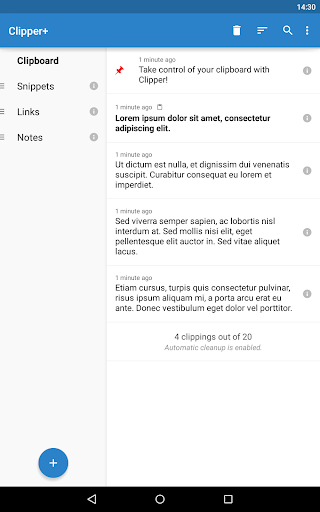
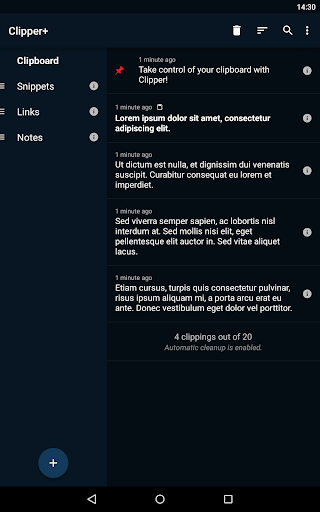
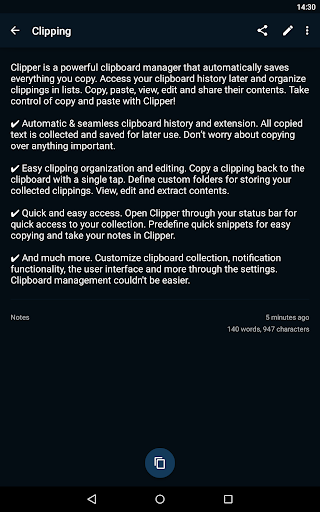
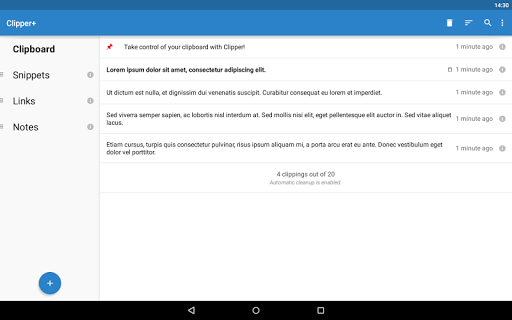
Clipper Plus is a powerful clipboard manager that automatically saves everything you copy. Access your collected clippings later and organize them in lists. Copy, paste, view, edit and share their contents. Store repetitive pieces of text in Clipper and copy them whenever you need to. Take control of copy and paste with Clipper!
✔ Unlimited collected clippings. Keep more than the 20 newest clippings or disable automatic cleanup completely.
✔ Dynamic values. Place the current date and time in your custom snippets.
✔ Clipping search. Find what you’re looking for easily.
✔ New settings and options. Choose whether to collect each clipping manually, and more.
✔ No ads. Clipper Plus is completely ad free, and your purchase supports development.
And of course, all the base features of Clipper Free:
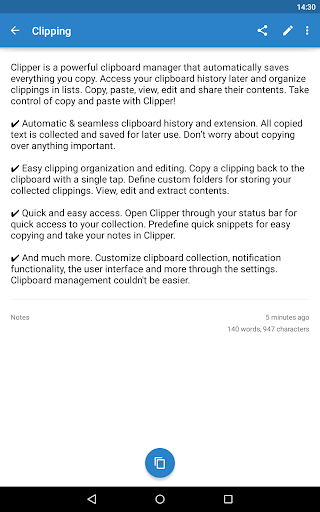
✔ Automatic & seamless clipboard history and extension. All copied text is collected and saved for later use. Don’t worry about copying over anything important.
✔ Easy clipping organization and editing. Copy a clipping back to the clipboard with a single tap. Define custom folders for storing your collected clippings. View, edit and extract contents.
✔ Quick and easy access. Open Clipper through your status bar for quick access to your collection. Predefine quick snippets for easy copying and take your notes in Clipper.
Copy and Paste 2.0 is here!
(Upgrading from Clipper Free? Clipper Plus installs as a separate application, so start it after installation to migrate your data and uninstall the free version.)
If you need help or have any suggestions or complaints, please don’t hesitate to e-mail us at clipper@rojekti.fi. Your feedback is invaluable to us.
Used permissions:
✔ Photos/media/files: import & export backup functionality to internal storage or SD card

What's New with Clipper Plus: Clipboard Manager 2.4.17

Clipper Sync has shut down on June 1st, 2019. This update removes cloud sync & contains crash and bug fixes. If you need to export past sync data, go to www.clippersync.com.


Information

  • Category:
    Productivity
  • Latest Version:
    2.4.17
  • Updated:
    2019-06-23
  • File size:
    2.7MB
  • Requirements:
    Android 4.0 or later
  • Developer:
    rojekti
  • ID:
    fi.rojekti.clipper
  • Available on:
Reviews
  • avatar
    Updated after years of being dormant. Who knew? Now it won't auto-start.
    2024-02-16 02:03
  • avatar
    2/11/24 Last update of Jan 2024 did not bring any resolution to problems reported earlier. 4/11/23 Does not work at all after last upgrade. When application is open, it shows initial screen and then it crashes.
    2024-02-11 09:38
  • avatar
    I would give it 5 stars if it would sync so I wouldn't lose my clipping if my phone breaks. (It used to sync)
    2024-02-11 12:23
  • avatar
    App is very easy to use, nice interface, unlimited clippings. I love it, so kudos to the devs. Here are some suggestions I'd like to see in an update: Add tags for each clipping so we can search by tags and see clippings for that topic. I'd love to have a way to save links to articles as well but given it is a clipboard app I only mention that lightly. This app could hold everything, quotes, articles, links. More organization is a must, however. Tags, subfolders, etc. This could be multipurpose
    2024-02-04 04:47
  • avatar
    Recommended for everyone! Wouldn't want to be without it. BUT NO LONGER!!! Clipper has stopped working on my Galaxy S22 Ultra. Crashes upon opening. My data may still be there but I have no way of finding it.
    2024-02-01 08:13
  • avatar
    I've used this app HEAVILY for over 5 years and it was a solid 5 star review. The update took away some very important features such as the snippet title view. Now I see title date and some content. I have to scroll pages just to find what used to be on page one. Why show content? The snippet Title tell most users all they need. Now the ui is unnecessarily cluttered. Update: I replaced Clipper with Notebook Free and copied Titles and content. Now I have my clean UI back.
    2024-01-19 02:02