
★★★ 30% off for public launch (limited time only) ★★★
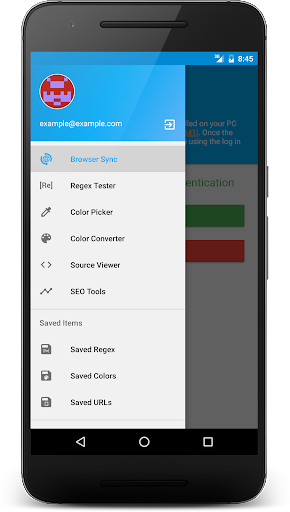
A must have application for web developers or designers. Web Tools contains multiple tools neatly wrapped into one application.
Features
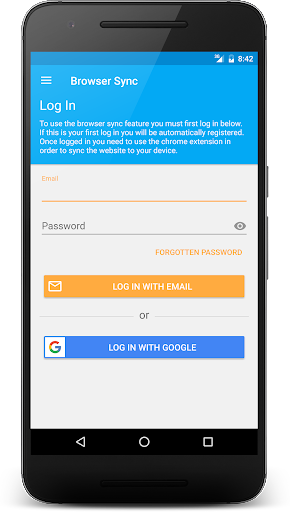
★ Browser Sync -
Sync the currently viewed tab within chrome to multiple devices running Web Tools
Chrome extension needed - can be found here:
Android Web Tools Chrome Extension
(https://chrome.google.com/webstore/detail/android-web-tools/fnccflgdpicokbhnlifgpnimicljfbpk)
• Google sign in
• Email sign in
• Enable mobile or desktop version of site
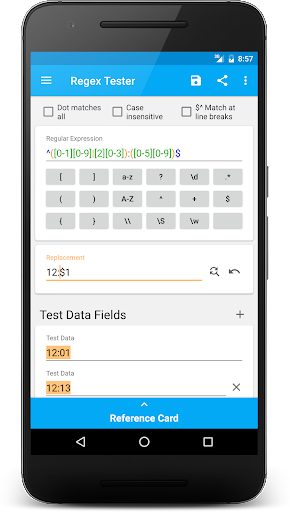
★ Regex Tester -
A powerful tool for creating, testing and evaluating regular expression.
• Regular expression shortcut keys
• Regular expression replacement tool
• Regular expression reference card
• Predefined regular expression examples (more to come)
• Online regular expression cookbook
• Save regular expressions
• Share regular expressions
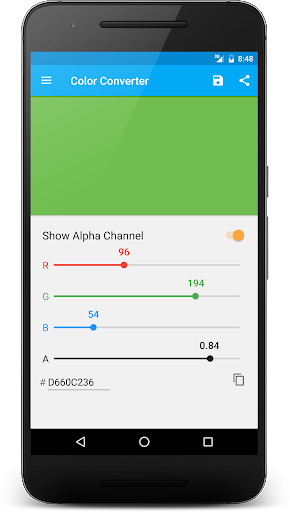
★ Color Converter -
Convert RGB and RGBA to HEX values and vice-versa
• Share colors
• Save colors
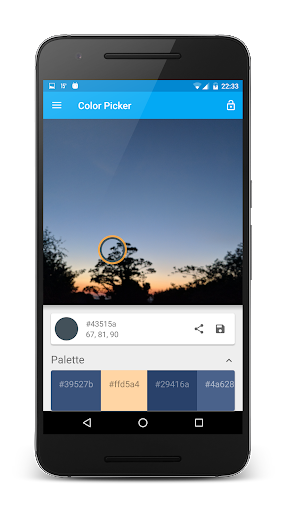
★ Color Picker -
Choose images from your gallery or take an image with your camera and pick colors from the image
• Supports pan and zoom
• Color palette based on the selected image
• Save color
• Share color
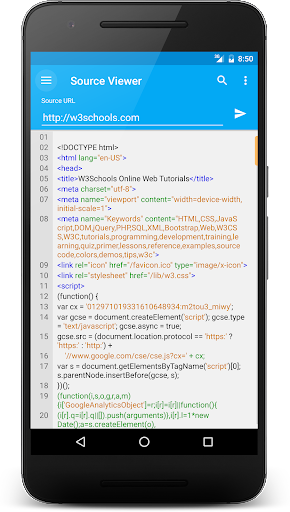
★ Source Viewer -
View source code of web pages. Includes a syntax highlighter for HTML, CSS, JavaScript and XML.
• View headers
• Save source code to file
• Copy source code
• Share source code
• Search source code
• Add bookmark
• Validate code
• Validate links
★ SEO Tools -
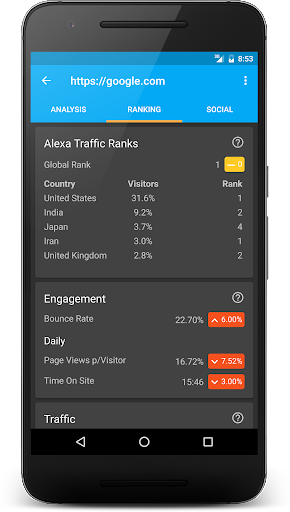
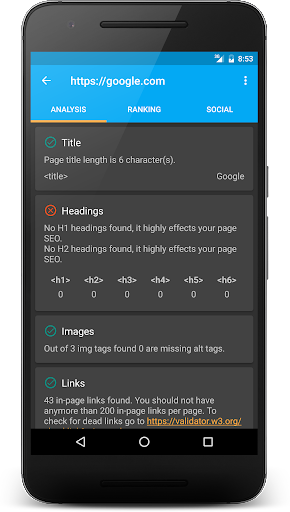
Run webpage analysis, get alexa ranking data and get sites social information.
• View sites Facebook shares and comments. Along with other data from Google+, Pinterest, StumbleUpon, LinkedIn.
• View Alexa global rank, country rank, bounce rate, time on site per visitor and more...
• Run page analysis to check for deprecated tags, missing alt attributes, missing title tag, markup validation, inline-css, text-to-HTML ratio and more...
★ Dark Material Theme added
Plus more...
More to come in future updates...
Use of permissions:
• android.permission.ACCESS_NETWORK_STATE -
Check internet connectivity
• android.permission.INTERNET -
Used to retrieve webpage source code, sync browser to device
• android.permission.GET_ACCOUNTS -
Needed to sign in using Google account
• android.permission.READ_EXTERNAL_STORAGE -
For in-built file explorer used to save source code to a file on the device
• android.permission.WRITE_EXTERNAL_STORAGE -
For in-built file explorer used to save source code to a file on the device
Website - there is help on how to use the application and an FAQ
http://www.garwedgess.com
- Bug fixes
- Performance improvements
- Fix browser sync -- (Update WebTools Chrome Extension -- http://goo.gl/y2hM1I)
- Saved data is now linked to your account so it can be synced across all your devices.
- Add basic REST API Client



9Apps 4.9