


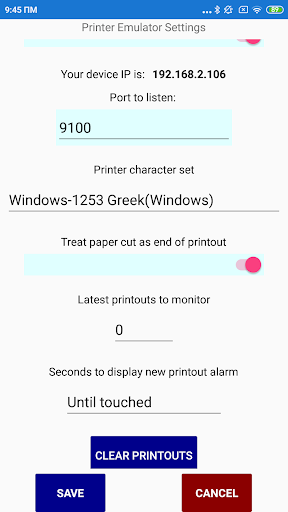
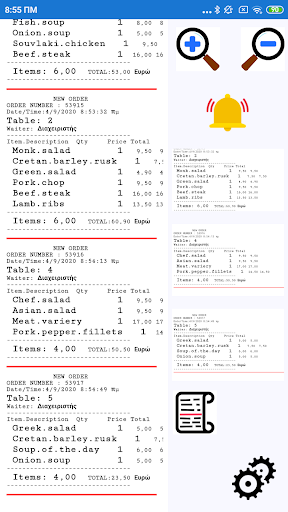

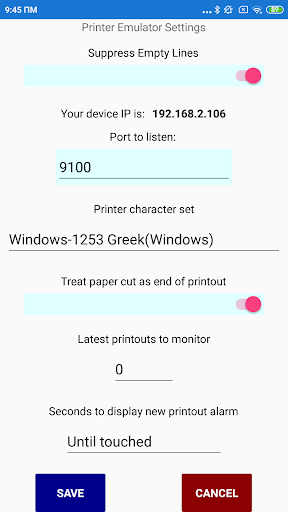
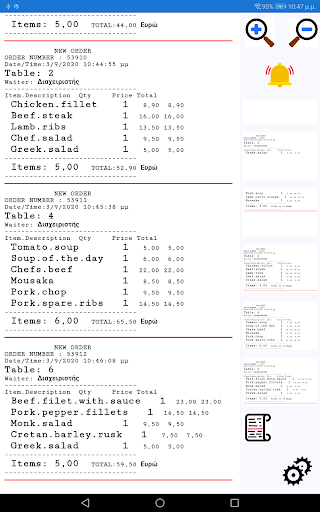

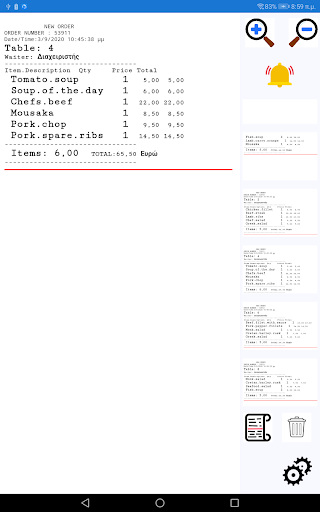
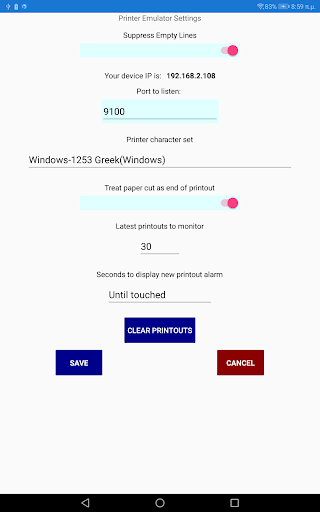
Displays printouts directed to esc/pos standard mode printers. The printouts are shown on screen in a scrollable view and as scrollable list of thumbnails. Selecting a thumbnail shows the full printout. A thumbnail can be removed from the list helping management of printouts.
Every time a new printout arrives an alarm sounds, and an alarm icon is displayed.
This app can be especially useful in restaurant kitchens, bars, cafes etc. since no more paper orders are lost and the list of outstanding orders can be easily managed from the thumbnail list.
It’s also useful for programmers that can test their printouts without a printer.
List of supported esc/pos commands:
Print and line feed "LF"
Select print mode "ESC ! n"
Turn underline mode on/off "ESC − n"
Initialize printer "ESC @"
Turn emphasized mode on/off "ESC E n"
Turn double-strike mode on/off “ESC G n”
Select character font "ESC M n" *
Select justification "ESC a n"
Select paper sensor(s) to output paper-end signal "ESC c 3 n" *
Print and feed n lines "ESC d n"
Generate pulse "ESC p m t1 t2" *
Select printing color "ESC r n" *
Select character code table "ESC t n" **
Enabling/disabling ASB (Automatic Status Back) "GS a n" *
Turn white/black reverse printing mode on/off "GS B n"
Select cut mode and cut paper "GS V m" "GS V m n"
Select bar code height "GS h n"
Select bar code width "GS w n"
Print bar code "GS k m d1...dk NUL", "GS k m n d1...dn"
Specifying/canceling the smoothing "GS b n" *
Setting horizontal tab position "ESC D [n] k NULL"
Setting the right spacing of the character "ESC SP n" *
HT horizontal tab "HT"
Get printer status "DLE EOT n" *
Select the QR Code model, print QR etc "GS ( k pL pH cn fn n1 n2"
* = Now visual result
** = Character set selected from app, only for compatibility reasons supported





9Apps 4.9














